 Snappixify


Welcome to the new era of TikTok content creation! On this highly creative short-form video platform, relying solely on original content might not be enough to stand out. Smart creators know how to leverage the power of the community—starting with effectively sharing great content.
Today, we'll dive into how to repost on TikTok to boost your reach, and then explore how to integrate powerful content study tools to fast-track your original video production, ensuring your content creator journey is a success.
Mastering the Basics — How to Repost on TikTok
TikTok’s repost feature is similar to "Share" or "Retweet" on other platforms. It allows you to quickly recommend a video you enjoy to your followers without it appearing directly on your profile grid.
1. The Benefits of Reposting on TikTok
When starting your TikTok self-media journey, sharing quality content from other creators is an effective, low-effort strategy:
-
Maintain Activity: Tiktok repost helps keep your account active and constantly provides value to your audience, especially when you're low on original content ideas.
-
Expand Your Network: Reposting shows appreciation for the original creator, increasing interaction and potential collaboration opportunities.
-
Attract New Followers: When you repost trending content relevant to your niche, you naturally draw in new users who are interested in that topic.
-
Content Variety: It brings diverse styles and subjects to your followers' feeds, keeping things fresh.
2. How to Repost a Video on TikTok (The Traditional Way)
So, how do you repost on tiktok? The process is simple:
-
Find the Target Video: Scroll through your "For You Page" or the profiles you follow to find a video you want to share.
-
Tap the "Share" Icon: Look for the arrow icon pointing to the right on the video's side panel.
-
Select "Repost": In the share menu that pops up, you'll usually see a yellow "Repost" button near the bottom. Tap it.
-
Add a Comment (Optional): After reposting, you can add a brief comment to the video's comment section, explaining why you recommend it.
Key Takeaway: Reposted videos do not appear on your main profile grid. Instead, they show up on your followers' "For You Pages" and are clearly marked as a repost from you.
Advanced Strategy — Utilizing Tools to Accelerate Your Original Content
While the repost on tiktok function is helpful, the core of becoming a successful self-media creator and winning the TikTok algorithm is consistently delivering high-quality original content. The secret to success is efficient learning and imitation. This is where dedicated tools come in handy.
1. Leveraging Downloaded Videos for Deep Learning
By downloading high-quality TikTok videos, you move past passive viewing to active, deconstructive learning.
-
Research Pacing and Editing: Import the downloaded video into your editing software. You can precisely see every cut, transition, and pacing change.
-
Adjust Speed for Technique Study: In the editing software, you can adjust the playback speed. This allows you to watch in slow motion to meticulously study the original creator's camera movements, music sync (the "beat drop"), and the timing of on-screen text—the "viral passwords" often missed when simply scrolling quickly.
2. Utilizing Downloaded Videos for Creation
Learning is only half the battle. Use the insights you gain to fuel your own content:
-
Create Your Trending Series: Analyze the script structure of successful video series—how they hook the audience, build tension, and conclude—to craft your own highly engaging content series.
-
Reference Clips (When Authorized): When creating deep-dive commentary or review videos, short, downloaded clips can significantly improve viewer comprehension (e.g., "See how this clip uses cinematic language to convey emotion..."). Always respect copyright, seek permission from the original creator, and clearly credit the source when using excerpts to maintain ethical standards.
Step-by-Step Guide: How to Use Snappixify to Download TikTok Videos
Using Snappixify makes obtaining high-quality TikTok videos simple, allowing you to save trending content for deep, offline study.
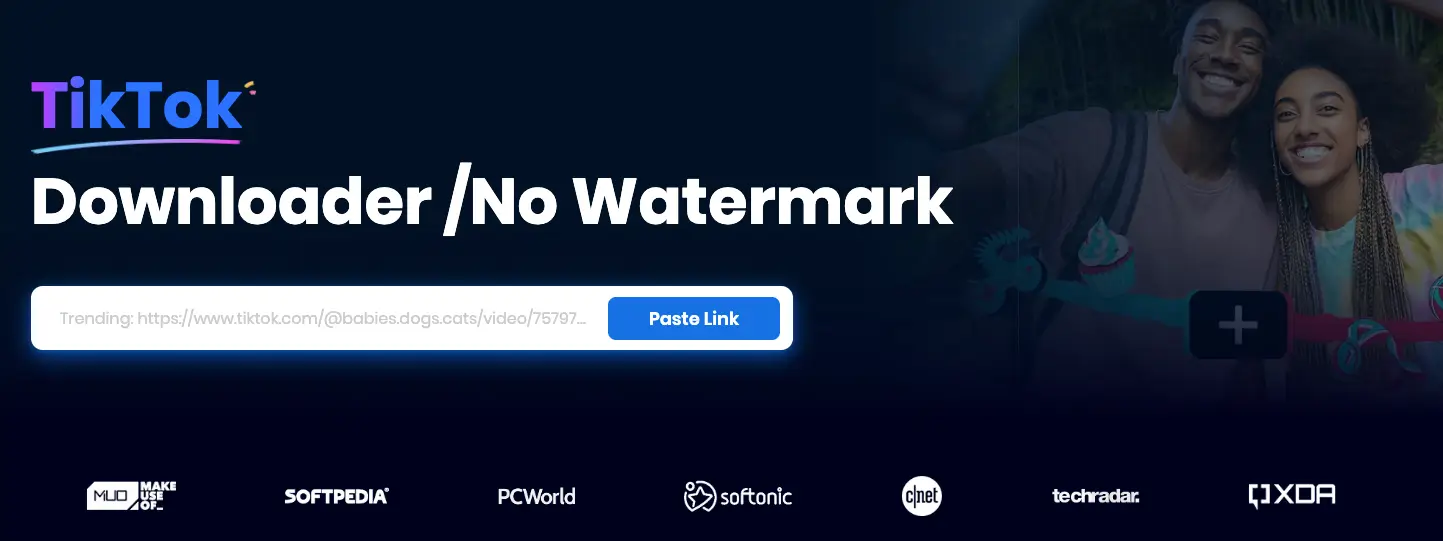
Step 1: Obtain the TikTok Video Link
-
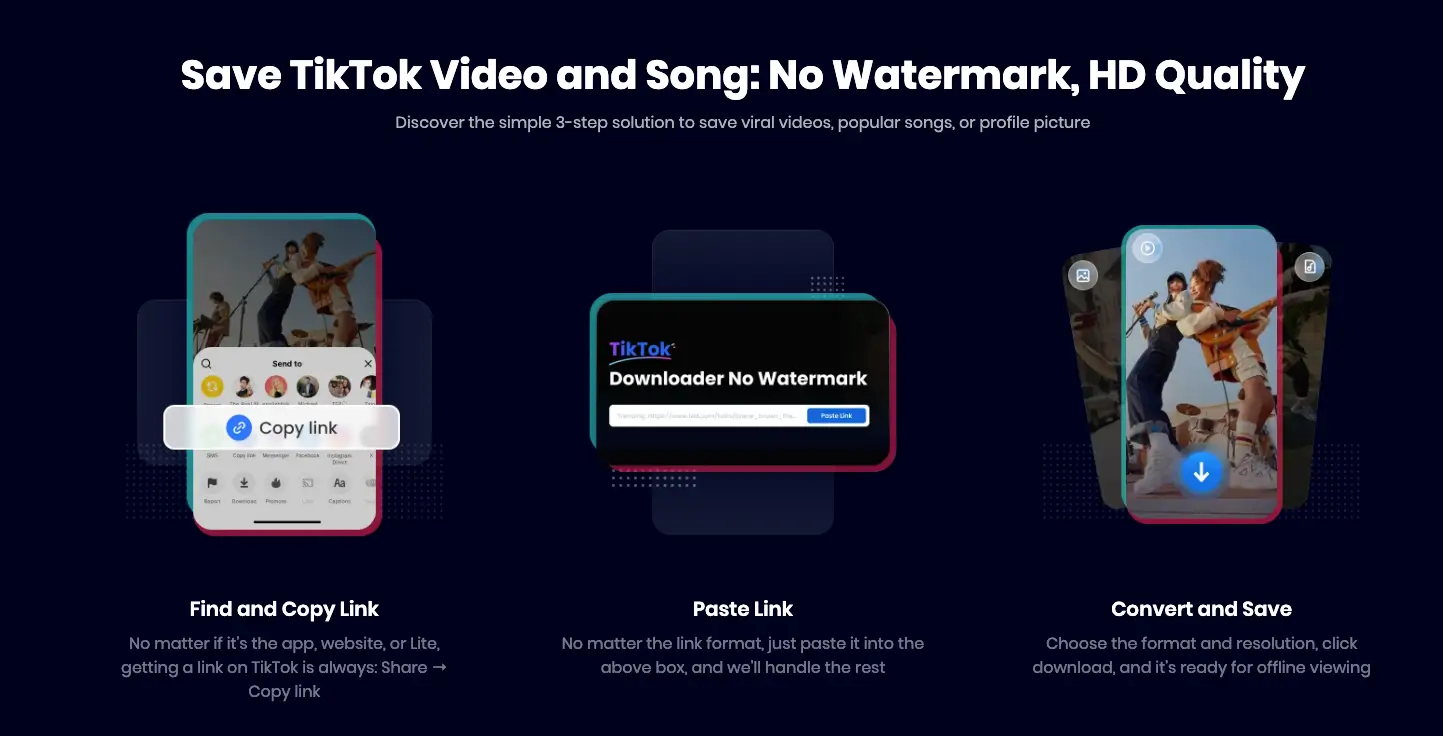
On the TikTok Website: Select the video you want to study and copy the full link directly from the web browser.
-
On the TikTok Mobile App: Open the App, find the video, tap the "Share" button (arrow icon), and select "Copy Link."
Step 2: Open Snappixify and Paste the Link
-
Locate the input field and paste the link you copied.
-
Click the "Paste Link" button (or similar processing button).
Step 3: Select Quality and Download (Including Audio Extraction)
-
The website will redirect you to a download preview page. Select the video quality you need.
-
For detailed study, we recommend selecting the highest quality (e.g. 1080P).
-
Click the corresponding "Download" button to save the file.
-
Advanced Feature: Extracting Audio – Snappixify often includes a Video Converter feature. You can use this to directly extract the audio track from the downloaded video, which is vital for studying and reusing trending sounds.
Bonus Tip: Downloading Photo Content
-
If the target content is a TikTok photo carousel, look for the "Photo" tab on the download page.
-
Click the download button there to save the images.
Important Safety and Copyright Reminders
While tools like Snappixify are excellent for learning, it is crucial to understand the rules of the platform and digital ethics to protect your account and reputation:
-
Do Not Re-Upload Directly: The videos you download are for educational and inspirational purposes only. Directly re-uploading someone else's content as your own (even without a watermark) is a violation of TikTok's Community Guidelines and copyright laws. This can lead to your video being removed or your account being banned.
-
Always Seek Permission for Use: If you wish to use an actual segment of someone else's video in your own content (beyond fair use commentary), you must contact the original creator and obtain explicit permission first.
-
Credit the Source: If you are citing or referencing another creator's work, make sure to clearly tag them (using the
@feature) and/or mention their name in the video description. Giving credit shows respect for creativity and builds goodwill within the community. -
Verify Copyright Status: Be aware that downloaded videos may contain copyrighted music or licensed material. Reusing this content without proper authorization in a new upload will likely be flagged by TikTok's content ID system.
Conclusion
To achieve success on TikTok, you need to walk on two legs:
-
Use the how to repost on tiktok feature to maintain account activity, expand your network, and ensure content diversity.
-
Utilize efficient tools like Snappixify to deeply study trending video techniques, and then consistently create your own compelling, competitive original content.
You now know the basics of how to repost a video on tiktok and how to use advanced tools for content study. Start implementing these strategies today and watch your TikTok account grow!


