 Snappixify


Stop watching. Copy or Download Transcripts Instantly in SRT, VTT, or TXT. The Smartest Way to Save Time, Repurpose Content, and Boost Productivity
- English
- SRT
How it works?
-
1.
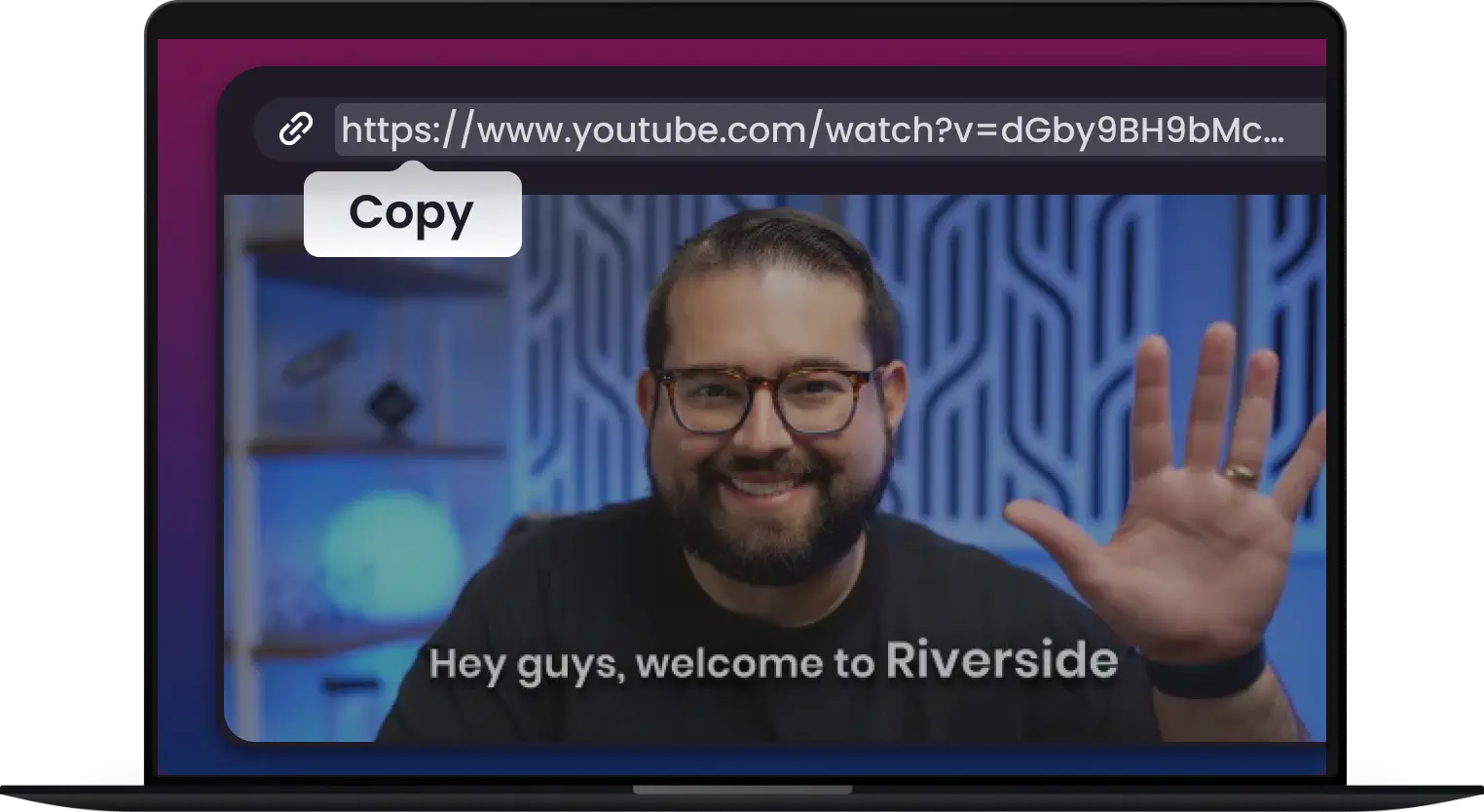
Copy the Video Link
Find and copy YouTube video URL from your browser"s address bar
-
2.
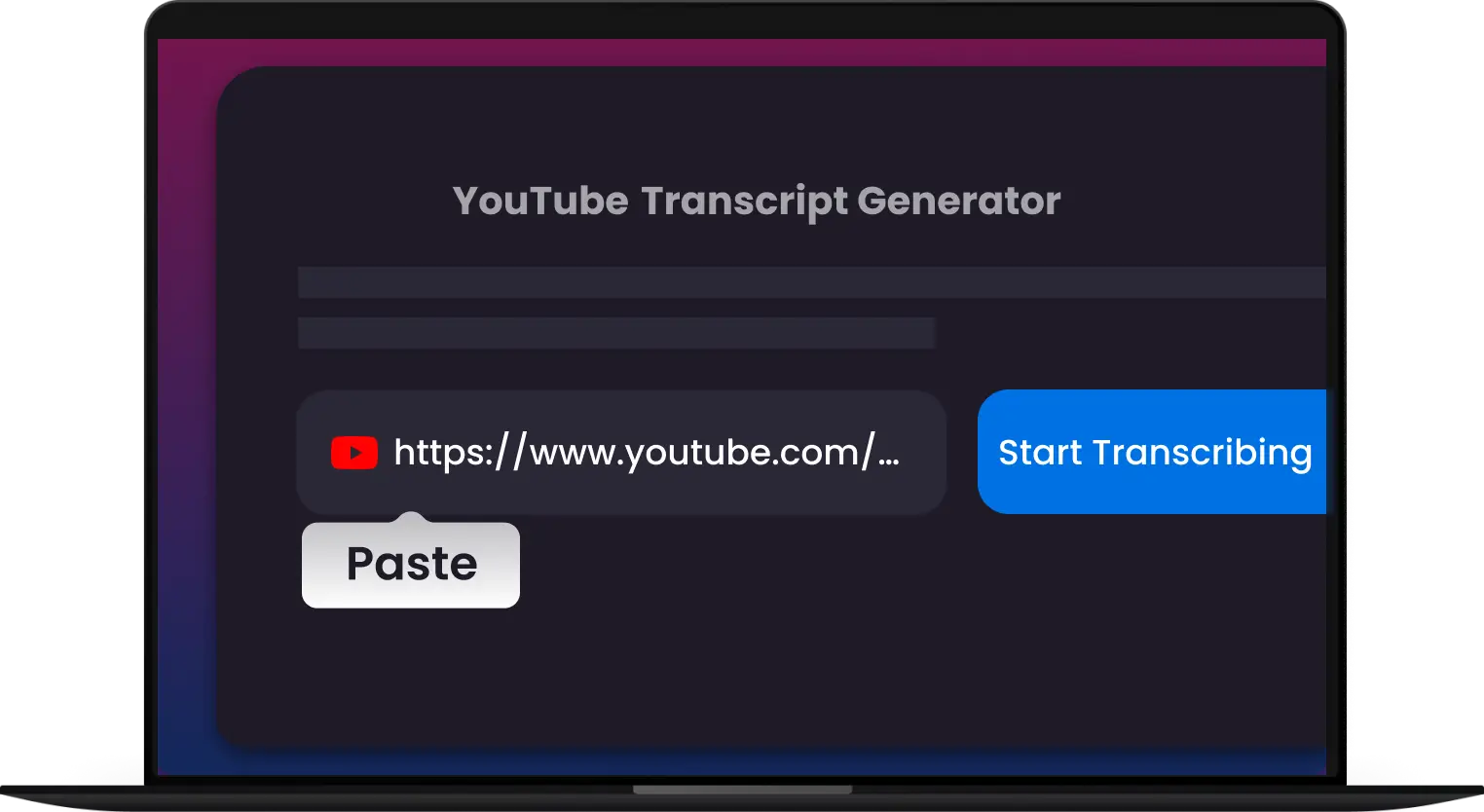
Paste the Link
Paste the video link into Snappixify YouTube Transcript input box below
-
3.
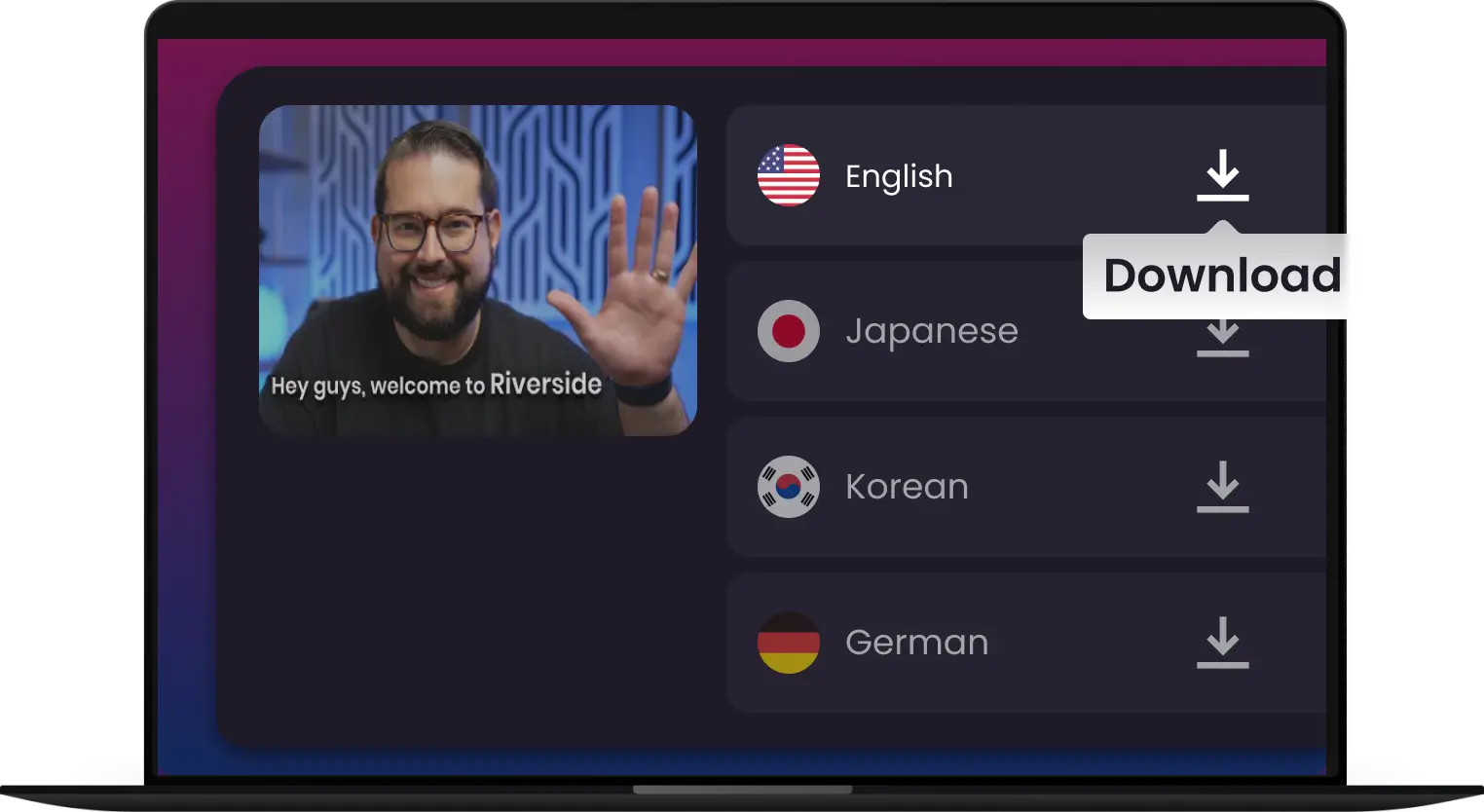
Transcribe & Save
Chose your desired language and click "Transcribe"
Stop Rewinding. Start Reading

Free Subtitle Extractor
Extract subtitles for free. No hidden fees, no sign-ups. Get subtitles from YouTube videos directly onto your device.

Supports All Public Videos
Extract subtitles, captions & transcripts from any public video. Get the data, insights, or content you need - all channels, all topics.

Simple and Reliable
Our tool delivers fast, accurate YouTube transcripts in seconds. Get reliable video-to-text conversion without the hassle.

Click, Copy, Done.
One click is all it takes to get your transcript instantly. Then, you can save, share, or reuse it however you need.

Summarzied by AI
Turn long transcripts into concise, clear summaries. Perfect for creating quick notes, blog posts, or social media content.

Stay Clean, Stay Organized
Access clear, formatted transcripts that are ready to read, edit, or transform into other materials
Extract subtitles for free. No hidden fees, no sign-ups. Get subtitles from YouTube videos directly onto your device.
Our tool delivers fast, accurate YouTube transcripts in seconds. Get reliable video-to-text conversion without the hassle.
Turn long transcripts into concise, clear summaries. Perfect for creating quick notes, blog posts, or social media content.
Extract subtitles, captions & transcripts from any public video. Get the data, insights, or content you need - all channels, all topics.
One click is all it takes to get your transcript instantly. Then, you can save, share, or reuse it however you need.
Access clear, formatted transcripts that are ready to read, edit, or transform into other materials
-
![Convert transcript to srt]()
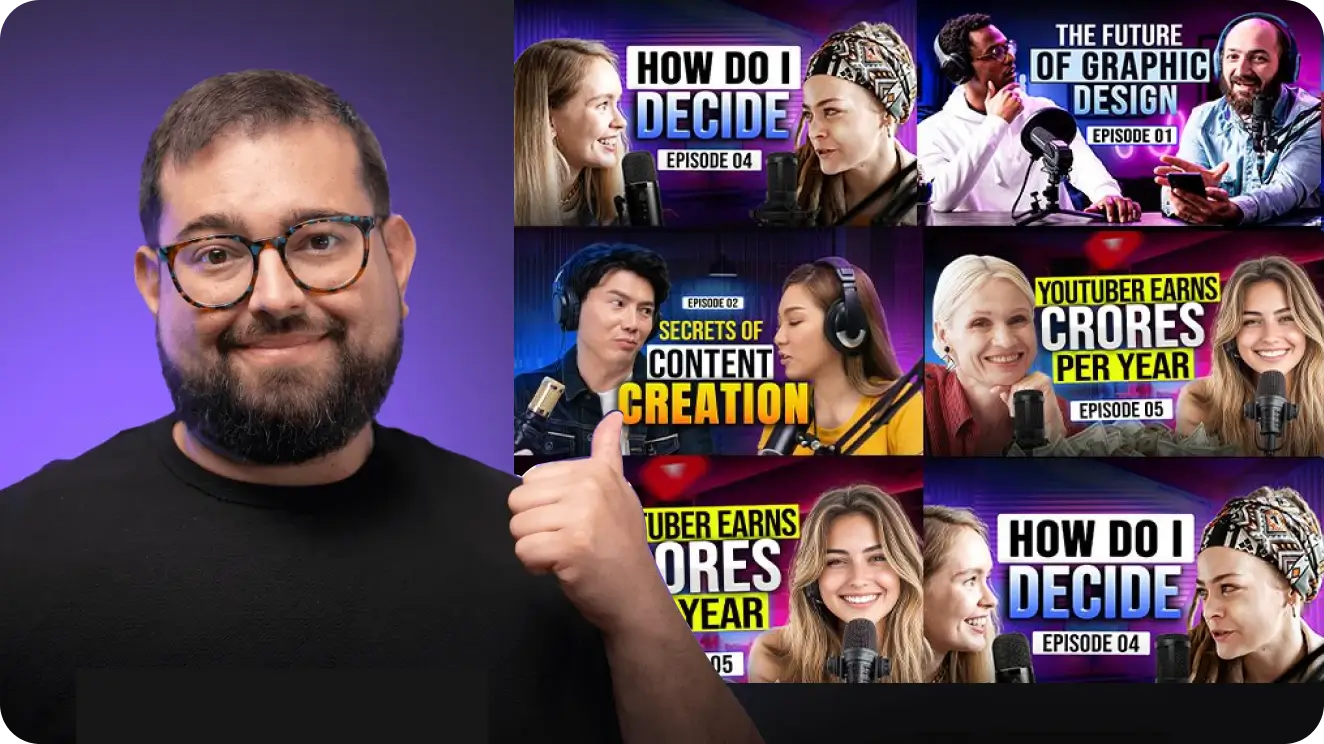
YouTube to Text: Get Instant Transcripts
Ever needed the text from a YouTube video? Snappixify YouTube Transcript online makes it easy. Simply paste a YouTube link and get an instant, accurate transcript.
Download Transcripts -
![Save time and unlock insights]()
Unlock Key Insights to Simplify Your Workflow
Stop wasting time with long videos. Snappixify helps you get straight to the point by turning any YouTube video into a searchable transcript. Quickly find the information you need, save key moments, and get the full context of a video in seconds.
Unlock Key Insights -
![Timestamped breakdowns]()
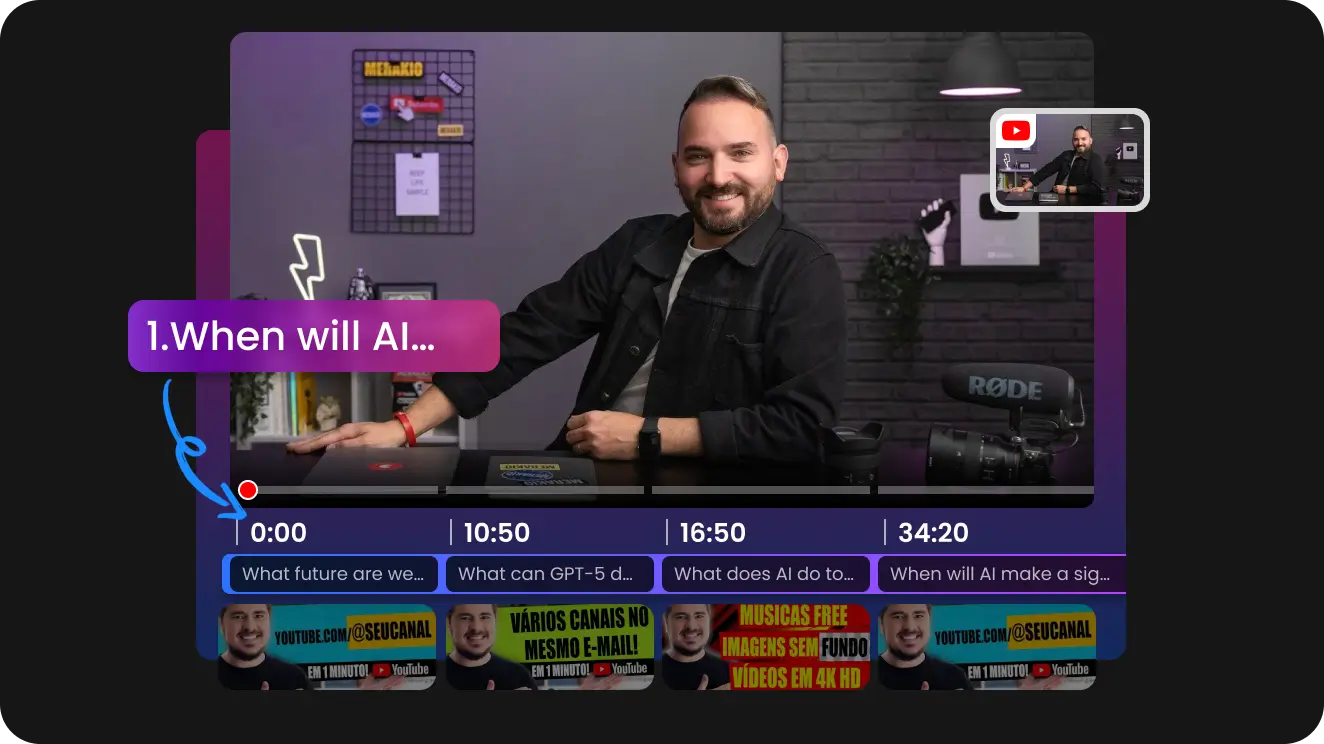
Navigate Videos with Timestamped Breakdowns
Skip to the exact moment you need. Our tool provides a timestamped transcript, turning any video into a navigable document. Click on a specific line of text to instantly jump to that point in the video.
Start Navigating -
![Get video summaries by AI]()
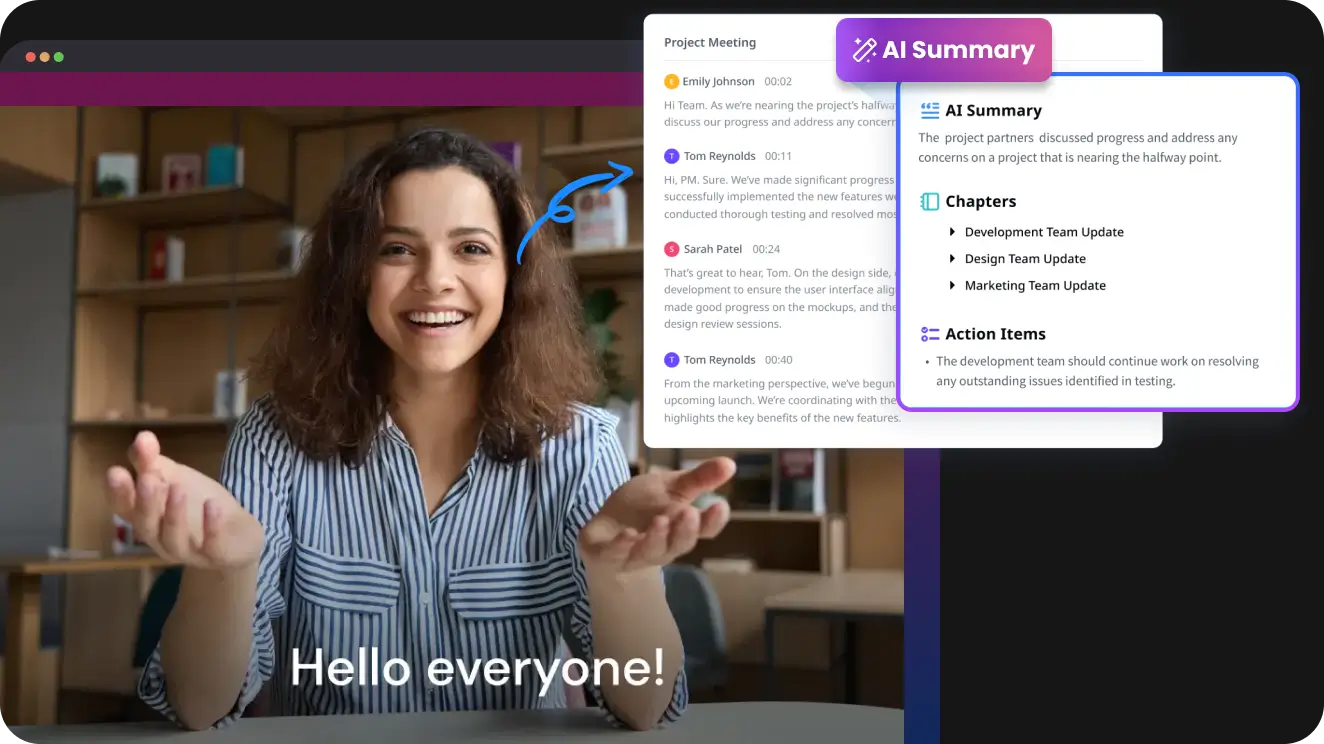
The Easiest Way to Get Video Summaries
Don't have time to watch a long video? Our tool gives you a concise, AI-powered summary of any YouTube video in seconds. Get the key takeaways, main points, and essential information without the time commitment.
Start Summarizing
Any Vide to Text - Powered by AI
-
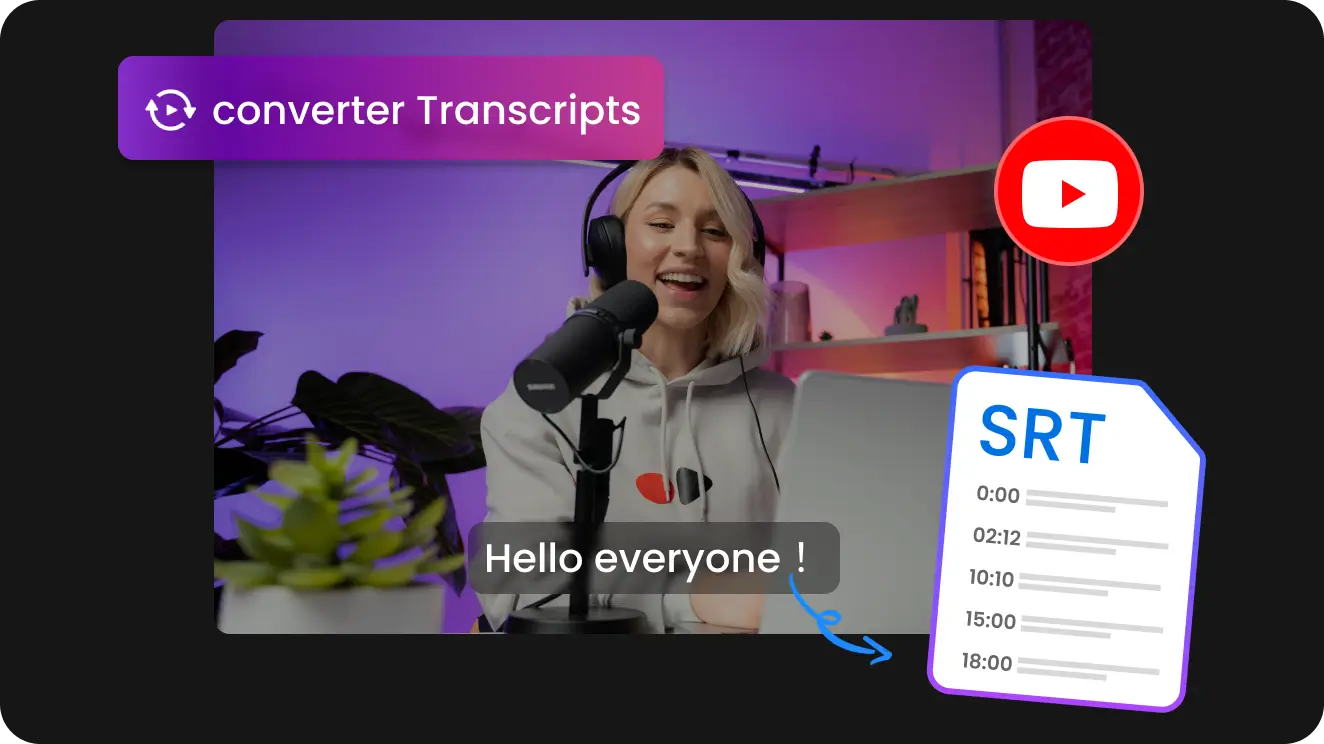
Turn any YouTube video into text in seconds to Save time and enhance your workflow
-
Perfect for summaries, notes, and content repurposing
-
Easily analyze, edit, read and search, etc.

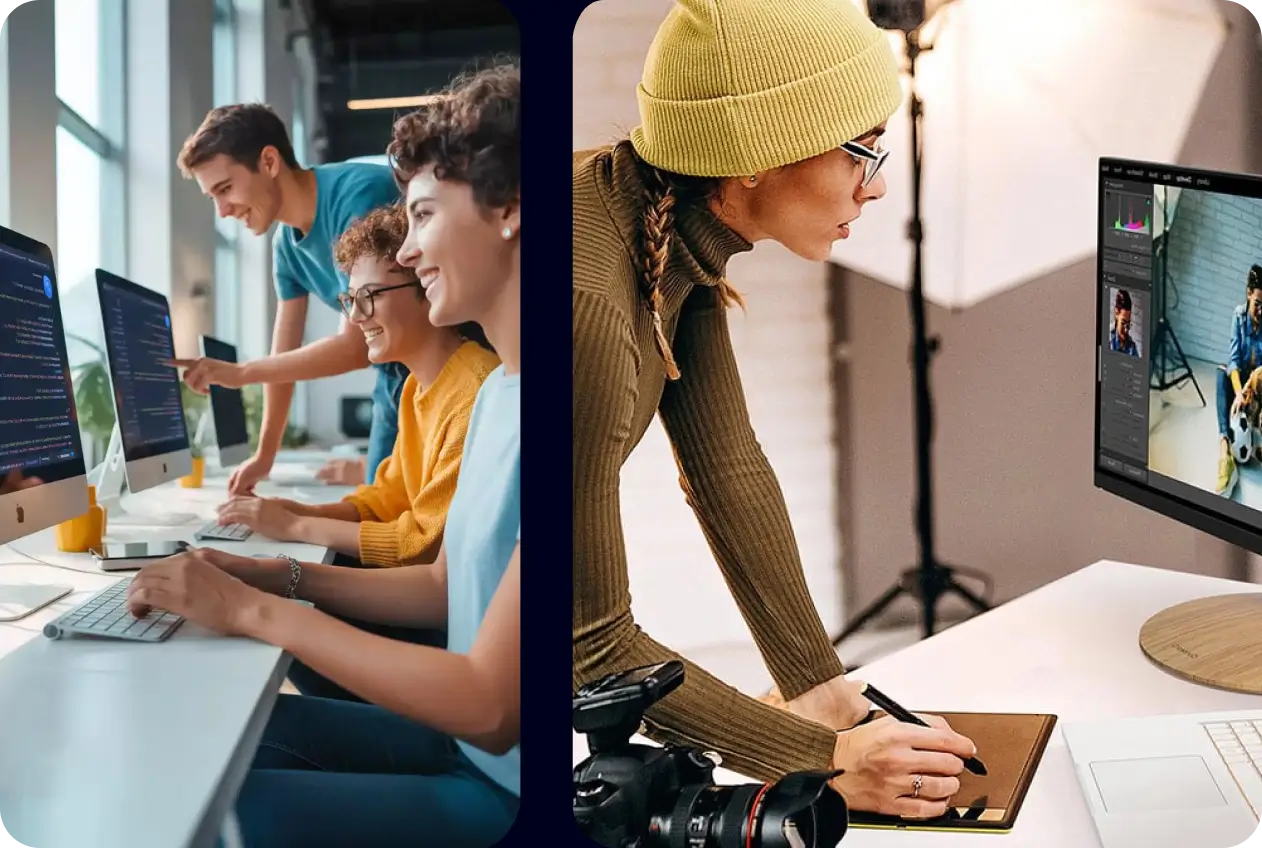
From Transcript to Impact: The Many Uses of a YouTube Transcript
-
![Students or Professors]() Smart Learning Starts Here
Smart Learning Starts HereStudents or Professors
Summarize lengthy YouTube lectures, tutorials, or documentaries. Create easy-to-review notes, fact-check topics, and share transcripts to make learning smarter.
-
![Youtubers]() AI Voice Dubbing to recreate Videos
AI Voice Dubbing to recreate VideosYoutubers
Use AI voices to localize your YouTube content, creating multilingual videos. Share your message worldwide, break language barriers, and multiply your viewers with ease.
-
![Marketers]() Transcripts: More Than Just Words
Transcripts: More Than Just WordsMarketers
Accurate transcripts give your videos a powerful SEO boost. By pairing keywords to your video content, transcripts help you rank higher in search results.
-
![Content Creators]() Repurpose and Expand Your Content
Repurpose and Expand Your ContentContent Creators
Don't let your YouTube videos stay on just one platform. Let Snappixify helpyou repurpose YouTube videos effortlessly across multiple platforms with accurate and subtitles.

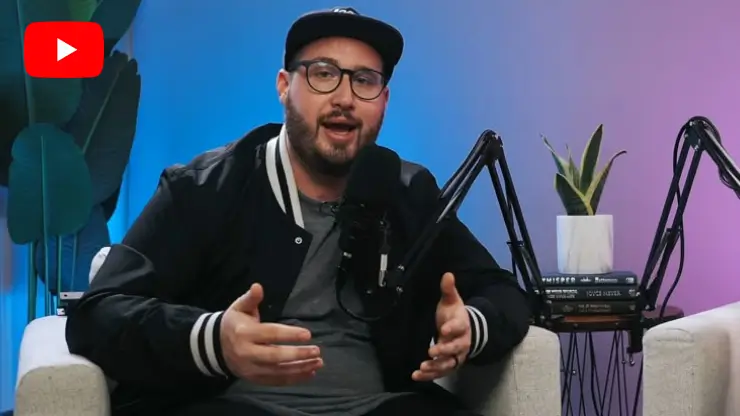


Get YouTube Transcripts, Summaries, and Subtitles In Your Language
-
![English]() English
English -
![Japanese]() 日本語
日本語 -
![Korean]() 한국어
한국어 -
![German]() Deutsch
Deutsch -
![Spanish]() Español
Español -
![Polish]() Polski
Polski -
![Russian]() Русский
Русский -
![Catalan]() Català
Català -
![French]() Français
Français -
![Turkish]() Türkçe
Türkçe -
![Swedish]() Svenska
Svenska -
![Arabic]() العربية
العربية -
![Malay]() Bahasa Melayu
Bahasa Melayu -
![Norwegian]() Norsk
Norsk -
![Finnish]() Suomi
Suomi -
![Vietnamese]() Tiếng Việt
Tiếng Việt
















RECOMMENDED BY




Frequently Asked Questions about Instagram Downloader
How to get transcript of YouTube video?
How long does it take to transcribe a YouTube video?
Can I transcribe videos in different languages?
What file formats can I download my transcript in?
Why does my YouTube video not have a transcript?
Is there an easy way to get a youtube video transcript?
How to remove timestamps from any transcript - YouTube?
How do I label speakers in my transcript?
Are YouTube's built-in transcripts always accurate?
Power Your Next Projects - With More From Snappixify
-
 How to Convert Audacity Files to MP3 Online & Offline
Are you one who has compatibility problems between your files and devices? In this article, we will introduce the best Audacity to MP3 converter online free and software to help you convert audacity files to MP3 with a help guide.
2026-03-27 -
All Ways to Convert MP3 to WAV Free Online [2026]
How to convert MP3 to WAV easily? Follow this blog and you will learn about the most helpful ways to convert MP3 to WAV, and these methods can help you to get the work done. Both desktop and online methods will be introduced in this article.
2026-03-27 -
5 Best Professional Subtitling Services in 2026
Find the 5 best professional subtitling services in 2026. Compare snappixify, Rev, Amberscript, and more to find accurate, accessible, and compliant solutions.
2026-03-27 -
How to Download Transcript from YouTube
Struggling to download a YouTube transcript? Compare free methods, tools, and when snappixify is the better choice for accurate, reusable text.
2026-03-27 -
How to Check if a Song Is Copyrighted [2026]
Want to use a popular song in your YouTube video? First find out if that song has copyright attached to it. But how to know if a song is copyrighted?
2026-03-26 -
8 Best SoundCloud Downloader 320kbps Tools to Download SoundCloud to MP3
Looking for a SoundCloud downloader 320kbps? Compare 8 free desktop, online, and mobile tools to download SoundCloud to MP3 320kbps, verify audio quality, stay safe, and understand legality.
2026-03-25 -
OpenAI Shuts Down Sora AI Video App: What’s Next for AI Video Generation?
OpenAI announces the shutdown of its Sora AI video app and related APIs, leaving users wondering about the future of AI video generation tools. Explore alternatives like Snappixify Video Downloader for seamless video downloads and creations.
2026-03-25 -
Pokémon Champions - Mega Evolutions & Cross-Platform Battles
Explore "Pokémon Champions" on Nintendo Switch and mobile with new Mega Evolutions like Mega Meganium, Emboar, and Feraligatr. Capture your epic battles with Snappixify Video Downloader and save high-quality clips!
2026-03-25 -
Top 5 Common Ways to Cut MP3 Files Free/Online
Did you know that you can cut mp3 files? Here we will teach you everything about MP3 trimmer, actually there'll be 5 MP3 cutter tools.
2026-03-24 -
Best AI Short Video Generator for TikTok, Reels and Shorts
We spent hours testing 10 AI short-video generators for TikTok, Reels, and Shorts, here’s what we found for viral-ready content.
2026-03-24 -
Best AI Music Generators: The Best Tools to Create Songs
The best AI music generator is Snappixify. I tested 10 AI music generators to see which one was the best in 2026. Read on.
2026-03-24 -
How to convert M4A to MP3 with VLC in 2026
Here, you will learn how to convert M4A files to MP3 using VLC and the best M4A to MP3 converter.
2026-03-23 -
Diego Garcia Missile Incident Analysis & Video Archiving Tool
Explore the latest reports on the Diego Garcia missile incident. Learn how to use Snappixify Online Video Downloader to archive and verify real-time news footage and diplomatic statements from various sources.
2026-03-21 -
How Do I Convert a Video From Twitter to MP3?
Want to save a Twitter video to MP3? In this blog, we discuss the top 5 converters to download Twitter videos to mp3. Read for more details.
2026-03-21 -
Global AI Tech Trends: Agentic AI and Infrastructure
Explore the latest industry trends from the annual global tech conference. Discover the rise of Agentic AI, trillion-dollar infrastructure expectations, and how the Snappixify online video downloader fits into the new AI ecosystem.
2026-03-20
Turn YouTube Videos into Transcripts Instantly


