Snappixify


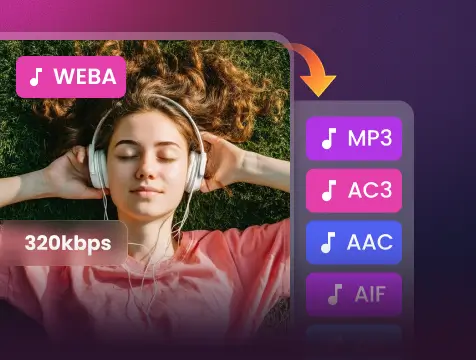
Convert any file to high-quality MP3 (up to 320kbps) — supporting 400+ formats. Fast, reliable, and perfectly tuned for your sound.
- MP3
- Auto
- An audio codec is a technology that compresses and decompresses sound files so they take up less space while keeping good sound quality.
- Common audio codecs include MP3, AAC, FLAC, and WAV, each balancing file size and sound quality differently.

Convert Audio & Video to MP3 — Fast, Easy & Reliable
-
True High-Quality MP3 - Up to 320kbps, No Quality Loss
-
Ideal for creating music clips, podcasts or sound libraries, etc.
-
No intrusive ads, fake download buttons or misleading redirects
-
Beyond YouTube - Also Support TikTok, Facebook, Spotify and more
-
Don't wait around - AWS cloud transcoding ensures 180X faster conversion
-
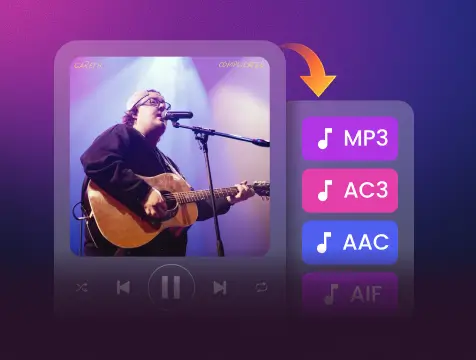
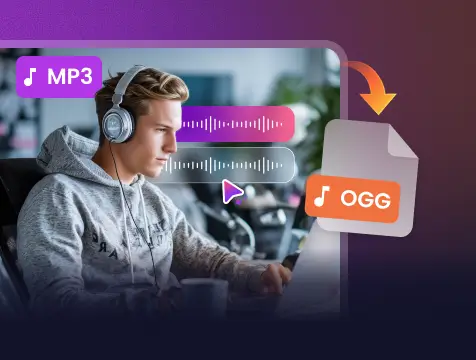
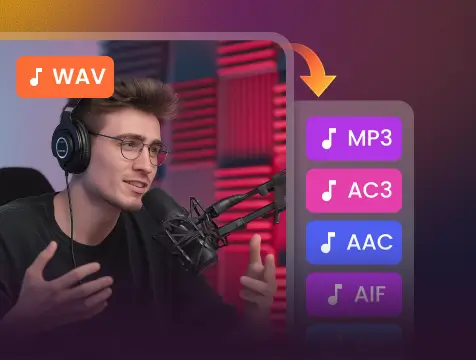
Convert 400+ audio formats from MP3, WAV, AAC, FLAC, M4A, OGG and more
The Universal MP3 Converter. Fast, Flawless, and Multi-Platform.

400+ Audio

500+ Videos

1000+Sites

Universal Browsers
Convert Any MP3, No Exceptions
Convert from MP4, WAV, M4A, FLAC, OGG, AAC, and more — one tool for all your MP3 conversion needs

Built for YouTubers, Podcasters and Anyone Who Needs MP3

YouTubers

Content Creators

Podcasters

Music Collectors

Audio Producers

Students & Educators

Social Media Managers

Commuter & Travelers
How it works?
-
1.
Add File
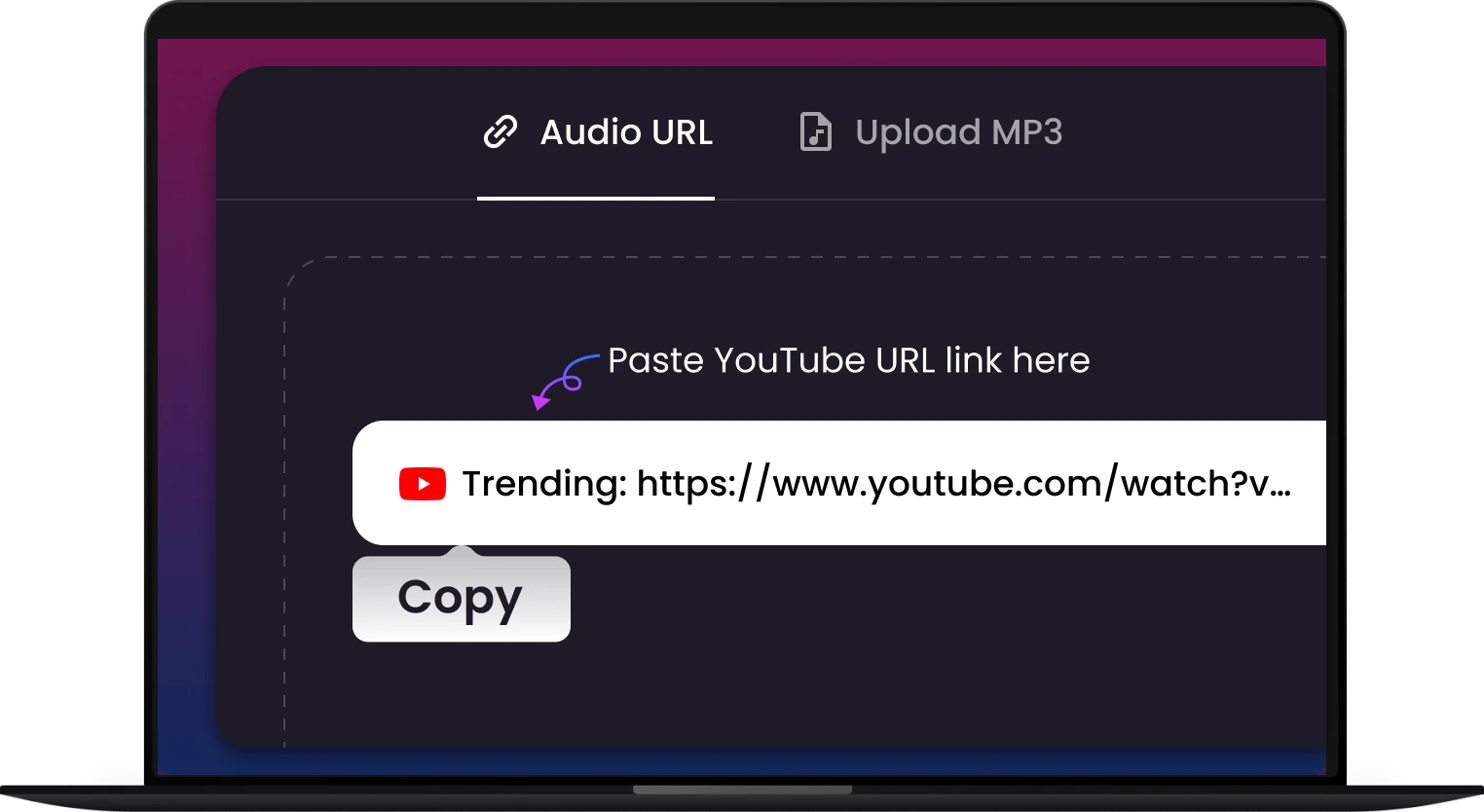
Drag and drop your file (Video, Audio, etc.) or click the "Paste URL" button. Our secure tool supports all popular formats.
-
2.
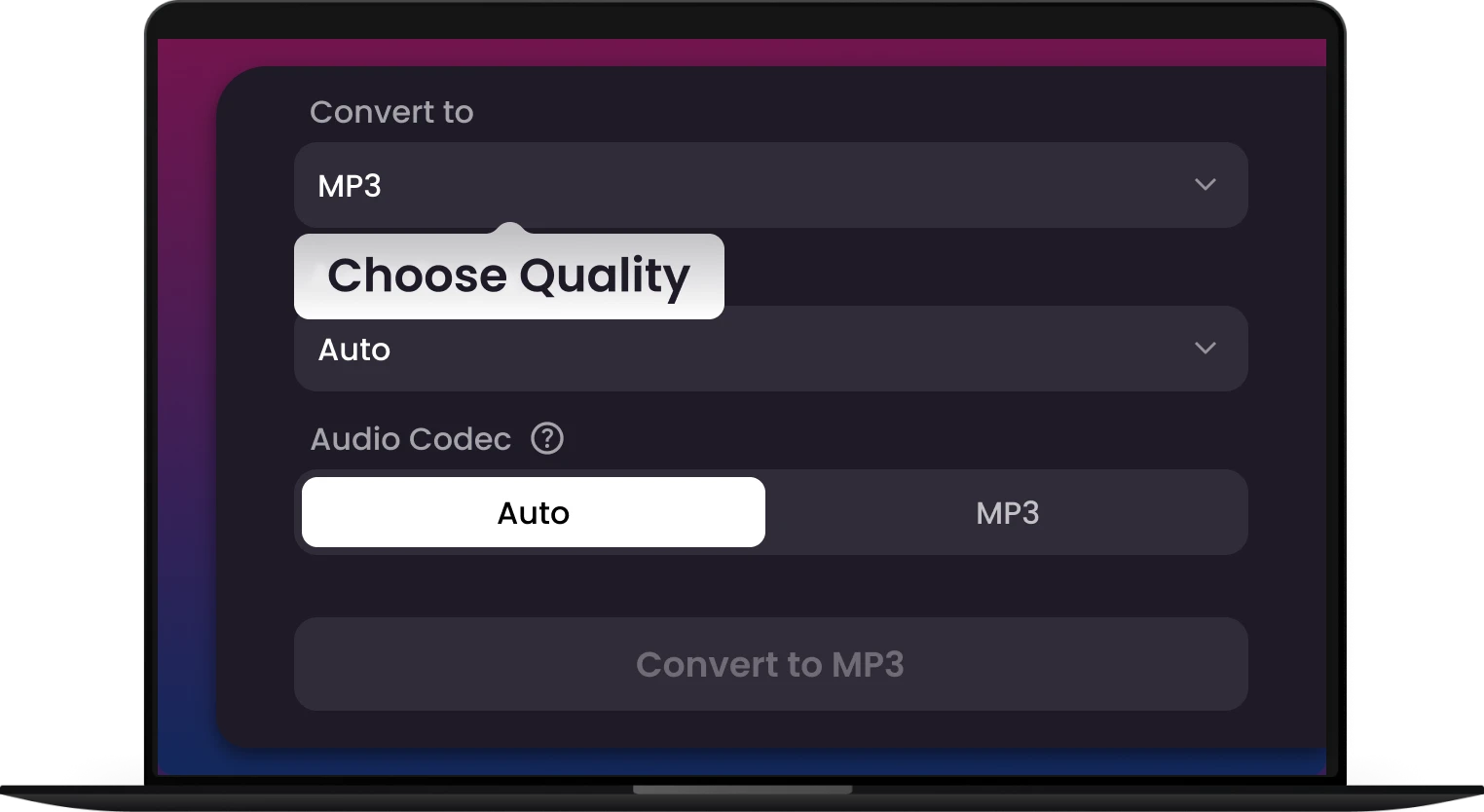
Choose MP3 & Settings
Select MP3 as your output format. Optionally, customize the quality, bitrate, or volume for the perfect audio file.
-
3.
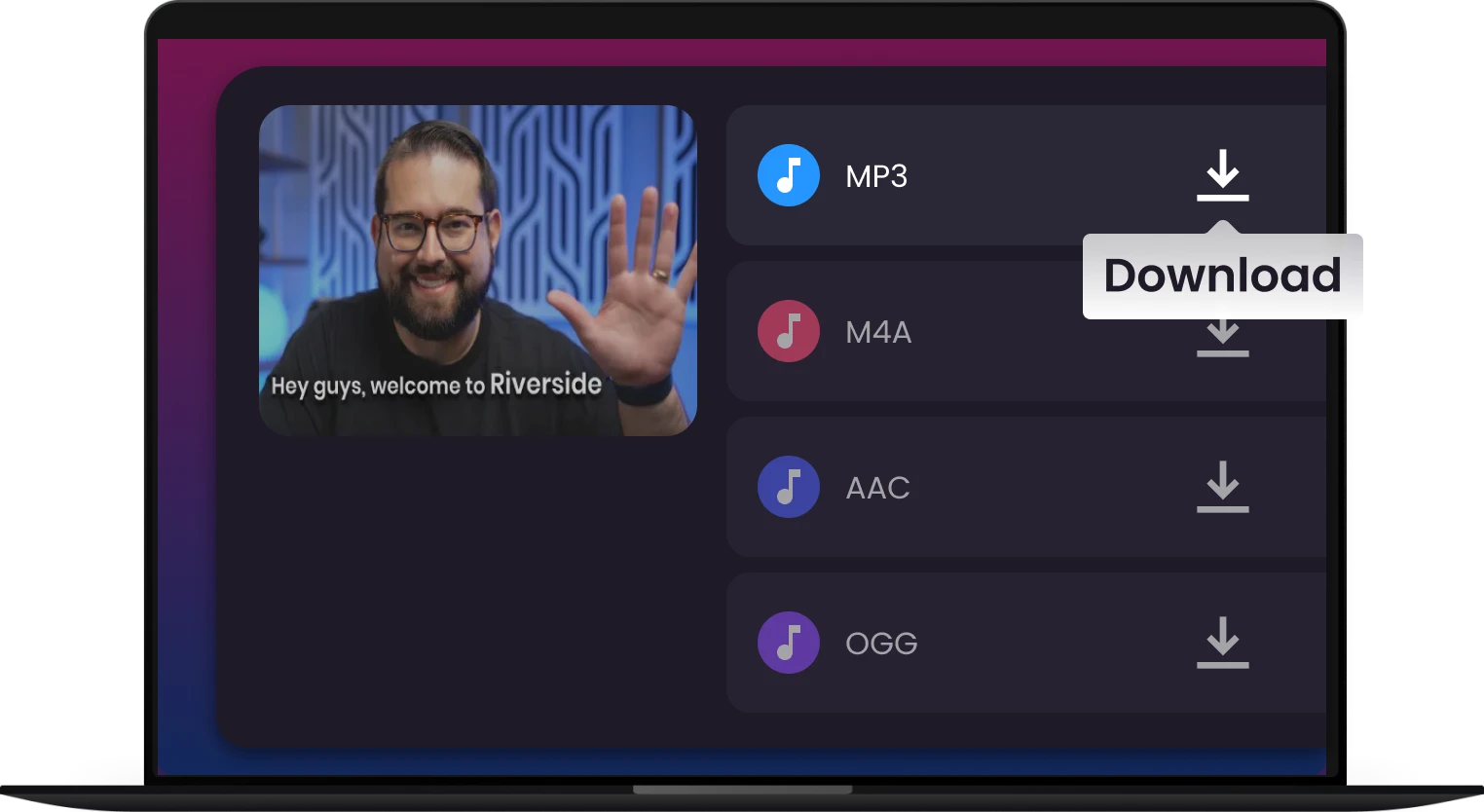
Convert & Save
Click "Convert." Your file is transformed in seconds! Download your high-quality MP3 directly to your device.
Why Snappixify for MP3 Converter?

Universal Playback
Your car stereo, ancient MP3 player, smart home device, and old media software still demand MP3s. Stop dealing with “Format Not Supported” errors. Convert your modern or obscure files (like FLAC, M4A, or OGG) to the one format that plays everywhere, guaranteed.

Instant Video-to-Audio
Ever needed the sound from a YouTube clip, a lecture video, or a movie trailer? Instantly strip the audio track from any video format (MP4, MOV, FLV, etc.) and save it as a clean MP3 file. Your source material becomes your sound library.

Music & Podcast Offline
Tired of burning through your cellular data plan just to stream your favorite podcast or song? Frustrated by dead zones and unreliable Wi-Fi that cuts off your listening experience? Our MP3 Converter is the ultimate tool to ensure your entertainment never stops.

Universal Compatibility
Fully compatible with Chrome, Safari and all major browsers — no app or installation needed. Just paste the link and download. It’s that simple.

Archive and Preserve
Streaming platforms can remove content without warning. Our converter lets you capture audio from supported sources, securing your favorite songs and rare podcasts forever. The music you love, always available.

Save Space, Share Instantly
Compress your large video and audio files into the most efficient formats without sacrificing critical quality, sharing becomes effortless and immediate.
Your car stereo, ancient MP3 player, smart home device, and old media software still demand MP3s. Stop dealing with “Format Not Supported” errors. Convert your modern or obscure files (like FLAC, M4A, or OGG) to the one format that plays everywhere, guaranteed.
Tired of burning through your cellular data plan just to stream your favorite podcast or song? Frustrated by dead zones and unreliable Wi-Fi that cuts off your listening experience? Our MP3 Converter is the ultimate tool to ensure your entertainment never stops.
Streaming platforms can remove content without warning. Our converter lets you capture audio from supported sources, securing your favorite songs and rare podcasts forever. The music you love, always available.
Ever needed the sound from a YouTube clip, a lecture video, or a movie trailer? Instantly strip the audio track from any video format (MP4, MOV, FLV, etc.) and save it as a clean MP3 file. Your source material becomes your sound library.
Fully compatible with Chrome, Safari and all major browsers — no app or installation needed. Just paste the link and download. It’s that simple.
Compress your large video and audio files into the most efficient formats without sacrificing critical quality, sharing becomes effortless and immediate.


They Love Us, You Will Too


Frequently Asked Questions
How long does it typically take to convert a video to MP3?
Can I adjust the audio settings, like Bitrate or Sample Rate, during conversion?
Is your converter safe to use, do you keep any logs of my downloads or conversions?
Does the Pro version support batch conversion? How many files can I convert at once?
Will converting videos to MP3 affect the audio quality?
How to convert video to MP3 on Mac?
Do I need an account to use this MP3 converter?
Do I need to install any software?
One Tool for Your Audio, A Whole Suite for Your Workflow