Snappixify


Convert MP3 files into M4B audiobooks for chapter-based listening and progress that never resets
- MP3
- Auto
- An audio codec is a technology that compresses and decompresses sound files so they take up less space while keeping good sound quality.
- Common audio codecs include MP3, AAC, FLAC, and WAV, each balancing file size and sound quality differently.

Convert MP3 to M4B Audiobooks — Chapters, Bookmarks, Resume Playback
-
Built for audiobooks and long audio converting MP3 to M4B.
-
Batch convert up to 100 MP3 files online with no software.
-
Support 400 plus audio formats into M4B.
-
Fast conversion for books courses and spoken content.
-
Works on Mac and Windows on any platform.
-
![MP3 to M4B Batch Conversion]()
MP3 to M4B Batch Conversion for Audiobooks
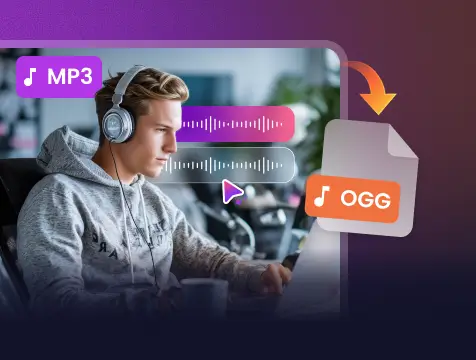
Snappixify lets you convert multiple MP3 files into M4B audiobooks in one go, making it easy to handle entire chapters or full audio collections at once. Whether you are organizing a complete audiobook or combining long-form recordings, batch processing helps you save time and avoid repetitive conversions.
Change MP3 to M4B -
![MP3 to M4B Free Online Conversion]()
MP3 to M4B Free Online Conversion
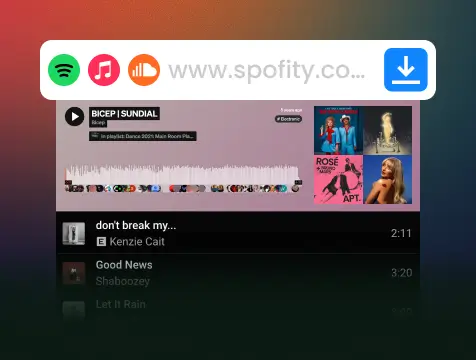
Snappixify offers a free online MP3 to M4B conversion experience with no software installation required. Simply upload your MP3 files in a browser and convert them into audiobook-ready M4B format, allowing you to start listening or managing your content instantly.
Convert MP3 to Audiobook -
![MP3 to M4B High-Quality Conversion]()
MP3 to M4B High-Quality Voice Conversion
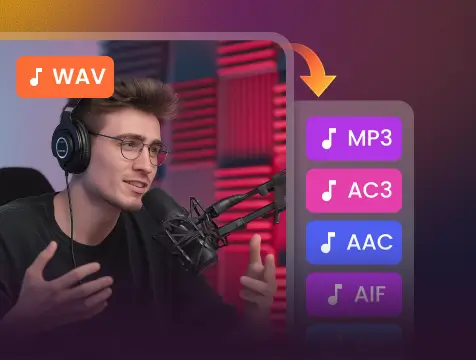
Snappixify preserves vocal clarity and natural tone when converting MP3 to M4B, ensuring spoken content remains clear and comfortable to listen to. From audiobooks and lectures to podcasts and narrated materials, voices stay balanced and easy to understand throughout long listening sessions.
Combine MP3 to M4B


Why MP3 to M4B Is a Must for Audiobook Fans?
Built for audiobook listeners who need persistent bookmarks, seamless auto-resume, and reliable playback for long sessions of hours or more
-
![Apple Music Users]() Dedicated Audiobook Library
Dedicated Audiobook LibraryApple Music Users
MP3 audiobooks are treated as music by default, so they appear inside Apple Music with songs and albums. Converting them to M4B moves the files into Apple Books, keeping audiobooks separated with chapters and saved playback progress.
-
![Language Learners]() Continuous Language Learning
Continuous Language LearningLanguage Learners
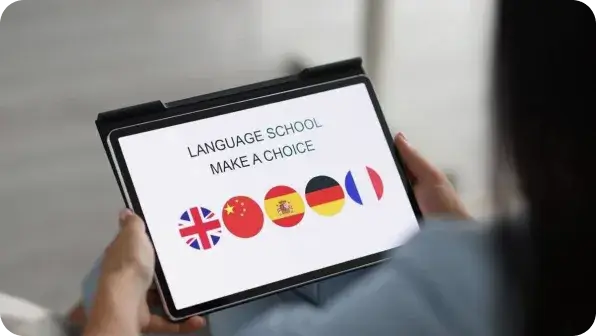
Language learners often use MP3 novels or lessons, but these files don’t remember progress. M4B keeps your place and lets you move between chapters, making it much easier to pause, repeat, and continue learning without losing your spot.
-
![Daily Commuters]() Smooth Offline Listening
Smooth Offline ListeningDaily Commuters
Commuters rely on offline audio during long rides. Multiple MP3 files are hard to manage while moving, but a single M4B audiobook plays in order, resumes automatically, and keeps listening smooth even without internet access.
-
![Audiobook Collectors]() Organized Audiobook Collection
Organized Audiobook CollectionAudiobook Collectors
Audiobooks ripped from CDs, websites, or radio archives often come as many MP3 files with broken order. Converting them to M4B combines everything into one structured audiobook with chapters and saved listening position.


Convert Smarter. Listen Better. Audiobooks Done Right.

One-Click MP3 to M4B
Convert MP3 into M4B instantly. No complicated settings — just upload, convert, and get a ready-to-use audiobook file in seconds.

Merge & Organize Easily
Turn multiple MP3 tracks into a single M4B audiobook. Perfect for organizing podcasts, courses, or long-form narration.

Built for Audiobooks
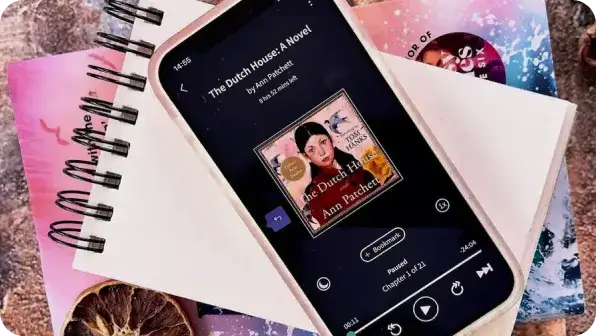
M4B supports chapters, bookmarks, and playback position. Your converted files remember where you stopped, just like a real audiobook.

Works on All Major Players
M4B files play smoothly on Apple Books, iTunes, iPhone, iPad, and most modern audiobook apps — no extra steps required.

Fast & Lossless Conversion
Keep the original audio quality while converting. Snappixify processes your MP3 files quickly without degrading sound.

No Software, No Hassle
Convert MP3 to M4B directly in your browser. No installation, no updates — works on Windows, macOS, and mobile devices.
Convert MP3 into M4B instantly. No complicated settings — just upload, convert, and get a ready-to-use audiobook file in seconds.
M4B supports chapters, bookmarks, and playback position. Your converted files remember where you stopped, just like a real audiobook.
Keep the original audio quality while converting. Snappixify processes your MP3 files quickly without degrading sound.
Turn multiple MP3 tracks into a single M4B audiobook. Perfect for organizing podcasts, courses, or long-form narration.
M4B files play smoothly on Apple Books, iTunes, iPhone, iPad, and most modern audiobook apps — no extra steps required.
Convert MP3 to M4B directly in your browser. No installation, no updates — works on Windows, macOS, and mobile devices.
MP3 vs. M4B: What's the Difference?

What's MP3?
MPEG-1 Audio Layer III
.MP3
File extension

What's M4B?
MPEG-4 Audiobook Format
.M4B
File extension
When to Use MP3 vs. M4B
Convert from MP3, AAC, M4A, WAV, FLAC, OGG, and more to M4B – one tool for all your audiobook conversion needs
Use To MP3

- When you are distributing short-form clips or music tracks where internal navigation is unnecessary.
- When you don't mind manual scrubbing to find a specific moment in a timeline without chapter markers.
- When file-by-file distribution is preferred over a single, consolidated long-form master track.
Use To M4B

- When you need native chapter support to allow listeners to jump instantly to specific segments within hours of content.
- When you want persistent 'place-memory' to ensure playback resumes exactly where it left off, every single time.
- When you want to merge hundreds of fragments into one clean master file while keeping your library perfectly organized.
Key Differences Between MP3 and M4B
How to Convert MP3 to M4B
-
![Upload MP3 Files]()
Upload MP3 Files
1. Upload MP3 FilesPaste a link or upload MP3 files from your device to start the conversion. -
![Optimize for Audiobook]()
Optimize for Audiobook
2. Optimize for AudiobookChoose the bitrate and audio settings to ensure a perfect M4B listening experience. -
![Download M4B]()
Download M4B
3. Download M4BClick Convert to process your files, then download the M4B directly to your device.


Convert Any Video or Audio - 500+ Formats Supported
From MP3 and WAV to M4B and FLAC, Snappixify handles all your conversion needs - Fast & secure conversions for all your audio and video projects
400+ Audio Files
Supports 400+ Audio Formats
 M4A Converter
M4B Converter
M4R Converter
MIDI Converter
MKA Converter
MOD Converter
MP3 Converter
OGA Converter
OGG Converter
Opus Converter
PCM Converter
RA / RAM
VOC Converter
WAV Converter
WEBA Converter
WMA Converter
M4A Converter
M4B Converter
M4R Converter
MIDI Converter
MKA Converter
MOD Converter
MP3 Converter
OGA Converter
OGG Converter
Opus Converter
PCM Converter
RA / RAM
VOC Converter
WAV Converter
WEBA Converter
WMA Converter
500+ Video Files
Supports 500+ Video Formats
DV Converter
DVR Converter
FLV Converter
GIF Converter
M2TS Converter
M4V Converter
MKV Converter
MOD Converter
MOV Converter
MP4 Converter
MPEG Converter
MPG Converter
MTS Converter
MXF Converter
RM Converter
RMVB Converter
SWF Converter
TS Converter
VOB Converter
WEBM Converter
WMV Converter
WTV Converter
Popular MP3 to M4B Converter Tools
From MP3 and WAV to M4B and FLAC, Snappixify handles all your conversion needs - Fast & secure conversions for all your audio and video projects


Elevating the Audiobook Experience for Every User


Frequently Asked Questions
Can I change MP3 to M4B?
Can I convert MP3 to M4B online without installing software?
Is MP3 or M4B better?
Can my phone play M4B files?
Is M4A the same as M4B?
What is the best format for audiobooks?
One Tool for Your Audio, A Whole Suite for Your Workflow