 Snappixify


Turn AVI videos from old camcorders, Windows systems, and legacy downloads into lightweight MP3 audio for better compatibility, smaller files, and easy playback on modern devices
- MP3
- Auto
- An audio codec is a technology that compresses and decompresses sound files so they take up less space while keeping good sound quality.
- Common audio codecs include MP3, AAC, FLAC, and WAV, each balancing file size and sound quality differently.
How to Convert AVI to MP3
-
![Upload AVI Video]()
Upload AVI Video
1. Upload AVI VideoUpload your AVI file from your computer or legacy video library -
![Setting MP3]()
Setting MP3
2.Setting MP3Opt for MP3 format with a 320 kbps bitrate setting to ensure peak sound quality -
![Convert & Download]()
Convert & Download
3.Convert & DownloadConvert AVI audio to MP3 for easy editing, sharing, and playback across devices


AVI
AVI (Audio Video Interleave, .avi) is a video container format introduced by Microsoft in 1992 for storing video and audio in one file. It is not a codec, and may contain MP3, PCM, AAC, or AC3 audio. With strong Windows compatibility, AVI was widely used in early PC and DV camcorder workflows. Today, it is mostly found in legacy footage and older video files, as its large size and limited features are less suitable for modern streaming

MP3
MP3 is one of the most widely used audio file formats, known for its high compatibility and small file size. It uses lossy compression technology, reducing file size while maintaining acceptable audio quality, making it the preferred format for music downloads, podcast audio, and playback across various devices. On Windows, macOS, Android, and nearly all media players, MP3 remains a lightweight, universal, and almost ubiquitous audio format.
Typical Use Cases for AVI to MP3
-
![Content Editors]() Extract Audio from Old Videos
Extract Audio from Old VideosContent Editors
Archive films and old movie clips often come in AVI format, with files far larger than needed. When only the audio is required, extracting sound directly from heavy video slows down editing. Converting AVI to MP3 keeps the audio usable while cutting file size for faster workflows.
-
![Podcasters]() Create Podcast Background Music
Create Podcast Background MusicPodcasters
Many podcast platforms don’t support AVI files. When pulling short audio segments from film or video sources for background music or intros, compatibility becomes a problem. Converting AVI to MP3 ensures the audio works smoothly across publishing tools.
-
![Old music lovers]() Enjoy music anytime, anywhere
Enjoy music anytime, anywhereOld music lovers
Early music videos were commonly saved as AVI files. To enjoy those tracks on phones, car stereos, or modern players, the video becomes unnecessary. Extracting MP3 audio makes classic music easier to play anywhere.
-
![Windows Users]() Save storage space
Save storage spaceWindows Users
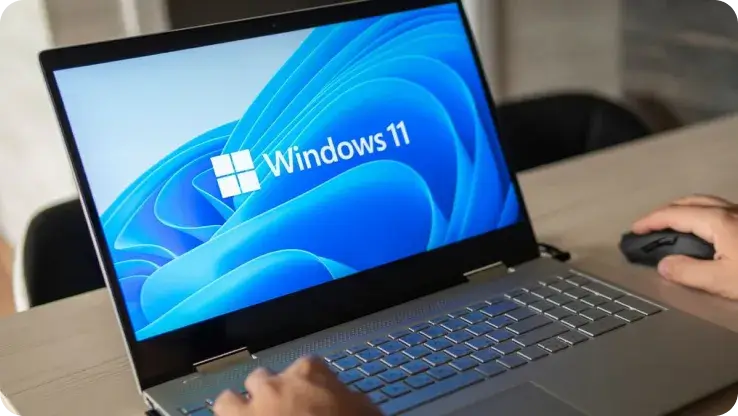
On older Windows PCs, many AVI music files are saved and managed through Windows Media Player. Storing full video files wastes disk space when only the audio is needed. Converting them to MP3 frees up storage without losing sound quality.



-
![Online Conversion for AVI to MP3]()
AI-Powered Online Conversion for AVI to MP3
Many AVI files are large and use outdated codecs, making audio extraction slow and frustrating. Snappixify uses AI to analyze AVI files and extract the audio track directly into MP3, with no manual setup required. Upload your video and get a ready-to-use MP3 in minutes.
Convert AVI to MP3 -
![Batch Lossless AVI to MP3]()
AI-Powered Batch Lossless AVI to MP3
When converting many AVI files at once, basic tools often reduce audio quality, but Snappixify uses AI to analyze each audio track and apply optimal MP3 settings during batch conversion, preserving voices, music, and background details while making files smaller and easier to use.
Change AVI to MP3


How People Use AVI to MP3 in Real Life


Frequently Asked Questions
How do I convert AVI to MP3?
Can I convert AVI to MP3 online without installing software?
How do I convert AVI to MP3 on Windows 10?
Is my AVI file safe during the conversion process?
What is the maximum AVI file size I can upload?
Besides MP3, which other formats can I convert AVI files to?
Format-to-Format Converters


