 Snappixify


Turn CAF files into 320 kbps MP3 audio, preserving clear sound and ensuring smooth playback on non-Apple devices
- MP3
- Auto
- An audio codec is a technology that compresses and decompresses sound files so they take up less space while keeping good sound quality.
- Common audio codecs include MP3, AAC, FLAC, and WAV, each balancing file size and sound quality differently.
How to Convert CAF to MP3
-
![Add CAF Files]()
Add CAF Files
1. Add CAF FilesImport your CAF audio from your device or paste link to begin -
![Choose MP3 Settings]()
Choose MP3 Settings
2. Choose MP3 SettingsSelect MP3 as the output format and adjust the bitrate up to 320 kbps for high-fidelity sound -
![Export MP3 Audio]()
Export MP3 Audio
3. Export MP3 AudioTransform CAF audio into MP3 so it can be shared and played smoothly on non-Apple platforms


CAF
CAF (Core Audio Format, .caf) is a flexible container developed by Apple for professional digital audio. It supports various encodings like AAC and ALAC, and is a standard in Logic Pro and GarageBand. Unlike traditional formats, CAF handles high-fidelity, surround sound, and long-duration recordings without the 4GB limit. While essential for iOS recording and pro workflows, compatibility may be limited outside the Apple ecosystem.

MP3
MP3 is one of the most widely used audio file formats, known for its high compatibility and small file size. It uses lossy compression technology, reducing file size while maintaining acceptable audio quality, making it the preferred format for music downloads, podcast audio, and playback across various devices. On Windows, macOS, Android, and nearly all media players, MP3 remains a lightweight, universal, and almost ubiquitous audio format.
CAF to MP3 to Make Apple CAF Files Work Everywhere
-
![iMessage Users]() Share iMessage Audio
Share iMessage AudioiMessage Users
Voice messages sent through iMessage are saved in CAF format, which works only on Apple devices. Converting CAF to MP3 makes these audio files easy to play, forward, and save on Windows, Android, and other non-Apple platforms.
-
![Music Producers]() Share Music Easily
Share Music EasilyMusic Producers
CAF files from GarageBand or Logic Pro are great for production, but not ideal for sharing. Converting CAF to MP3 turns professional audio into lightweight, widely supported files that are easy to send, publish, or demo.
-
![Video Editors]() Edit Without Limits
Edit Without LimitsVideo Editors
Audio exported from Final Cut Pro may be saved as CAF, which isn’t supported by many editing tools or platforms. Converting CAF to MP3 ensures your audio clips are easy to import, edit, and reuse anywhere.
-
![Game Developers]() Use Across Platforms
Use Across PlatformsGame Developers
CAF is commonly used for audio assets in iOS and macOS games, but it’s not ideal for cross-platform sharing. Converting CAF to MP3 makes it easier to reuse sound effects and music across different systems.



-
![CAF to MP3 with AI-Powered Fast Conversion]()
CAF to MP3 with AI-Powered Fast Conversion
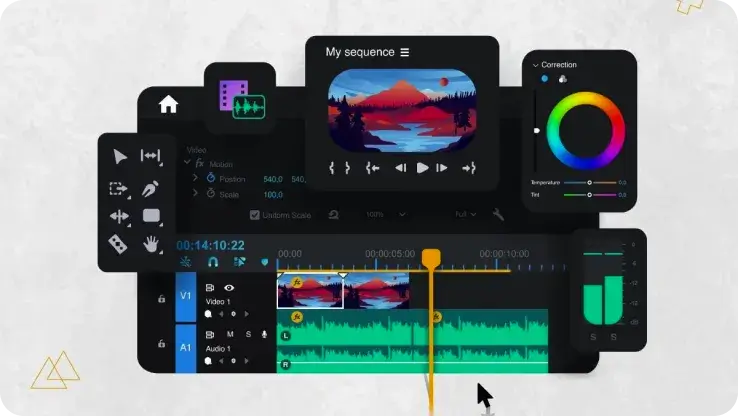
Snappixify uses AI-powered audio decoding to process large CAF files efficiently, converting them into MP3 in seconds. Even lengthy studio recordings or uncompressed Apple CAF files can be turned into lightweight MP3 files without long waiting times, helping you save time while staying productive.
Convert CAF to MP3 -
![CAF to MP3 in High-Quality 320 kbps Audio]()
CAF to MP3 in High-Quality 320 kbps Audio
Snappixify applies AI audio processing to convert professional CAF recordings into high-bitrate 320 kbps MP3 files. Vocals, instruments, and subtle background details are carefully preserved, giving you a rich, studio-level MP3 that sounds natural while being easy to play, store, and share on any device.
Change CAF to MP3


CAF to MP3, From Real User Experience


Frequently Asked Questions
How do I convert CAF to MP3?
Can I convert CAF to MP3 online without installing software?
What does converting to MP3 do?
How do I open a CAF file on Windows?
Is my CAF file safe during conversion?
Besides MP3, which other formats can I convert CAF files to?
Format-to-Format Converters


