 Snappixify


Save high-quality movies, films, music videos, branded content, and streams instantly. Fast, secure, and zero quality loss
- MP4
- Auto
3 Simple Steps to Save Videos for Offline Viewing
-
![Copy the Vimeo URL]()
Copy the Vimeo URL
1. Copy the Vimeo URLGo to Vimeo and find the video you want. Copy its full link from your browser's address bar or the Share menu. -
![Paste the Link]()
Paste Video Link
2. Paste the LinkPaste the copied link into the Snappixify search box, then click the Download button to process it. -
![Download MP4 with Audio]()
Download MP4 with Audio
3. Download to Your DeviceChoose your preferred video quality and format, click Download to save the file directly to your device.


Access your favorite creative works for offline personal inspiration and viewing
-
Films & Shorts: High-quality cinematic experiences.
-
Documentaries: Deep dives and factual storytelling.
-
Music Videos & Animation: Visual artistry from global creators.
-
Comedy & Drama: Narrative content for your private library.
-
Branded Content: High-end commercial productions for creative reference.
-
![100% Free & Unlimited Access]()
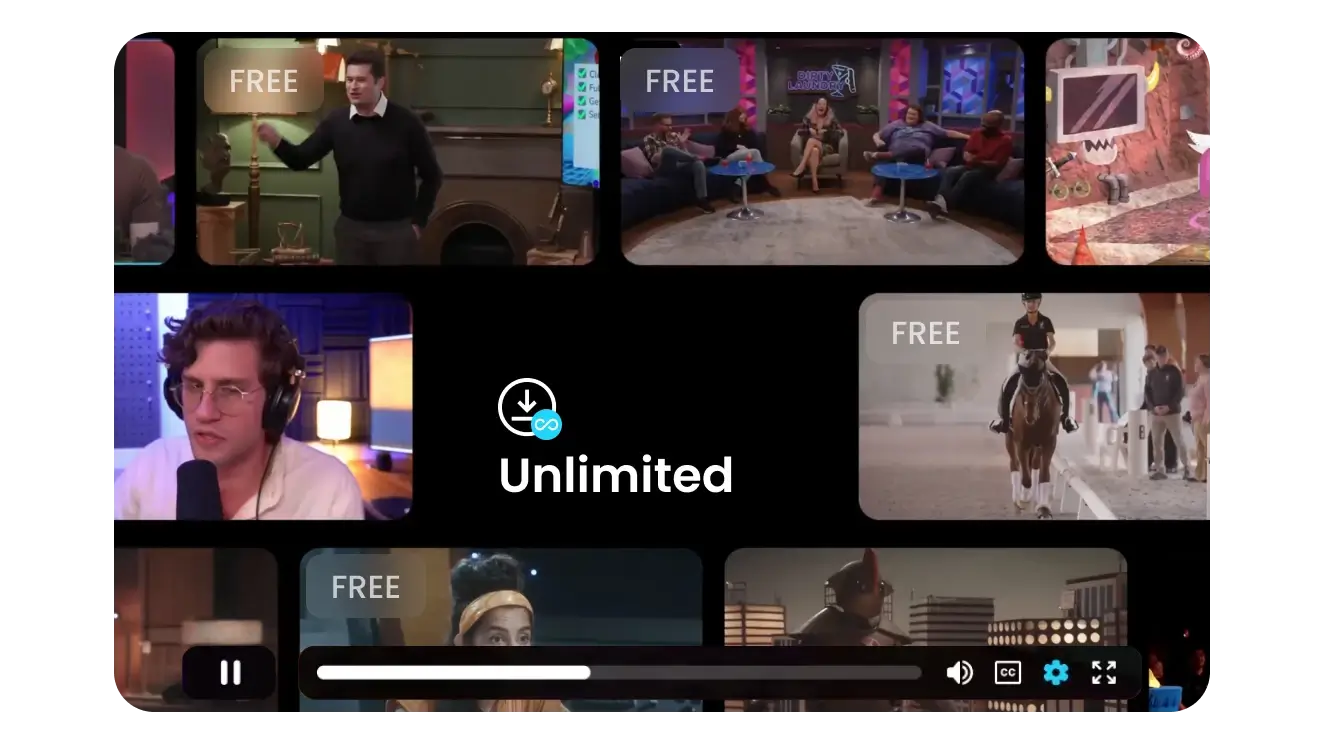
100% Free & Unlimited Access
Snappixify is a completely free video downloader with no daily limits. Whether you are backing up your creative portfolio or archiving shorts for offline viewing, enjoy unlimited downloads globally without any hidden costs.
Download Free -
![Versatile Downloads: MP4 & Audio]()
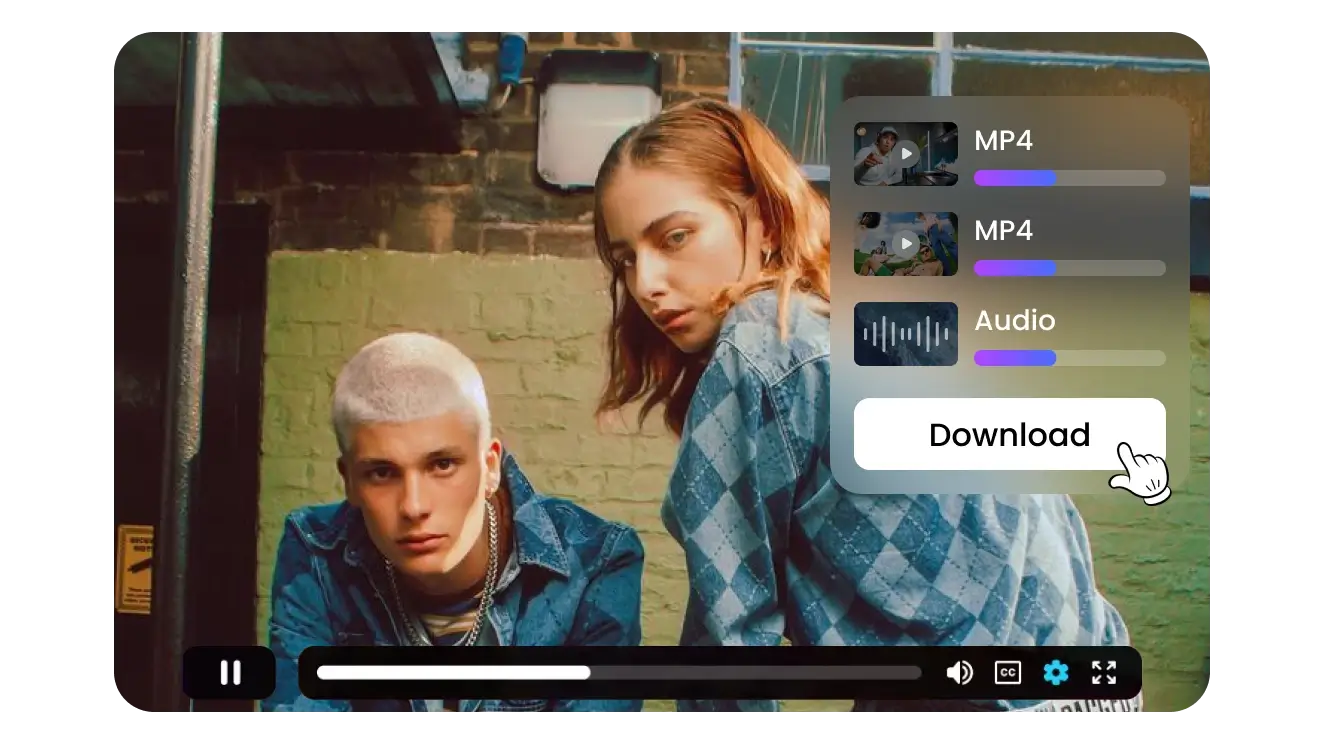
Versatile Downloads: MP4 & Audio
Easily convert and save videos to universally supported MP4 formats, or extract clean audio tracks for backgrounds. Snappixify gives you the flexibility to save films and shorts exactly the way you need them.
Video to MP3 -
![High-Quality HD Resolutions]()
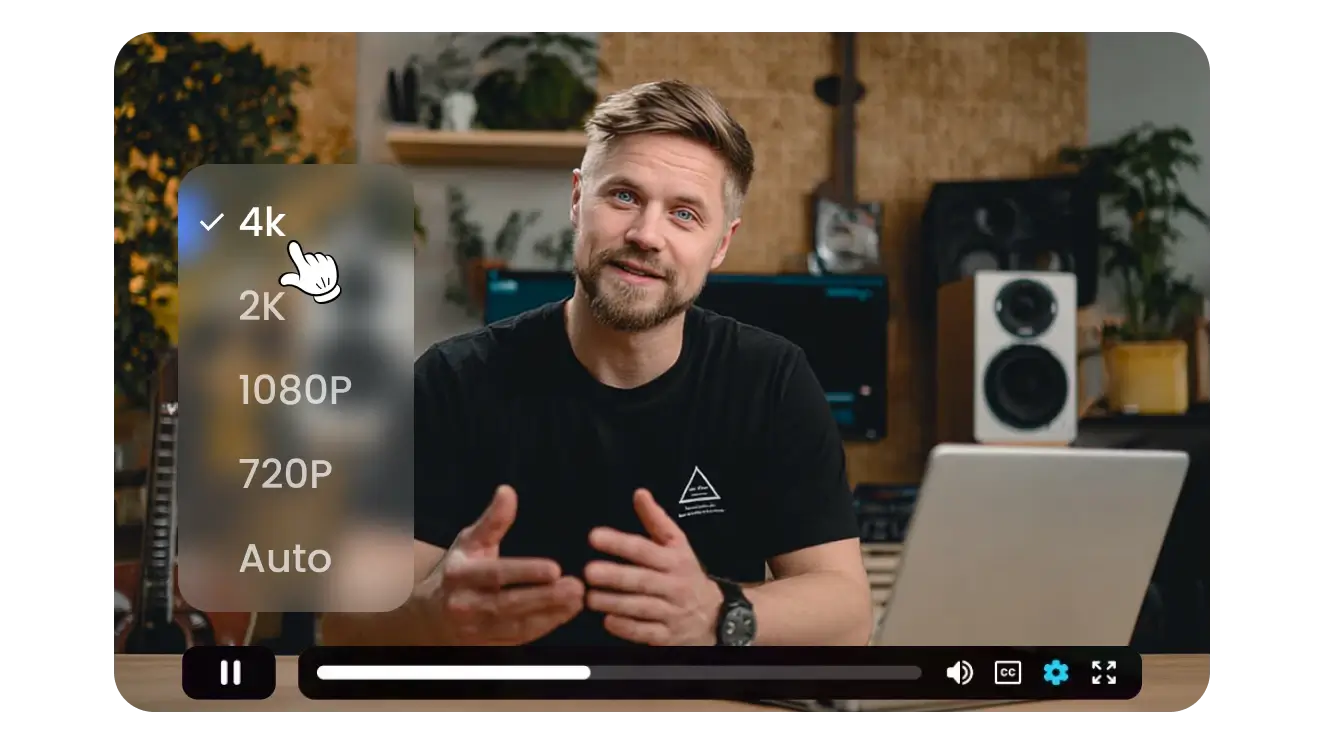
High-Quality HD Resolutions
Experience your saved content in stunning clarity. Snappixify retains original file qualities, allowing you to download videos in crisp 720p, 1080p, or 4K HD for an uncompromised offline viewing experience on any screen.
HD Download -
![Universal Cross-Platform Compatibility]()
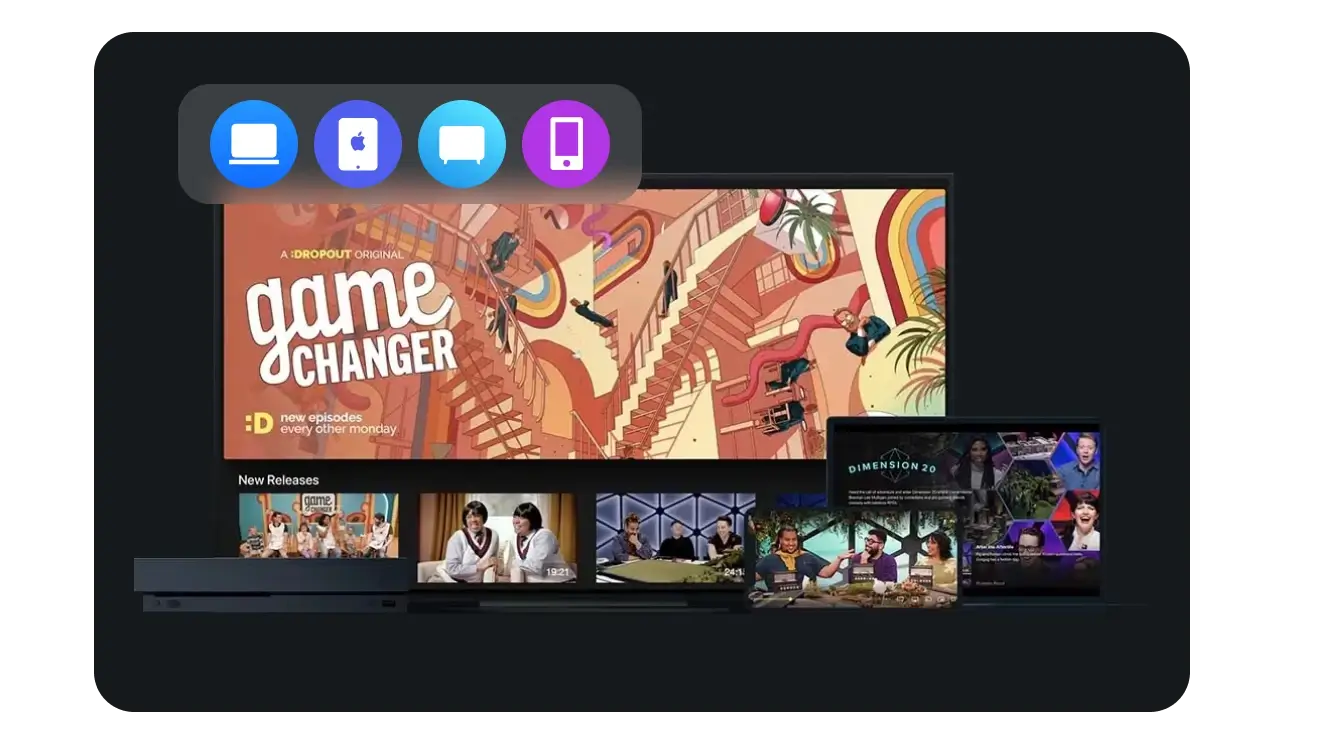
Universal Cross-Platform Compatibility
Save videos seamlessly across any device, browser, or operating system. From Windows PCs and Macs to Android and iOS mobile devices, our tool ensures your favorite content is accessible anywhere in the world.
Play Anywhere
Fuel Your Creative Workflow
Filmmakers & Video Editors
Creative Agencies & Marketers
Motion Designers & VFX Artists
Educators & E-Learners


Discover the Full Range of Snappixify Media Tools


Trusted by the Creative Community


Frequently Asked Questions
How do I download videos to my PC or mobile device?
What video formats and resolutions are supported?
Is there a limit to the number of videos I can download?
Is it safe to use this online video downloader?
Where is the downloaded video stored on my device?
Can I share the downloaded videos?


