 Snappixify


Convert OGG to MP3 online with Snappixify—great for those moments when your OGG file won't play or won't load in your editor. The conversion happens safely in your browser, giving you an MP3 that works everywhere.
- MP3
- Auto
- An audio codec is a technology that compresses and decompresses sound files so they take up less space while keeping good sound quality.
- Common audio codecs include MP3, AAC, FLAC, and WAV, each balancing file size and sound quality differently.
How to Convert OGG to MP3

Upload Your File
Import your OGG audio or paste a link — supports music tracks, voice notes, and sound effects.
Set Output Preferences
Choose MP3 as your target format and adjust bitrate to balance sound quality and file size.
Convert and Download
Quickly convert your audio and save the MP3 file to Windows, Mac, iPhone, or Android.

OGG
OGG is a high-quality, open-source audio format that delivers rich sound while keeping file sizes smaller than many other formats. Despite its advantages, OGG files aren’t always compatible with popular media players, editors, or devices. Converting OGG to MP3 ensures your audio can be played, shared, and edited easily, making it perfect for music projects, game audio, web applications, and app development.

MP3
MP3 is one of the most widely used audio file formats, known for its high compatibility and small file size. It uses lossy compression technology, reducing file size while maintaining acceptable audio quality, making it the preferred format for music downloads, podcast audio, and playback across various devices. On Windows, macOS, Android, and nearly all media players, MP3 remains a lightweight, universal, and almost ubiquitous audio format.
Why OGG to MP3 Makes Things Easier
-
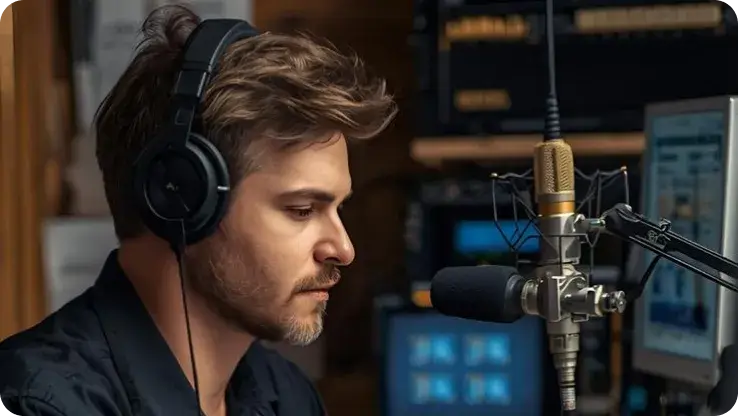
![Content Creators]() Edit Anywhere Easily
Edit Anywhere EasilyContent Creators
Quickly convert OGG files, including WhatsApp voice messages, to MP3 for creating podcasts, educational audio, or short video content.
-
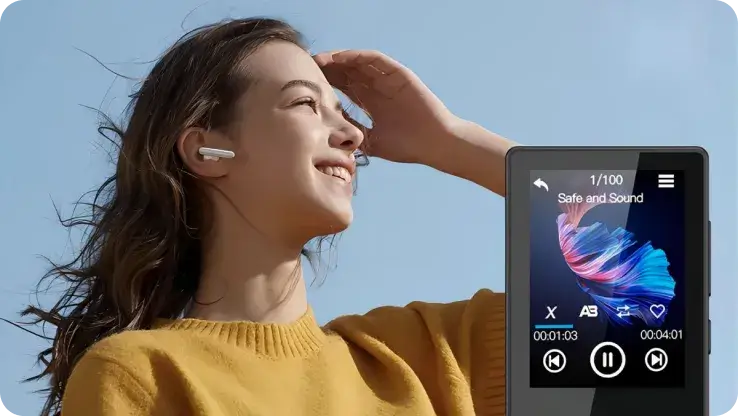
![Legacy Device Users]() Compatible with Legacy Devices
Compatible with Legacy DevicesLegacy Device Users
Convert OGG to MP3 to ensure seamless playback on aging devices, older operating systems, and traditional audio equipment that no longer supports newer formats.
-
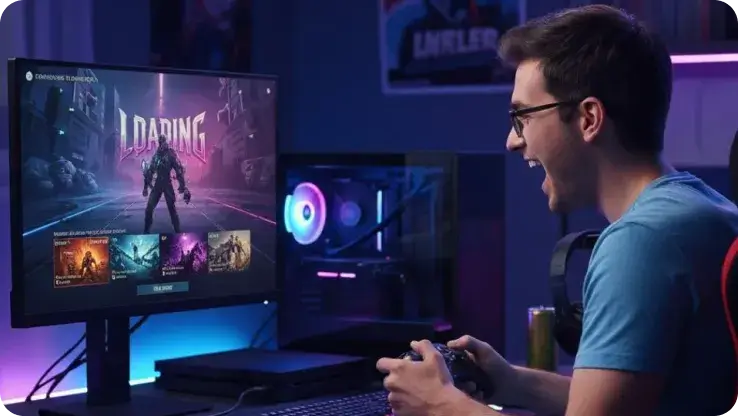
![Gamers]() Portable Game Music
Portable Game MusicGamers
Use an OGG to MP3 converter to extract, convert, and carry your favorite game soundtracks, turning them into MP3 files ideal for mobile listening and personal playlists.
-
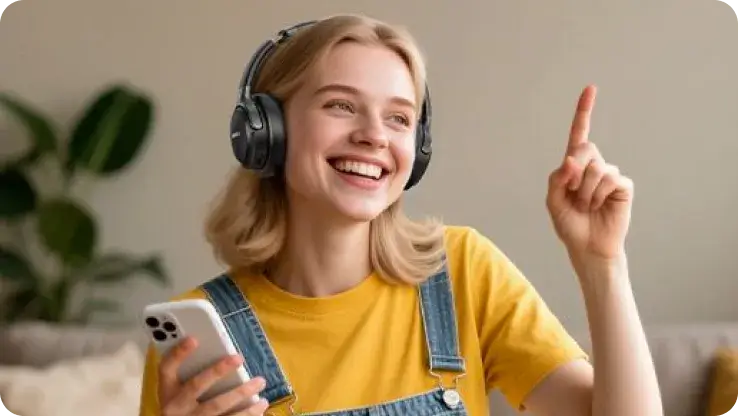
![General Listeners]() Music Everywhere
Music EverywhereGeneral Listeners
Effortlessly convert large OGG libraries into MP3 for easier sorting, backup, and playback across all devices—phones, car systems, speakers, and more.
-
![OGG File to MP3 for Any Device]()
OGG File to MP3 Available Online for Any Device
Access the converter directly from any modern web browser without software installation. Fully compatible with Windows, macOS, Linux, iOS, and Android, offering a secure, fast, and accessible solution to convert OGG to MP3 on any device, anywhere.
Convert OGG to MP3 -
![Batch & Multi-Format Conversion to MP3]()
Batch & Multi-Format Conversion to MP3
Convert multiple files at once with fast batch processing. Supports a wide range of input formats—including OGG, WAV, FLAC, AAC, and WMA—so you can easily unify your entire audio library into MP3.
OGG Format to MP3 -
![High-Quality 320kbps OGG to MP3]()
High-Quality 320kbps OGG to MP3
Seamlessly convert OGG audio to MP3 with adjustable bitrates up to 320kbps. Preserves the original audio fidelity for crystal-clear sound, ensuring a premium listening experience while maximizing compatibility with all standard media players and devices.
Change OGG to MP3


See Why Our Users Trust Snappixify


Frequently Asked Questions
How can I convert OGG to MP3?
Do I need to download any software to convert files?
Will converting OGG to MP3 affect audio quality?
What other formats can I export besides MP3?
Is it safe to upload my private WhatsApp voice messages?


