 Snappixify


Convert your MP3 files to high-quality, smaller OGG audio with Snappixify’s free online MP3 to OGG converter. No software installation is needed — files are securely processed in the browser. Perfect for game development, web app, or mobile app audio resources.
- OGG
- Auto
- An audio codec is a technology that compresses and decompresses sound files so they take up less space while keeping good sound quality.
- Common audio codecs include MP3, AAC, FLAC, and WAV, each balancing file size and sound quality differently.
How to Convert MP3 to OGG

Upload Audio File
Upload your MP3 file or paste a link — supports music tracks, voice clips, and sound effects.
Format & Quality
Choose OGG as your output format and adjust the bitrate to get the perfect balance of clarity and size.
Convert & Save
Convert your MP3 to OGG instantly — download your file to Win, Mac, iPhone, or Android.

MP3
MP3 is one of the most widely used audio file formats, known for its high compatibility and small file size. It uses lossy compression technology, reducing file size while maintaining acceptable audio quality, making it the preferred format for music downloads, podcast audio, and playback across various devices. On Windows, macOS, Android, and nearly all media players, MP3 remains a lightweight, universal, and almost ubiquitous audio format.

OGG
OGG is an open-source audio format that offers better sound quality than MP3 at the same bitrate. When you convert MP3 to OGG, you can achieve clearer audio, stronger compression, and smaller file sizes, making it ideal for music, podcasts, and game sound effects. Its patent-free design and high efficiency at low bitrates make OGG a reliable choice for anyone who needs high-quality audio with reduced storage usage.
How Converting MP3 to OGG Benefits You
-
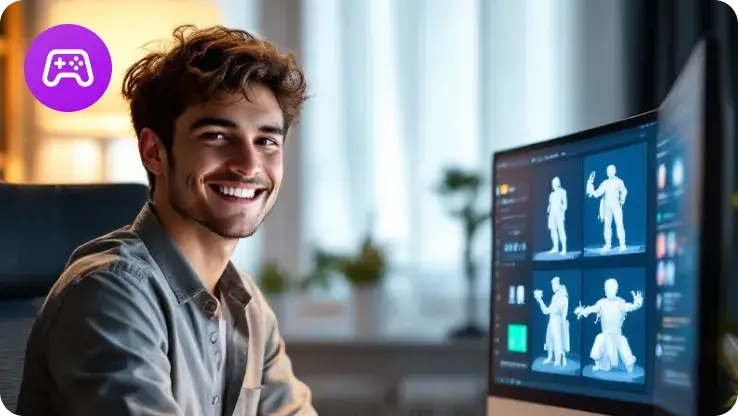
![Game Developers]() Seamless game integration
Seamless game integrationGame Developers
Quickly convert MP3 to OGG for seamless integration into Unity, Godot, or Unreal projects, creating smaller, fully compatible audio for in-game use.
-
![Linux Users]() Linux-friendly format
Linux-friendly formatLinux Users
Generate OGG files with native support on Linux and open-source software, free from copyright or patent issues, ideal for open-source environments.
-
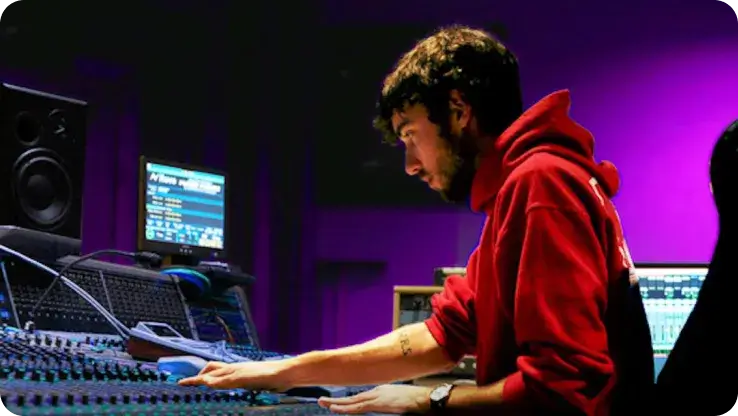
![Sound Designers]() Creative freedom
Creative freedomSound Designers
Freely convert MP3 to OGG without copyright concerns, giving your creative projects more flexibility and easier use of audio resources.
-
![Modders]() Easy mod integration
Easy mod integrationModders
Produce OGG audio compatible with popular game mods like Minecraft, Skyrim, Stardew Valley, and GTA, simplifying custom content creation efficiently.


-
![Free Online Audio Conversion to OGG]()
Free Online Audio Conversion to OGG
Use Snappixify’s free online tool to convert your audio files to OGG quickly and effortlessly. Just upload your file, let the high-speed converter process it in seconds, and get a clean, high-quality OGG output with zero hassle.
Change MP3 to OGG -
![Batch Convert MP3 to OGG]()
Batch Convert MP3 to OGG
Mass convert MP3 to OGG with lossless quality, preserving every detail of the original audio. Files are optimized to reduce size, making them easier to store, share, and use across devices without compromising sound clarity.
Turn MP3 into OGG -
![MP3 to OGG Converter for All Operating Systems]()
MP3 to OGG Converter for All Operating Systems
Supports converting MP3 and other audio formats including WAV, FLAC, and M4A into high-quality OGG files. Compatible with Windows, macOS, Linux, Ubuntu, iOS, and Android, while maintaining lossless audio quality and optimized file size for easy storage and sharing.
Export from MP3 to OGG


Hear From Those Who Rely on It


Frequently Asked Questions
How can I convert MP3 files to OGG?
Which audio format is better, OGG or MP3?
How to convert MP3 to OGG online on Windows, Mac, or Linux?
Will converting MP3 to OGG affect audio quality?
Does Snappixify support exporting formats other than OGG?
Is my file safe when using an MP3 to OGG converter?


