 Snappixify


Support MP3, WAV, M4A, FLAC, OGG, AAC, and WMA, delivering high-quality output up to 320 kbps. Perfect for music editing, podcasts, or converting voice recordings - works smoothly on any browser and device — Windows, Mac, iPhone, or Android
- MP3
- Auto
- An audio codec is a technology that compresses and decompresses sound files so they take up less space while keeping good sound quality.
- Common audio codecs include MP3, AAC, FLAC, and WAV, each balancing file size and sound quality differently.
Convert Audio in 3 Easy Steps

Upload Audio File
Drag & drop your file or paste a link — supports MP3, WAV, M4A, FLAC, OGG, AAC, and more
Format and Quality
Pick the audio format and bitrate (up to 320 kbps) for the best sound quality
Convert and Save
Get your converted audio instantly — works on PC, Mac, iPhone, and Android
Convert Any Audio Format Instantly
Tired of frustrating compatibility errors? Snappixify is the fastest online audio converter supporting over 400 formats, including popular types like M4A to MP3, FLAC to MP3, WAV to MP3, and OGG no matter you need to reduce a large audio file size for sharing or require a universal format for your devices.

Supported auido formats:
-
![Convert Videos In Batch]()
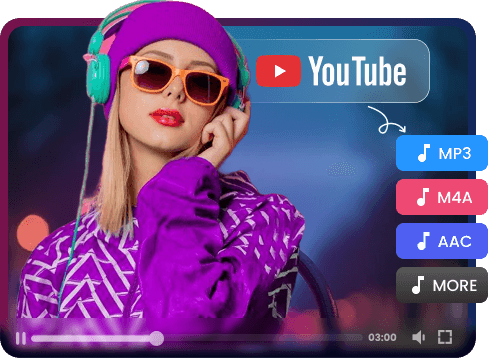
Convert YouTube Videos to Any Audio Format In Batch
Easily convert YouTube videos to MP3, WAV, M4A, FLAC, or OGG online — all at once. Our YouTube to audio converter supports batch conversion, letting you download and extract multiple tracks in seconds. Enjoy high-quality audio up to 320 kbps.
Convert Audio File -
![Audio Quality - Up to 320 kbps]()
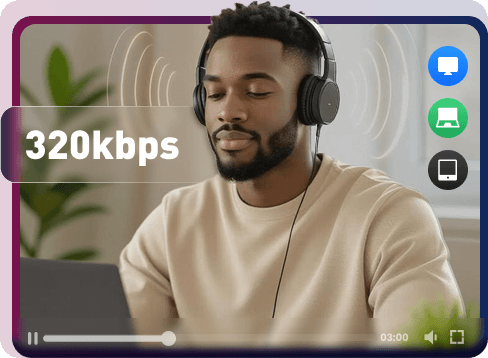
Enhance Your Audio Quality - Up to 320 kbps
Ready to make your sound stand out? Use Snappixify to enhance audio quality and capture your audience's attention. Perfect for podcast creators and music producers and it's designed to make your tracks clearer, louder, and more professional no matter you’re improving podcasts, music recordings, or YouTube audio.
Start 320kbps Conversion
Why Snappixify? Your Ultimate Audio Converter — Free & Online

180X Faster Conversion
Utilize our high-speed servers to convert audio files online instantly, saving you valuable time over traditional desktop software.

400+ Audio Support
Easily transform over 400 formats, including popular high-intent conversions like FLAC to MP3, M4A to MP3, and WAV to MP3.

High-Quality Sound
Guarantee professional sound quality by setting the audio bitrate up to 320 kbps. Perfect for high-quality music and podcast editing.

Instant Video-to-Audio
With our Video to Audio Converter, you can extract MP3, WAV, M4A, FLAC, OGG, or AAC from YouTube, TikTok, Instagram, Facebook, etc.

Batch Conversion
Convert multiple audio files at once to save time and effort — ideal for creators, podcasters, and music editors.

Works on Any Device
Access our tool seamlessly on any browser or device—Windows, Mac, iPhone, or Android — with no software installation required.
Utilize our high-speed servers to convert audio files online instantly, saving you valuable time over traditional desktop software.
Guarantee professional sound quality by setting the audio bitrate up to 320 kbps. Perfect for high-quality music and podcast editing.
Convert multiple audio files at once to save time and effort — ideal for creators, podcasters, and music editors.
Easily transform over 400 formats, including popular high-intent conversions like FLAC to MP3, M4A to MP3, and WAV to MP3.
With our Video to Audio Converter, you can extract MP3, WAV, M4A, FLAC, OGG, or AAC from YouTube, TikTok, Instagram, Facebook, etc.
Access our tool seamlessly on any browser or device—Windows, Mac, iPhone, or Android — with no software installation required.
Frequently Asked Question
How Can I Convert Audio?
How long does it take to convert audio?
What audio formats are supported?
What is the best quality setting for MP3 conversion?
Are my files safe?
Do I need to install any software?
Explore More Format Conversion
Ready for the Fast & HD Audio Conversion Experience?


