 Snappixify


Turn web-only WEBM files into high-quality MP4s. Play and edit your videos on any device or software without errors
- MP4
- Auto
- A video codec is a technology or algorithm used to compress and decompress digital video files.
- Common video codecs include H.265 (HEVC), AV1, H.264 (AVC)
- For example, an .mp4 file might contain H.264 video and AAC audio.
- Auto

Convert WEBM to MP4 for Universal Playback and Professional Editing
-
Convert online in your browser with no installation required
-
Supports batch conversion to process multiple WEBM clips at once
-
Works seamlessly across iPhone, Mac, and Windows platforms
-
High-quality MP4 output for YouTube, TikTok, and Instagram
-
Maintain original resolution with optimized H.264 encoding
-
Fully compatible with professional editing software for smooth importing and timeline editing
-
![Play on Any Device with WEBM to MP4]()
Play on any device with Snappixify WEBM to MP4
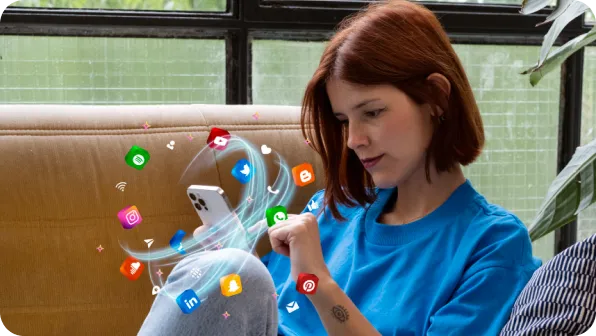
Stop seeing format not supported errors on your phone or laptop. Our tool makes your WEBM files work perfectly on iPhones, Androids, and Smart TVs. Whether you use a Mac or a Windows PC, this platform works in any browser. It is the easiest way to share videos with friends on any screen you like.
Change WEBM to MP4 -
![Get High Quality with WEBM to MP4]()
Get lossless quality using Snappixify WEBM to MP4
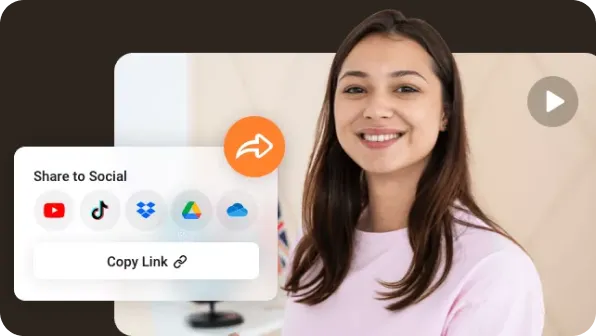
Do not lose your video quality when you switch formats. Snappixify keeps your 1080P, 2K, and 4K footage looking sharp and clear. We preserve every single pixel so there is no blur or weird marks. You get a high-definition result that looks professional and beautiful on any big screen or monitor.
Convert WEBM File to MP4 -
![Edit Videos Fast with WEBM to MP4]()
Edit videos fast with Snappixify WEBM to MP4
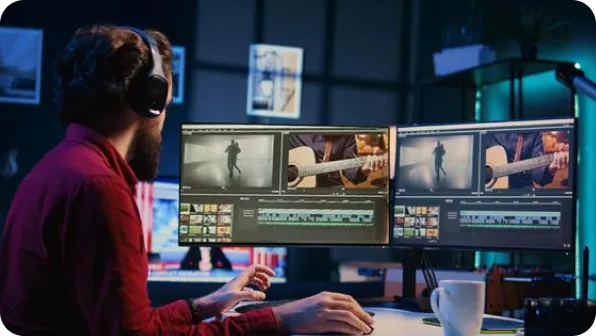
Convert WEBM to MP4 in seconds and get editing-ready files instantly. Our optimized H.264 output ensures smooth imports, stable timelines, and zero codec errors. Just drag your video into your editor and start creating. Perfect for creators who want faster workflows and hassle-free production.
Transform WEBM to MP4


Converting WEBM to MP4 for Improved Compatibility
Easily change WEBM to MP4 to play videos on Apple devices, upload to Instagram or Facebook, and ensure smooth editing in professional video software
-
![Social Media Managers]() Fix WEBM Upload Issues
Fix WEBM Upload IssuesSocial Media Managers
Stop dealing with upload failures on your brand accounts. Use Snappixify for a WEBM to MP4 conversion that works on every feed. Share your stories without any technical bugs or black screens on your profile.
-
![Content Creators]() Fix WEBM File Errors
Fix WEBM File ErrorsContent Creators
Stop wasting time on file errors when you download clips. Use Snappixify for a quick WEBM to MP4 change to get a format that works. Finish your videos faster and keep your posting schedule on track every day.
-
![Paid Media Specialists]() Make WEBM Ads Platform-Ready
Make WEBM Ads Platform-ReadyPaid Media Specialists
Ensure your video ads run perfectly across every marketing platform. A fast WEBM to MP4 shift prepares your assets so they meet all rules. It is the quickest way to launch your ads and boost your results now.
-
![Apple Users]() Play WEBM on Apple Devices
Play WEBM on Apple DevicesApple Users
Fix those annoying videos that will not play in your phone gallery. A simple WEBM to MP4 update changes files to a format that works on any device. Now you can watch and share your memories without any trouble.
-
![E-commerce Sellers]() Show Promo Videos Flawlessly
Show Promo Videos FlawlesslyE-commerce Sellers
Your online store needs compatible videos to show off your latest products. Perform a WEBM to MP4 swap to change your promo clips for your shop. Make your listings look professional and attract more buyers.
-
![Professional Video Editors]() Render Videos Faster
Render Videos FasterProfessional Video Editors
Avoid the heavy lag and slow rendering times that come with web formats. This WEBM to MP4 process provides a smooth file that helps your system run faster. Get your work done on time without any system crashes.



Why Snappixify WEBM to MP4 Converter?

No Install, No Signup
Convert WEBM to MP4 directly in your browser. No software installation or registration required to start your video transformation.

Cloud-Powered Processing
All conversions happen on our high-speed servers. No heavy CPU load on your device, ensuring smooth performance on Mac, PC, or mobile.

Batch Video Processing
Convert multiple WEBM files to MP4 simultaneously. Save time when processing large video libraries or web-optimized clips in one go.

Crystal Clear Quality
Maintain original resolution and frame rates. Get high-quality MP4 output without losing visual detail, sharpness, or color accuracy.

Ultra-Fast Conversion
Our optimized engine converts WEBM to MP4 in seconds. Get your social media or project files quickly without annoying wait times.

Universal Compatibility
MP4 works perfectly on iPhone, Android, and social media. Seamlessly edit your videos in Premiere Pro, DaVinci Resolve, or iMovie.
Convert WEBM to MP4 directly in your browser. No software installation or registration required to start your video transformation.
Convert multiple WEBM files to MP4 simultaneously. Save time when processing large video libraries or web-optimized clips in one go.
Our optimized engine converts WEBM to MP4 in seconds. Get your social media or project files quickly without annoying wait times.
All conversions happen on our high-speed servers. No heavy CPU load on your device, ensuring smooth performance on Mac, PC, or mobile.
Maintain original resolution and frame rates. Get high-quality MP4 output without losing visual detail, sharpness, or color accuracy.
MP4 works perfectly on iPhone, Android, and social media. Seamlessly edit your videos in Premiere Pro, DaVinci Resolve, or iMovie.
WEBM vs. MP4: What’s the Difference?

What’s WEBM?
Web Media
.WEBM
File extension

What is MP4?
MPEG-4 Part 14
.MP4
File extension
When to Use WEBM vs. MP4
Convert from WEBM, MKV, MOV, and more to MP4 — one clean workflow for social media sharing and professional editing
Use to WEBM

- When you are optimizing video assets for web design or fast-loading browser-based experiences.
- When you need video transparency (alpha channel) for website UI elements or specialized web animations.
- When you are sharing short, high-efficiency clips on platforms like Discord where file size limits are strict.
Use to MP4

- When you need universal compatibility for playback on iPhones, Android devices, and smart TVs without errors.
- When you are uploading content to social media like Instagram, TikTok, or LinkedIn for maximum reach and stability.
- When you are working in professional DAWs or editors like Premiere Pro and need a stable, industry-standard master format.
Key Differences Between WEBM and MP4
How to Convert WEBM to MP4
-
![Paste Link or Upload Video]()
Paste Link or Upload Video
1. Paste Link or Upload VideoPaste a video link or upload WEBM files from your device to start the conversion. -
![Set MP4 Video Quality]()
Set MP4 Video Quality
2. Set MP4 Video QualityChoose video settings to convert WEBM into high-quality, compatible MP4. -
![Convert and Download]()
Convert and Download
3. Convert and DownloadClick Convert to process your files, then download the MP4 files directly to your device.


Convert Any Video or Audio - 500+ Formats Supported
Snappixify is a powerful WEBM to MP4 converter that lets you convert WEBM to MP4 online — fast, secure, and compatible with all devices and platforms


Popular WEBM & MP4 Converter Tools
WEBM to MP4 Made Easy — Snappixify converts WEBM videos into fully editable, universally compatible MP4 files for seamless use in video editors, social media, and any device


Why Users Choose Snappixify for WEBM to MP4 Conversion


Frequently Asked Questions
How to convert WEBM to MP4?
Does converting WEBM to MP4 reduce quality?
What is the difference between WEBM to MP4 format?
Is it safe to convert WEBM to MP4 with Snappixify?
What are the disadvantages of WEBM?
Can I play WEBM on my phone?


