 Snappixify


Convert MP3 to WMA online for free to get smaller files and better low-bitrate audio, especially on Windows.
- MP3
- Auto
- An audio codec is a technology that compresses and decompresses sound files so they take up less space while keeping good sound quality.
- Common audio codecs include MP3, AAC, FLAC, and WAV, each balancing file size and sound quality differently.
How to Convert MP3 Files to WMA
-
![Paste Link or Upload MP3]()
Paste Link or Upload MP3
1. Paste Link or Upload MP3Paste an MP3 link or upload MP3 files directly from your device to get started -
![Select Format & Quality]()
Select Format & Quality
2. Select Format & QualitySet the output format to WMA and select your preferred audio quality based on your needs -
![Convert and Save Audio]()
Convert and Save Audio
3. Convert and Save AudioClick Convert, then choose the files you want and save them to your device directly


MP3
MP3 is one of the most widely used audio file formats, known for its high compatibility and small file size. It uses lossy compression technology, reducing file size while maintaining acceptable audio quality, making it the preferred format for music downloads, podcast audio, and playback across various devices. On Windows, macOS, Android, and nearly all media players, MP3 remains a lightweight, universal, and almost ubiquitous audio format.

WMA
WMA (Windows Media Audio) is an audio compression format developed by Microsoft as a competitor to MP3, designed to deliver better sound quality with smaller file sizes, especially at low bitrates. It includes several variations for different needs, such as standard WMA (Lossy) for everyday music listening, WMA Lossless for preserving original audio quality without compression loss at the cost of larger files, and WMA Voice, which is optimized for speech content.
MP3 to WMA Conversion for Seamless System Integration
-
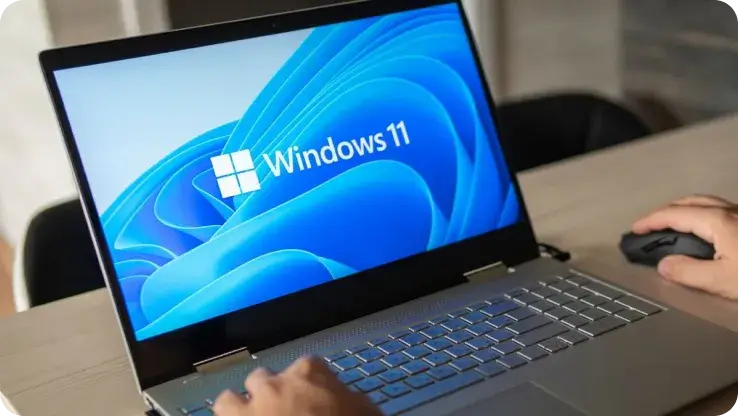
![Windows Users]() Optimize Media Management
Optimize Media ManagementWindows Users
Users who rely on older Windows versions (like Windows 7 or 10) or heavily use Windows Media Player to manage their media libraries often convert MP3 files to WMA for improved playback stability within legacy Windows environments.
-
![Audiobook Listeners]() Smaller Files & Clear Sound
Smaller Files & Clear SoundAudiobook Listeners
Users who seek low bitrate audio are often those with extremely limited storage space. At bitrates around 64kbps or lower, WMA usually offers better sound quality compared to MP3. This makes it popular among audiobook and podcast listeners.
-
![Content Owners]() Secure Audio Distribution
Secure Audio DistributionContent Owners
Converting MP3 to WMA enables DRM (Digital Rights Management) support, helping restrict unauthorized playback and copying. WMA is still used in internal training and industry-specific education where controlled audio distribution is required.
-
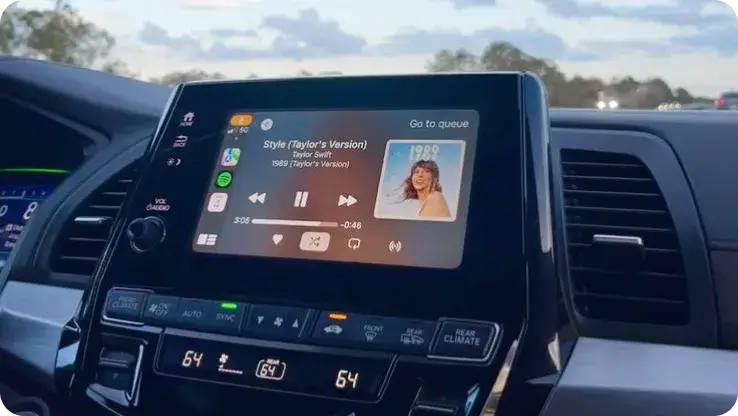
![Legacy Device Users]() Smooth and Stable Playback
Smooth and Stable PlaybackLegacy Device Users
Converting MP3 to WMA format improve playback stability on older systems. Many legacy car stereos handle WMA more reliably than large or specially encoded MP3 files, reducing playback errors and ensuring smoother listening.


-
![Convert MP3 to WMA Online Free for Windows]()
Convert MP3 to WMA Online Free for Windows
Snappixify makes it easy to convert MP3 to WMA online for free, with no software installation required. Designed for Windows users, it integrates smoothly with the Windows ecosystem, including Windows Media Player. Whether you’re managing a media library, preparing audio for internal use, or working on a Windows PC, Snappixify delivers a fast, free, and reliable online MP3 to WMA conversion experience.
Change MP3 to WMA -
![Batch Convert Your Audio Collection to WMA]()
Batch Convert Your Audio Collection to WMA
Snappixify delivers a next-generation batch MP3-to-WMA conversion experience, powered by AI acceleration and GPU-optimized processing. With support for batch uploads, you can convert entire music libraries to WMA in a single session—fully online and free. Built for speed and scale, Snappixify maintains stable output quality and fits seamlessly into modern Windows-based audio workflows.
Transfer MP3 to WMA


Tailored MP3 to WMA Solutions for Every Need


Frequently Asked Questions
How to Convert MP3 to WMA?
Is WMA Better Quality Than MP3?
What Can Open a WMA File?
Can Phones Play WMA Files?
Why Won’t Windows Media Player Play MP3 Files?
What’s the Difference Between WMA and WMV?
Format-to-Format Converters


