 Snappixify


We provide a fast WEBM to MP3 converter for YouTube and online video sources. Our WEBM to MP3 process extracts high-quality audio from streaming videos and saves it as portable MP3, with no software installation or account needed.
- MP3
- Auto
- An audio codec is a technology that compresses and decompresses sound files so they take up less space while keeping good sound quality.
- Common audio codecs include MP3, AAC, FLAC, and WAV, each balancing file size and sound quality differently.
How to Convert WEBM to MP3

Upload Your Video
Drag and drop a file or paste a link. Supports WEBM, MP4, MKV, MOV, AVI, and more.
Set Your Output
Choose your output format and bitrate, up to 320 kbps.
Convert and Save
Get your MP3 instantly on PC, Mac, iPhone, and Android.

WEBM
WEBM is an open, web-optimized multimedia format designed for efficient streaming and online playback. It typically uses VP8/VP9/AV1 for video and Opus/Vorbis for audio, making it lightweight and fast-loading on browsers and web platforms such as YouTube, online courses, and browser recordings. WEBM is widely supported across modern browsers and is favored for delivering high-quality video with minimal file size.

MP3
MP3 is one of the most widely used audio file formats, known for its high compatibility and small file size. It uses lossy compression technology, reducing file size while maintaining acceptable audio quality, making it the preferred format for music downloads, podcast audio, and playback across various devices. On Windows, macOS, Android, and nearly all media players, MP3 remains a lightweight, universal, and almost ubiquitous audio format.
WEBM to MP3: For Effortless Listening
-
![Music Enthusiasts]() Save songs for offline listening
Save songs for offline listeningMusic Enthusiasts
Many songs on YouTube and similar platforms are only available as WEBM videos. Converting WEBM to MP3 lets you extract the audio and save it for offline listening anytime.
-
![Commuters]() Portable audio for commuting
Portable audio for commutingCommuters
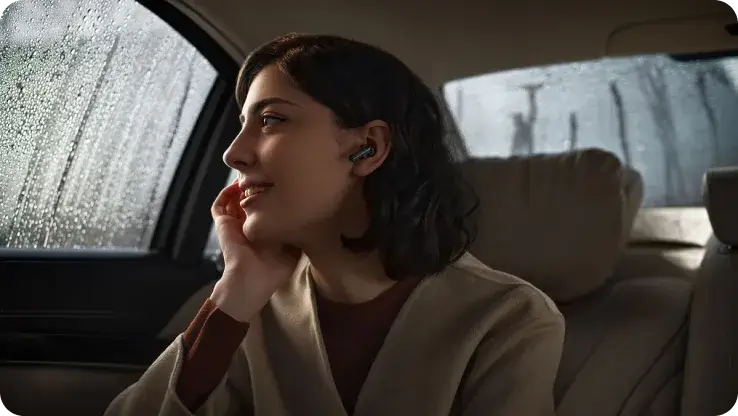
During commutes, unstable internet makes video playback inconvenient. Converting WEBM podcasts or interviews to MP3 allows you to save them locally and listen smoothly on the go.
-
![ASMR Lovers]() Pure audio for deeper relaxation
Pure audio for deeper relaxationASMR Lovers
Many ASMR videos come in WEBM format, and screen light can disrupt relaxation. Converting WEBM to MP3 lets you turn off the screen and focus on clean, soothing audio.
-
![Podcasters]() Get SFX & BGM from WEBM
Get SFX & BGM from WEBMPodcasters
When producing podcasts or vlogs, creators often use WEBM preview files for SFX or BGM. Converting WEBM to MP3 makes these audio assets easy to import and edit.



-
![Online WEBM to MP3 Converter]()
Best Free Online WEBM to MP3 Converter
Snappixify is the best online audio converter designed to make your videos compatible with iPhone, Android, and Windows. Whether you need a webm to mp3 converter for music or lectures, we provide a fast, free, and unlimited solution to change webm to mp3 files into high-quality audio without installing any software.
Convert WEBM to MP3 Free -
![Social Media Videos]()
WEBM to MP3 Converter For Social Media Videos
Easily extract audio from webm files downloaded from YouTube, Twitter, Reddit, and Discord. Whether you are looking for a YouTube to MP3 solution or a general video to mp3 converter, our tool handles it all. Turn your saved social media clips into crystal clear audio. It is the easiest way to convert video to audio and build your offline playlist.
Change WEBM to MP3


Reasons Users Choose Snappixify for WEBM to MP3


Frequently Asked Questions
How can I convert WEBM to MP3?
Is there a way to convert WEBM files to MP3 online without installing any software?
How to Convert a WEBM File to an MP3 with VLC for Free?
How can I convert videos from sites like YouTube into MP3 audio files?
Does converting WEBM to MP3 reduce audio quality or affect sound clarity?
Besides MP3, what other audio formats can I convert WEBM files to with Snappixify?
Is it safe to convert WEBM to MP3 with Snappixify, and are my files kept private during the process?
Format-to-Format Converters


