 Snappixify


Convert video file to HD MP4 (Up to 8K) - supporting 500+ video formats. Fast, simple, reliable and perfectly tuned for your video
- MP4
- Auto
- A video codec is a technology or algorithm used to compress and decompress digital video files.
- Common video codecs include H.265 (HEVC), AV1, H.264 (AVC)
- For example, an .mp4 file might contain H.264 video and AAC audio.
- Auto
How to Convert to MP4 in 3 Easy Steps
-
![Add URL or Upload Video]()
Add URL or Upload Video
1. Add URL or Upload VideoDrag & drop your video file or paste the video URL directly into the box to start conversion. -
![Select Format & Quality]()
Select Format & Quality
2. Select Format & QualitySelect your output format (e.g., MP4 to MP3, MOV to MP4) and click "Convert." -
![Convert & Save]()
Convert & Save
3. Convert & SaveWait a few seconds, and download your MP4 file ready to play anywhere.


Convert Video from MP4 — Fast, Easy & Powerful
-
Batch Conversion: Easily process multiple videos at once in seconds
-
4K & 3D Ready — Preserve every detail with ultra-high-definition output
-
180X Faster Conversion Speed — Stop waiting, saving you hours of effort
-
Flexible Conversions — Turn MP4 videos into MP3, M4V, or iMovie formats for editing
-
Perfect compatibility for your iPhone, iPad, Andriod and Game Consoles
-
![Video format converter]()
Convert to 500+ Videos Effortlessly
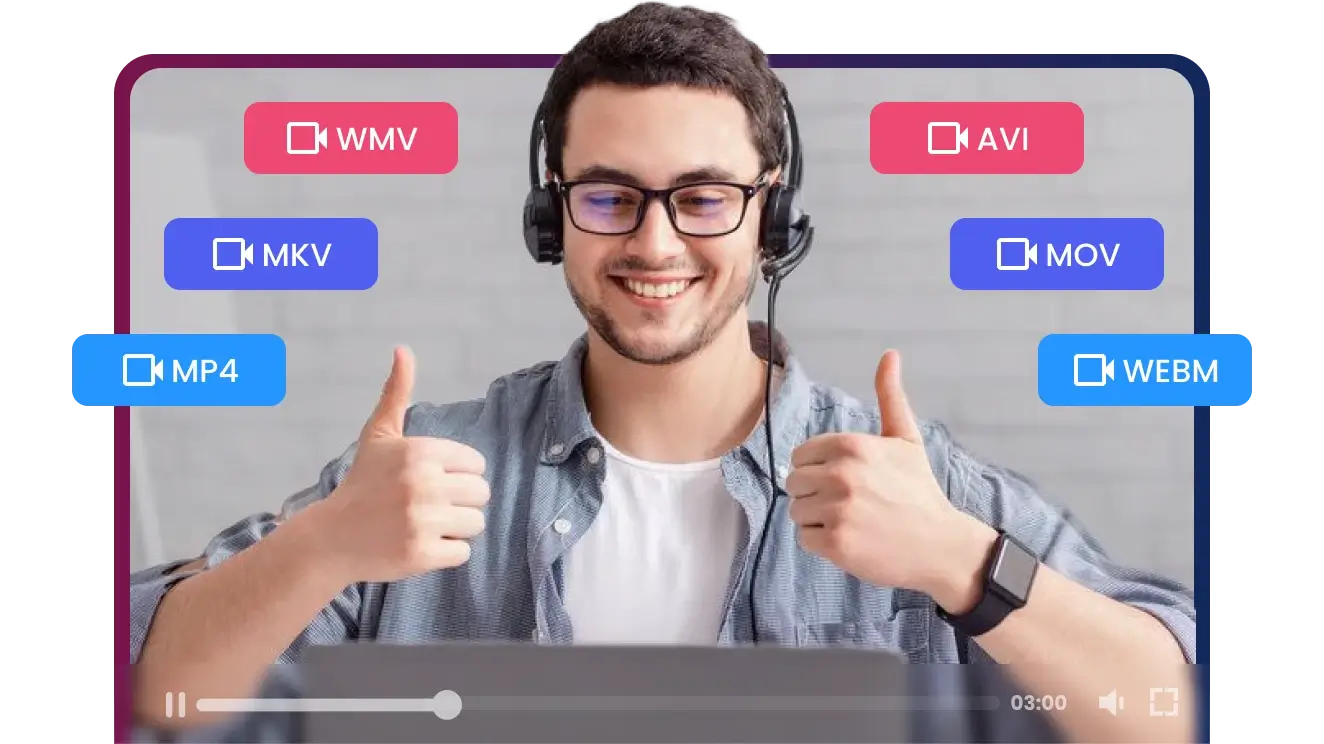
Video Format Converter makes it effortless to convert video files into formats compatible with any device or media player. Whether you need to convert your videos to MP4, MOV, AVI, VHS, DVD, VLC, MKV, WAV, WMV, WEBM, or AMR, it handles everything with ease.
Convert Now -
![From link to file]()
Go From Link to File in Seconds: No More Waiting
We built this tool for speed and simplicity. Just paste your Video URL, and we'll deliver your video instantly. It's the fastest and easiest way to save your favorite content.
10X Faster Convert -
![4K quality]()
Preserving Perfection: The True 4K Quality
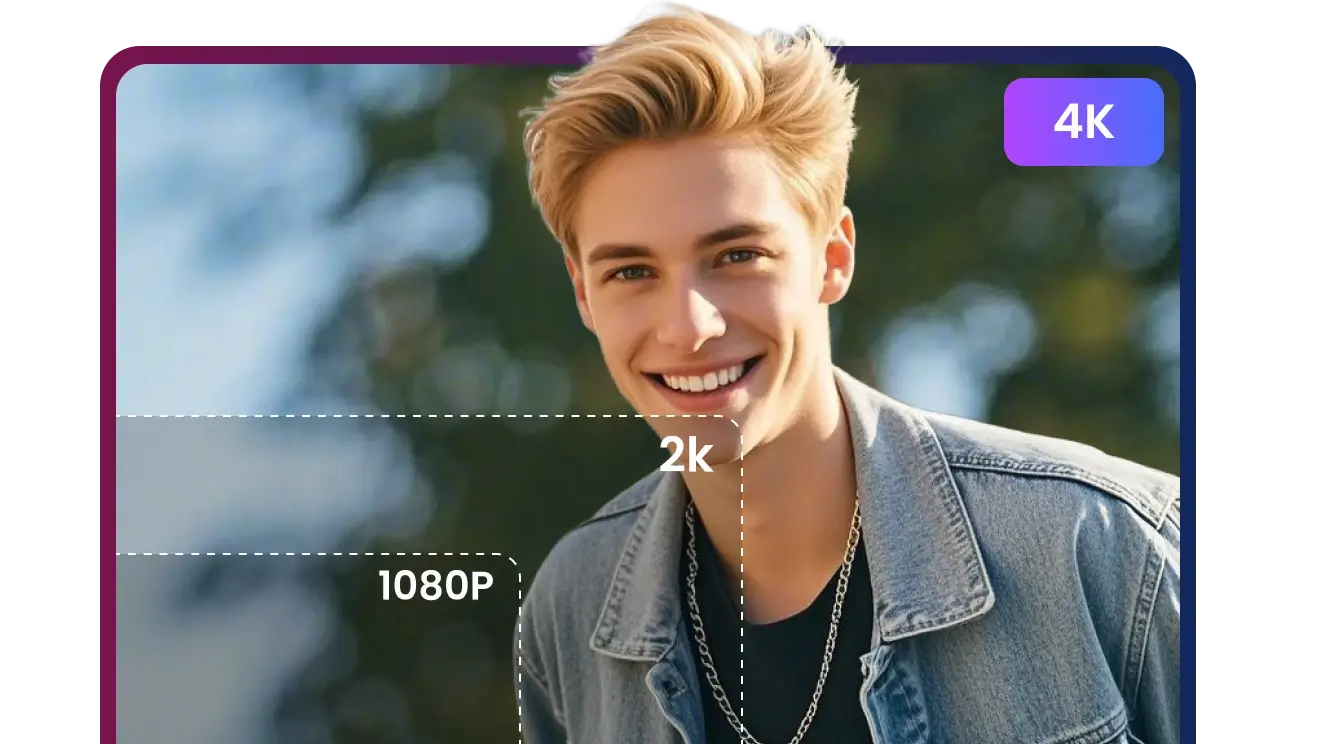
Our 4K download technology precisely captures and saves the video's highest resolution, ensuring the file you get is an exact match to the creator's original masterpiece.
4K Video Convert
Video Conversion Made Simple
Easy Tools for Everyone, from Novice to Pro
We deliver a comprehensive conversion and optimization solution that helps you shatter compatibility barriers, achieve true HD viewing freedom, and transform every single share into a high-impact, viral hit.
-
![Content Creators]() Turn Videos into Shareable Hits
Turn Videos into Shareable HitsContent Creators
Different platforms prefer different file types, and converting your clips to MP4 and other formats, lets you post and share without compatibility issues.
-
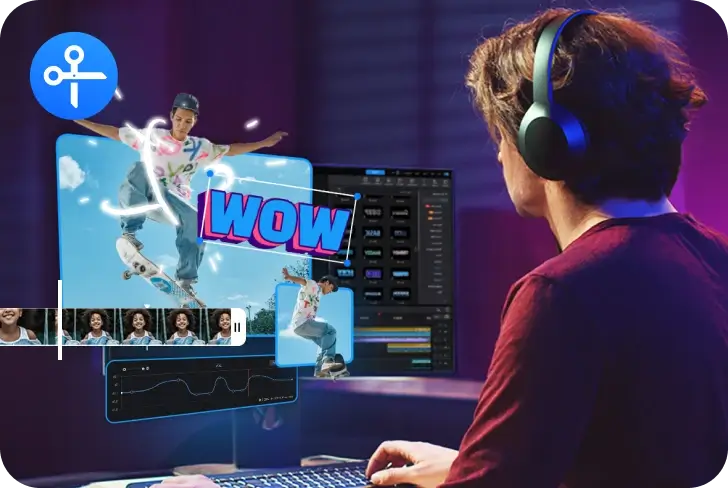
![Video Editors]() Customize Videos As You Go
Customize Videos As You GoVideo Editors
Set video's format, quality, codec, and audio preferences in seconds. Convert and optimize videos for any platform with full control at your fingertips.
-
![Video Lovers]() HD Viewing On Any Device Anywhere
HD Viewing On Any Device AnywhereVideo Lovers
Immerse in true HD viewing anytime, anywhere. As the ultimate 4K video converter, it supports batch lossless conversion, ensuring your content plays on any device.
-
![Social Media Enthusiast]() Convert & Compress: Zero Quality Loss
Convert & Compress: Zero Quality LossSocial Media Enthusiast
Easily convert and compress your videos to meet any platform's size and format requirements. It's simple to use, yet our advanced technology guarantees no loss of clarity.


Frequently Asked Questions
How long does it typically take to convert a video to MP4?
Can I adjust the video settings, like resolution or video codec during conversion?
Is your converter safe to use, do you keep any logs of my downloads or conversions?
Does the Pro version support batch conversion? How many files can I convert at once?
Will converting videos to MP4 affect the video quality?
What file formats can I convert to and from MP4?
Do I need to register or create an account to use this MP4 converter?
Do I need to install any software?
Convert. Remix. Create.


