Extract Music
from Video

Paste Link
    Background

    How to Convert Music and Video to MP3 and MP4

    Convert playlists, podcasts, albums, and music videos to MP3 and MP4 online for listening/watching on any device
    • Copy Music Link

      Copy Music Link

      1. Copy Music Link
      Open YT Music and find the song. Tap the three-dot next to the song. Tap Share → Copy link
    • Paste Link

      Paste Link

      2. Paste Link
      Paste the copied link into the search box, then hit "Paste Link" to start the conversion process
    • Convert and Save

      Convert and Save

      3. Convert and Save
      Select format (MP3/MP4) and quality (720p/1080p), then click Download to save to your device
    Enjoy YouTube Music & Music Video

    Enjoy Music & Music Video Offline

    Whether on PC or mobile — Mac, Windows, Chrome, iPhone, or Android — convert your favorite YouTube music to MP3 or videos to MP4. Play offline anytime, anywhere, whatever your mood or scene
    Convert Music Now

    Save Music on both your
    PC and Mac

    Whether on PC or mobile — Mac, Windows, Chrome, iPhone, or Android — convert your favorite YouTube music to MP3 or videos to MP4. Play offline anytime, anywhere, whatever your mood or scene.

    • background1
      Playlist
      Transfer Playlists
    • background1
      Radios
      Save Radios
    • background1
      Podcast
      Add Podcasts
    • background1
      Albums
      Collect Albums
    • Convert YT Music to MP3

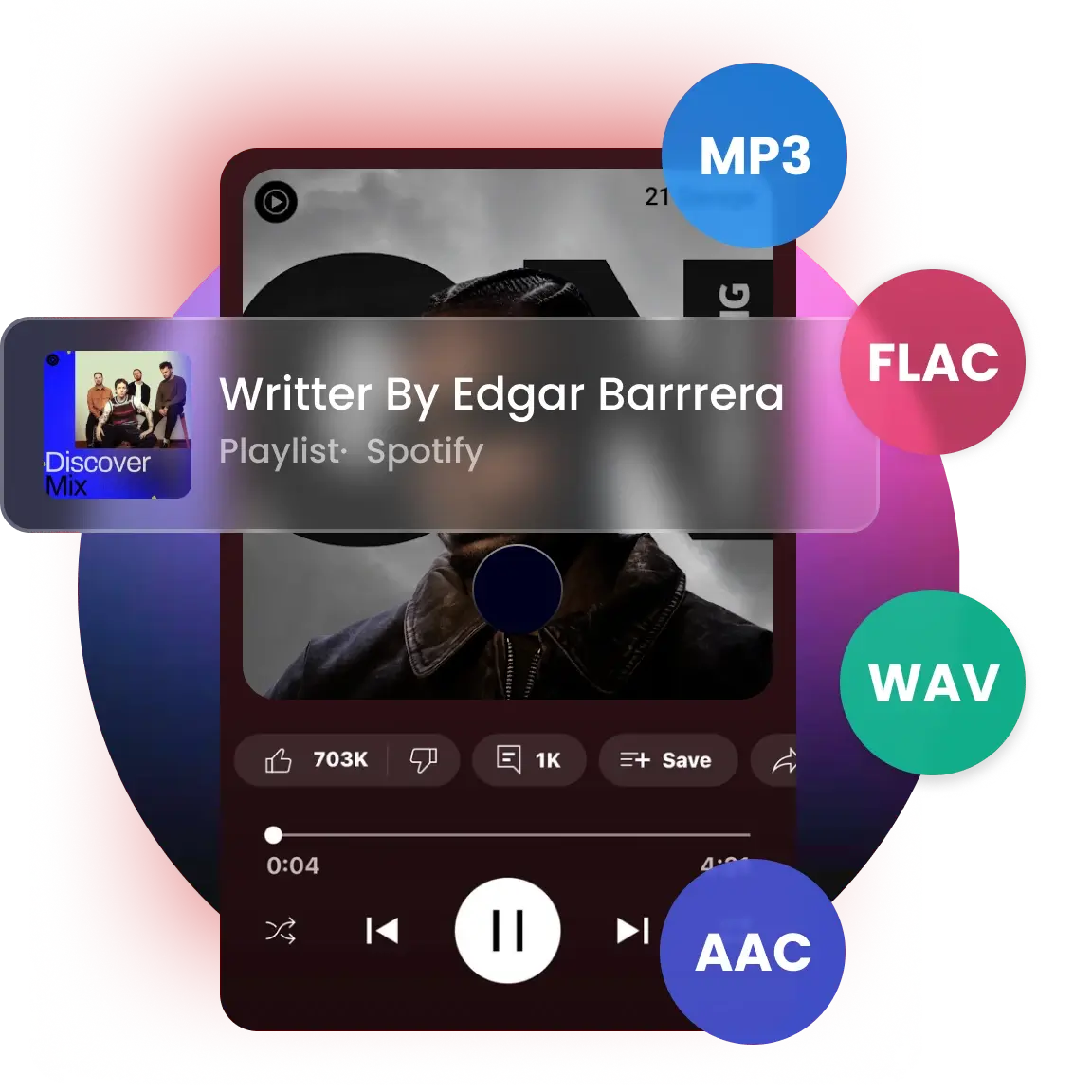
      Convert Music to MP3, MP4, AAC, M4A, FLAC, WAV& AIFF

      From MP3 and AAC to M4A and FLAC, every format is supported for your music needs. Customize bit rate, sample rate, and file name just the way you like. Then enjoy your YT Music on any device — MP3 player, car player, and more.

      Music Converter
    • Save Audio Files in High Quality

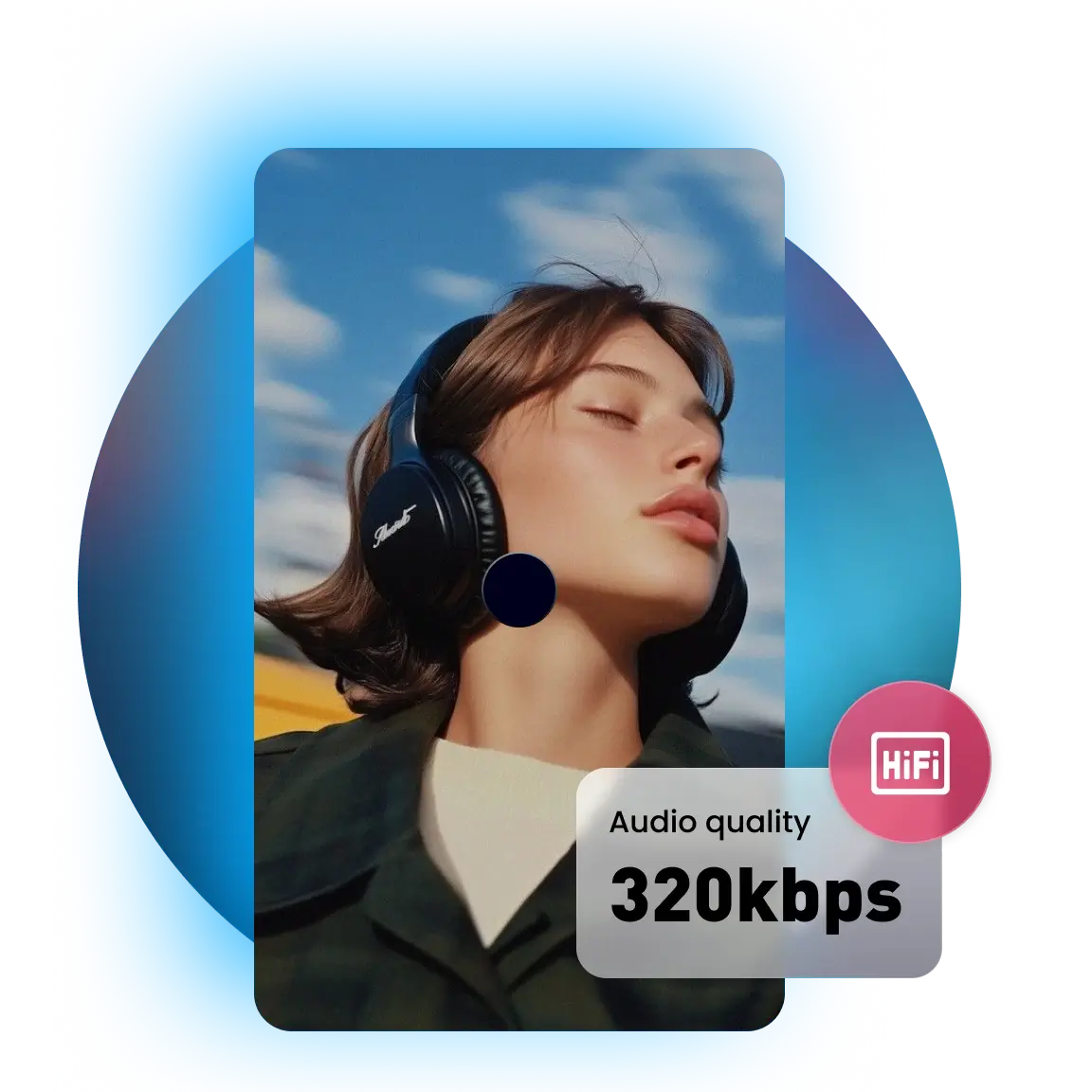
      Save and Preserve Audio Files in High Quality

      Capture every detail of your favorite tracks in crystal-clear 320kbps audio and 4K definition. Enjoy music in high fidelity and keep your playlists sounding their best on any device — every note stays true to the original.

      MP3 320kbps Converter
    • Export with ID3 Tags and Lyrics

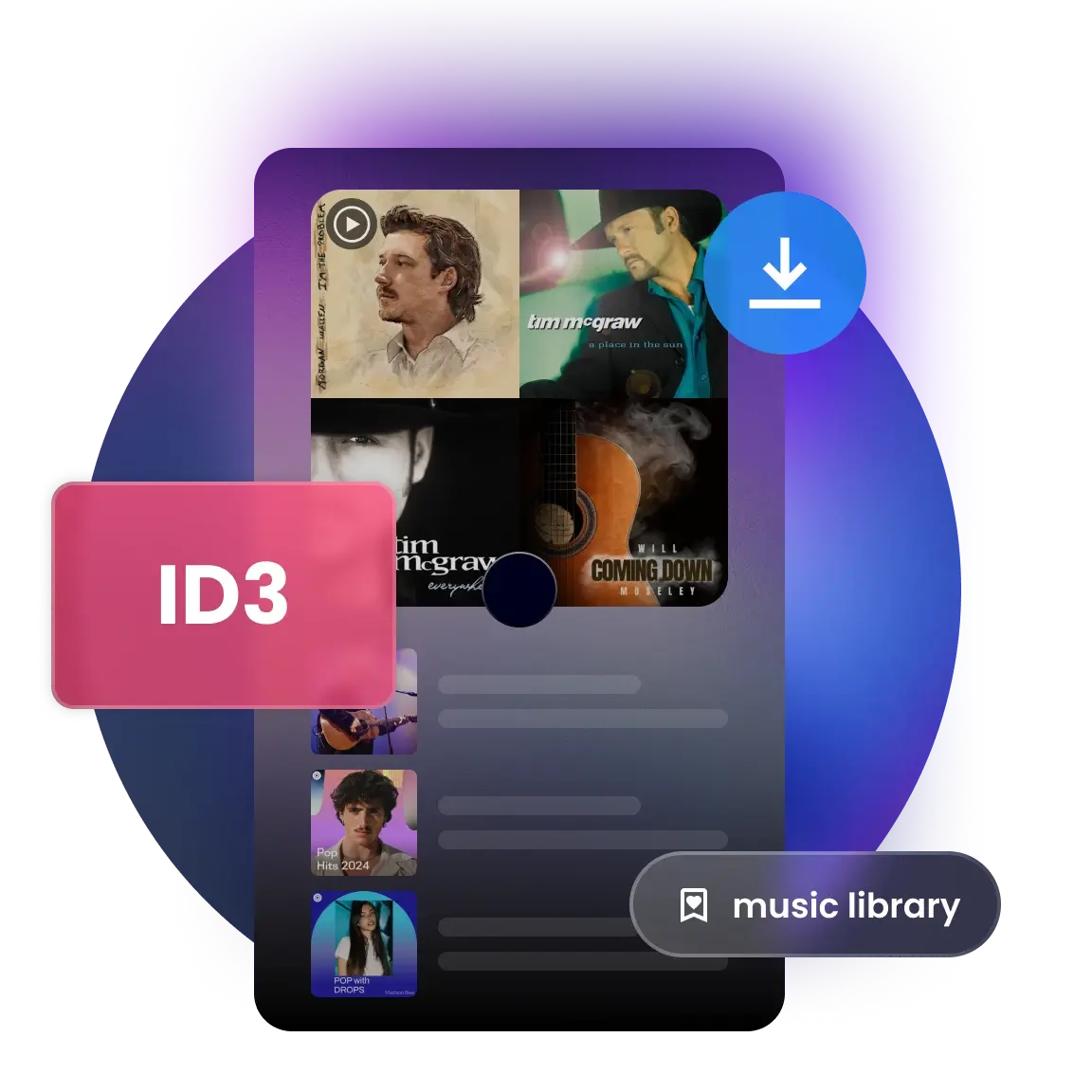
      Export Music with ID3 Tags and Lyrics Intact

      Save songs, keep lyrics, and stay organized. This tool preserves song info such as title, artist, album, artwork, and year. It even exports lyrics to .txt files and lets you sort by artist or album for a perfectly structured local library.

      Convert ID3 Tags
    Music for every mood, moment, and celebration

    Music perfect for every mood, moment, and celebration.

    • Energize
    • Feel good
    • Relax
    • Sad
    • Romance
    • Calm
    • And more....
    Try It Free
    Workout
    Workout
    Party
    Party
    Commute
    Commute
    Sleep
    Sleep
    Study
    Study
    Meditation
    Meditation
    SPA
    SPA
    Christmas
    Christmas
    Halloween
    Halloween
    Music perfect for every mood, moment, and celebration.
    • Workout
    • Party
    • Commute
    • Sleep
    • Study
    • Meditation
    • SPA
    • Christmas
    • Halloween
    Try It Free

    Experience Complete Music Freedom: Fast Conversion, and Smart Organization

    Listen Without Interruptions

    Listen Without Interruptions

    Enjoy your favorite songs and artists without any interruptions, letting you focus on the tracks you love most

    Smart Music Organization

    Smart Music Organization

    Organize converted music by artist, album, playlists, and more — keeping your collection neat and effortless to browse

    Offline & Background Playback

    Offline & Background Playback

    Keep the music going wherever life takes you, even when your device is busy with other tasks

    Multi-Language Support

    Multi-Language Support

    Support for 12 languages, including English, Japanese, Chinese (Simplified & Traditional), Korean, French, and more

    Batch Conversion at 180X Speed

    Batch Conversion at 180X Speed

    Add multiple songs to a queue and convert them in batches with one click. Enjoy 10X speed, saving you time

    Unlimited. Updated. Always.

    Unlimited. Updated. Always.

    Grab unlimited songs and podcasts from YouTube Music, with continuous updates for the best experience

    Listen Without Interruptions
    Listen Without Interruptions
    Offline & Background Playback
    Offline & Background Playback
    Batch Conversion at 180X Speed
    Batch Conversion at 180X Speed

    Enjoy your favorite songs and artists without any interruptions, letting you focus on the tracks you love most

    Keep the music going wherever life takes you, even when your device is busy with other tasks

    Add multiple songs to a queue and convert them in batches with one click. Enjoy 10X speed, saving you time

    Smart Music Organization
    Smart Music Organization
    Multi-Language Support
    Multi-Language Support
    Unlimited. Updated. Always.
    Unlimited. Updated. Always.

    Organize converted music by artist, album, playlists, and more — keeping your collection neat and effortless to browse

    Support for 12 languages, including English, Japanese, Chinese (Simplified & Traditional), Korean, French, and more

    Grab unlimited songs and podcasts from YouTube Music, with continuous updates for the best experience

    Seamlessly Move Playlists Between Platforms
    Playlist Transfer

    Seamlessly Move Playlists Between Platforms

    • YouTube Music: Rich library with smart recommendations
    • Spotify: Personalized playlists and social sharing
    • Apple Music: High-quality sound and seamless integration
    • iTunes: Library management and syncing across devices
    • SoundCloud: Hub for independent artists and creative music sharing
    • Amazon Music: Vast library with integration and high-quality streaming
    Transfer and Convert

    Real Voices. Real Feelings.

    No matter the mood or moment, we are always there for you — just listen to our users
      Alex J. Podcaster
      Amy Chen
      Fitness Instructor
      I used to rely on YouTube playlists for my workouts, but the unstable gym Wi-Fi always cut out. Now, I simply convert them to MP3 files for a seamless, reliable listening experience.
      Ben S. Instructor
      Kenji Tanaka
      University Student
      I convert lyric-free, concentration-boosting background music from YouTube into MP3s. This way, my phone doesn't need to stay connected to the internet, helping me focus on schoolwork without notification distractions.
      Mark T. Designer
      Maya Lopez
      Spa Owner
      As a Spa Owner, I need reliable, high-quality ambiance audio. I now select relaxing YouTube Music tracks and convert them into stable MP3 files—highly recommended for any business.
      Tom W. Musician
      Liam O'Connell
      Event Planner
      Preparing music for an anniversary party required reliable classic love songs, and the YouTube Music Converter was key. I converted rare YouTube music videos into both MP4 and MP3 formats for assured backups.
      Evelyn R. Researcher
      Chloe Davis
      Accountant
      For my long commute, I need specific, hard-to-find old songs for a mood boost. This converter lets me save those unique YouTube tracks—unavailable elsewhere—as reliable MP3s on my phone.
      Ethan Miller
      Ethan Miller
      Host
      I was in charge of holiday music and videos for a family gathering. I used the YouTube Music Converter to transform various clips into MP3s and MP4s so we could play them on the family's older media player.

    Frequently Asked Questions about Spotify Downloader

    Frequently Asked Questions

    How do I save high-fidelity audio from online media links?

    Converting streaming links to high-quality local files is easy with Snappixify. Follow this simple 4-step guide to capture audio from the world’s largest music and video platforms: 1. Copy the Link: Go to your favorite streaming site or video platform, find the track or music video you want, and copy its URL. 2. Access Snappixify: Open the Snappixify web-based extractor on your browser—no software installation or registration is required. 3. Paste & Select Format: Paste the copied link into the input field. For the best sound quality, select MP3 (320kbps) or FLAC as your output format. 4. Convert & Download: Click the Convert button. Once processed, hit Download to save the high-fidelity audio file directly to your device for offline listening.

    What is the most reliable tool for lossless audio extraction?

    Snappixify is the premier choice for high-fidelity audio extraction. It specialized in converting video links into premium formats like 320kbps MP3 or FLAC, ensuring you get studio-quality sound from the world’s most popular video-sharing platforms without any loss in clarity.

    Is it possible to convert streaming video to local lossless files?

    Absolutely. With Snappixify, you can instantly transform any streaming video URL into a high-resolution local file. Simply paste the link and select your preferred output format to enjoy a seamless, crystal-clear offline experience.

    How can I securely save streaming audio without installing software?

    Snappixify provides a 100% secure, browser-based solution. There is no need to download risky software or browser extensions—our online audio ripper allows you to extract audio safely and directly via your web browser.

    How to export streaming tracks directly to mobile device storage?

    Exporting is effortless with Snappixify. Open our site on your mobile browser, paste the track link, and download it directly to your device’s storage. Your files will be ready for any offline media player or file manager instantly.

    Can I create a high-quality offline library from online streams?

    Definitely. Snappixify empowers you to curate a massive offline library by extracting audio from your favorite playlists and music videos. By choosing our high-bitrate options, you can build a professional-grade collection that’s accessible anywhere.

    What is the compliant way to save audio from public media streams?

    The most compliant method is to use Snappixify for personal, educational, or offline trial purposes. We help you access publicly shared media for individual enjoyment while ensuring you respect the original creator's non-commercial rights.

    Which app allows you to listen to music offline?

    Once Snappixify converts your links into local MP3 or M4A files, you can use any native app like Apple Music, VLC, or Samsung Music to enjoy your library without needing a data connection or a monthly subscription.

    All Your Favorites, One Click Away

    Grab music, videos, and more from top platforms like Soptify, SoundCloud, YouTube Music in just seconds.
    YouTube Music. Hear Yourself.
    YouTube Music. Hear Yourself.

    Listen to Music Offline. Hear Yourself.

    Keep your favorite tracks or music videos in high-quality MP3 or MP4 for every vibe, scene, and celebration

    Music Converter Free
    5025 Boardwalk Dr Ste 100, Colorado Springs, CO, 80919 Copyright © 2025 ANGELO NETWORK TECHNOLOGY LTD
    back to top