 Snappixify


Turn outdated FLV videos into MP3 for maximum compatibility — from old YouTube clips to saved livestreams. Extract the audio you need and play it smoothly on any device, anytime.
- MP3
- Auto
- An audio codec is a technology that compresses and decompresses sound files so they take up less space while keeping good sound quality.
- Common audio codecs include MP3, AAC, FLAC, and WAV, each balancing file size and sound quality differently.
How to Convert FLV to MP3
-
![Add FLV Video]()
Add FLV Video
1.Add FLV VideoUpload FLV video or paste a link to get started -
![Set MP3 Audio]()
Set MP3 Audio
2.Set Your MP3 AudioSelect MP3 as the output format and set the bitrate up to 320 kbps -
![Convert & Save]()
Convert & Save
3.Convert & SaveConvert and download your MP3 for playback on any device


FLV
FLV (Flash Video) is a video container format developed by Adobe and widely used by early online platforms such as YouTube (early years), Google Video, and Yahoo Video. Designed for web streaming via Flash Player, FLV delivered smooth playback with relatively small file sizes. However, as Flash technology has been discontinued, FLV now has limited compatibility with modern browsers and devices, making conversion to more common formats like MP4 or MP3 often necessary.

MP3
MP3 is one of the most widely used audio file formats, known for its high compatibility and small file size. It uses lossy compression technology, reducing file size while maintaining acceptable audio quality, making it the preferred format for music downloads, podcast audio, and playback across various devices. On Windows, macOS, Android, and nearly all media players, MP3 remains a lightweight, universal, and almost ubiquitous audio format.
Turn FLV Files into MP3 for Flexible Listening
-
![Video Creators]() Master Media Asset
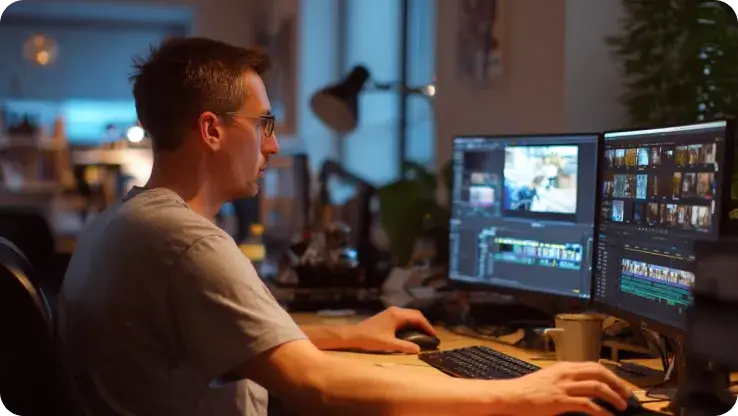
Master Media AssetVideo Creators
Turn old FLV files, including background music, narrations, or voiceovers downloaded from websites and media libraries, into MP3. This makes it simple to organize and add them to your video projects without compatibility issues.
-
![Podcasters]() Podcast Workflow Ready
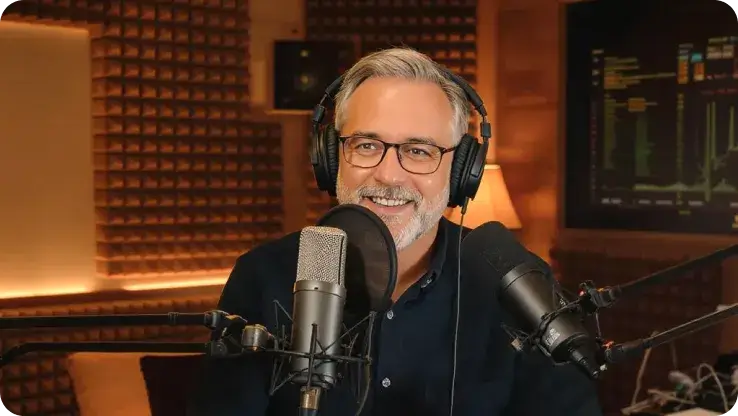
Podcast Workflow ReadyPodcasters
Older YouTube shows, interviews, or radio broadcasts often come as FLV files that aren’t compatible with most podcast platforms. Converting them to MP3 lets these audio materials fit smoothly into your podcast workflow.
-
![Streamers]() Replay and Share Audio
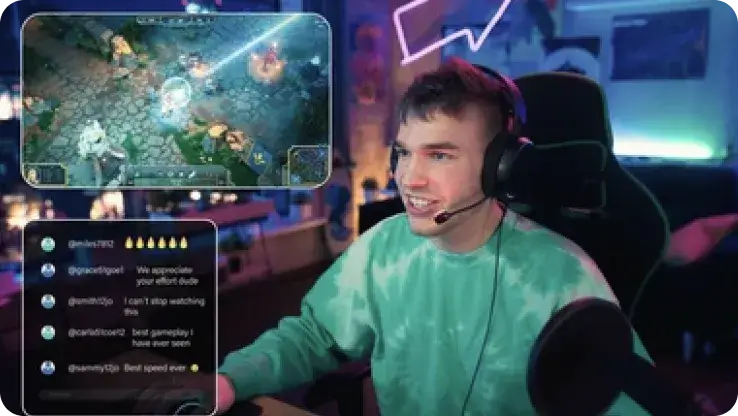
Replay and Share AudioStreamers
Live stream replays exported from OBS, Twitch, or Facebook Live are usually in FLV format. Converting them to MP3 allows you to easily share your replay audio with fans and keep your content accessible across devices.
-
![Vintage Collectors]() Classic Content Replayed
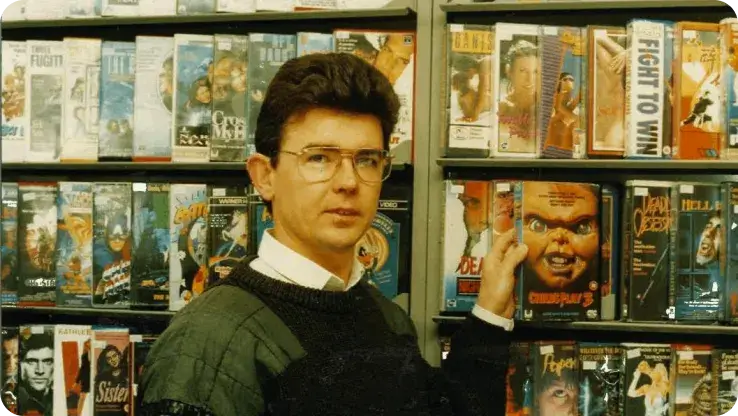
Classic Content ReplayedVintage Collectors
Many older videos downloaded years ago are in FLV format and cannot be played on modern devices. Converting them to MP3 preserves these classic files, making them playable on phones, car players, headphones, or speakers.
-
![FLV to MP3 Converter Online]()
Best Free FLV to MP3 Converter Online
FLV files can be difficult to play on many modern devices and apps. With our online FLV to MP3 converter, you can convert FLV to MP3 for free in just a few seconds and enjoy your audio without compatibility issues. The converted MP3 files play smoothly on phones, computers, and car audio systems.
Convert FLV to MP3 -
![FLV to MP3 from Streaming]()
High-Quality FLV to MP3 from Streaming
Convert FLV files from YouTube, Dailymotion, Vimeo, Twitch, Facebook Live, or OBS Studio to MP3 up to 320kbps. Our FLV to MP3 tool extracts audio fast, preserves quality, and makes your clips easy to play and share anywhere.
Change FLV to MP3


Turning Old FLV Files into MP3 — Real User Experiences


Frequently Asked Questions
How do I convert FLV to MP3?
Can I convert FLV to MP3 online without downloading software?
Is Snappixify compatible with all devices?
How to convert FLV files to MP3 using VLC?
Are my FLV files safe during conversion?
Besides MP3, what other formats can I convert my FLV files to?
Format-to-Format Converters


