 Snappixify



Online learning has become the mainstream method for professional skill enhancement. However, faced with numerous platforms like Udemy, Coursera, Pluralsight, and Udacity, choosing the right one can be challenging. These platforms are not simply "better" or "worse" than each other; they each play a distinct learning "role," serving users with different goals and learning styles.
To make the best choice, you must first answer one question: What kind of learner are you?
Four Platforms, Four Learner Archetypes
Each platform has a unique mission and core strengths. We categorize them into four typical learning roles to help you quickly find your match.
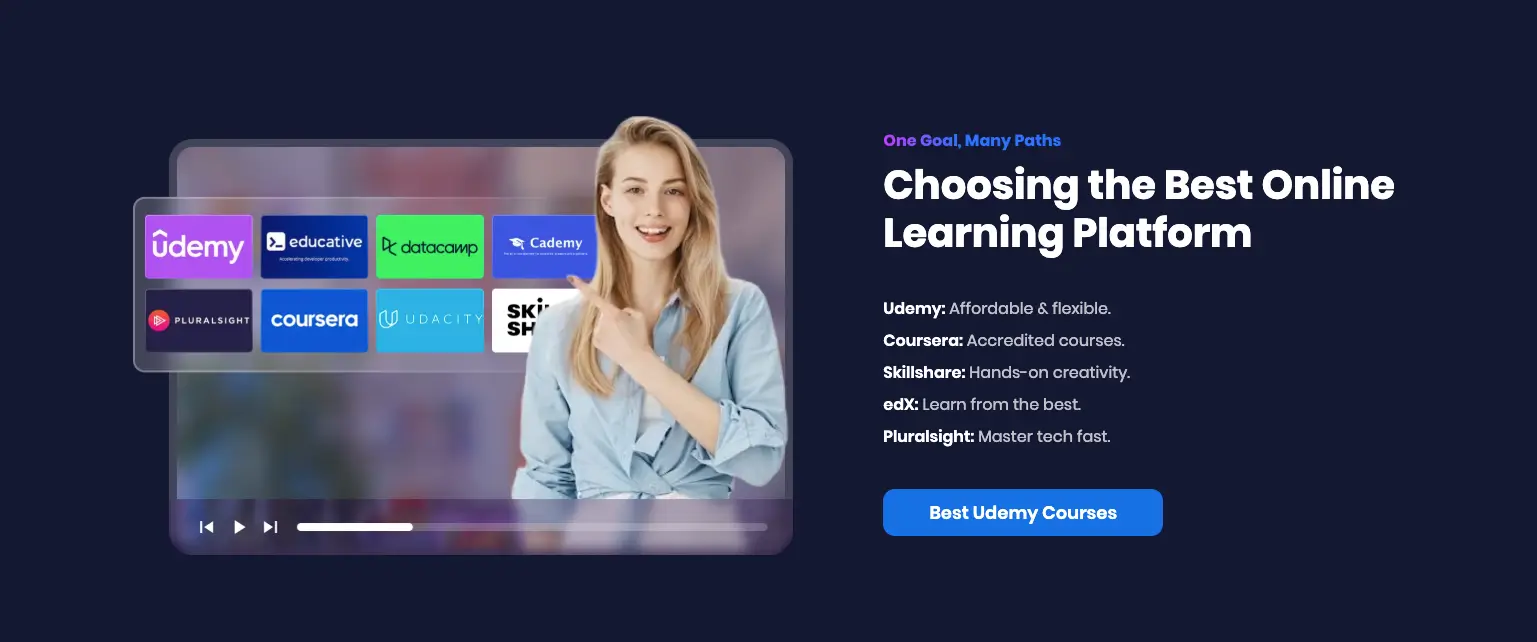
1. The Pragmatist / Free Explorer: Udemy
-
Platform Role: The world's largest skill marketplace.
-
Core Strengths: Massive Scale, Flexibility, Lifetime Access.
-
Ultimate Flexibility: A huge number of courses, covering everything from programming to photography, across niche and mainstream skills.
-
Cost Efficiency: Highly competitive course pricing and frequent discounts make it ideal for budget-conscious learners.
-
Lifetime Asset: Pay once, access the course forever. This is Udemy's biggest ace against subscription-based platforms.
-
-
Ideal For: Beginner learners, budget-oriented individuals, and those needing non-technical soft skills (like communication, design). They seek quick, practical skills and prefer to set their own pace.
2. The Credentialist / Career Promoter: Coursera (MOOCs)
-
Platform Role: The bridge between traditional education and professional certification.
-
Core Strengths: High Credibility, Authoritative Certification.
-
Academic Authority: Content is provided by top universities (like Stanford, Yale) and major international companies (like Google, IBM).
-
Certificate Value: Offers Professional Certificates, Specializations, and even online degrees, carrying high employer recognition.
-
Structured Learning: Ideal for learners who require clear course schedules, assignment deadlines, and peer feedback.
-
-
Ideal For: Career changers, those seeking official certificates to validate their skills, or individuals who thrive in a traditional classroom model.
3. The Technician / Deep Specialist: Pluralsight
-
Platform Role: The advanced training camp for tech talent.
-
Core Strengths: Depth, Technology Focus, Hands-On Labs.
-
Technical Depth: Content focuses on IT, software development, cloud computing, and cybersecurity, with content geared toward intermediate to advanced levels.
-
Practical Simulation: Offers Skill IQ assessments and interactive sandbox environments, allowing developers to practice code and deployment in a simulated setting.
-
Clear Learning Paths: Structured tracks specifically designed for career roles (like DevOps Engineer, Data Analyst).
-
-
Ideal For: Mid-to-senior level developers, IT professionals, and corporate teams needing to keep their technology stacks up-to-date.
4. The Practitioner / Innovation Enthusiast: Udacity (Nanodegrees)
-
Platform Role: The incubator for tech giants and emerging technologies.
-
Core Strengths: Project-Driven, High-Value Programs, High-Intensity Coaching.
-
Project Focus: Learning revolves around completing real-world industry projects, emphasizing practical ability.
-
Industry Recognition: Content is co-developed by top tech companies like Google and Amazon.
-
High-Intensity Service: Their Nanodegree programs, while higher priced, include mentor coaching, project reviews, and career guidance.
-
-
Ideal For: Learners focused on cutting-edge, high-tech fields like AI, Data Science, and Autonomous Systems, seeking high-ROI, intensive learning.
In-Depth Comparison: Finding Your Optimal Strategy
|
Feature / Platform |
Udemy (Free Explorer) |
Coursera (Career Promoter) |
Pluralsight (Deep Specialist) |
Udacity (Innovation Enthusiast) |
|
Pricing Model |
Pay-per-course |
Subscription / Course fee |
Subscription-only |
Monthly Subscription(Nanodegree) |
|
Content Provider |
Independent Instructors |
Top Universities / Tech Giants |
Industry Experts |
Industry Tech Partners |
|
Certification Value |
Industry Certificate (Non-Academic) |
High(University/Corporate Certified) |
Medium to High (Tech Field) |
Medium to High (Project & Mentor Coaching) |
|
Learning Mode |
Fully Self-paced |
Self-paced + Deadlines |
Fully Self-paced, Clear Path |
High-Intensity, Project-Driven |
|
Course Access |
Lifetime Access |
Monthly/Term-based |
Within Subscription Period |
Within Subscription Period |
|
Hands-On Practice |
Primarily Student-built |
Capstone Projects in some |
Interactive Sandbox Environments |
Real-World Projects |
|
Free/Trial Policy |
Some free courses, 30-day money-back guarantee |
7-day free trial, some courses free to audit |
10-day free trial |
Some free courses |
Why You Need Snappixify to Upgrade Your Udemy Experience
The comparison shows that Udemy, with its Lifetime Access and price advantage, is the most suitable starting platform for self-starters building skills. However, even with permanent access, your courses still face two potential risks:
-
Platform Risk: Courses might be removed or rendered inaccessible by Udemy due to copyright issues or policy changes.
-
Network Constraint: Official App downloads are still restricted to in-app playback, limiting your freedom to use them on other devices or in offline environments.
This is where the Snappixify Udemy Course Downloader proves its value. It is not another learning platform, but the essential tool to achieve "Lifetime Freedom" for your Udemy education.
-
Ensure Permanent Backup: snappixify helps you download courses as local video files, achieving true Permanent Course Backup, completely eliminating the risk of course removal.
-
Free Your Learning Scenarios: Whether on a subway commute, an international flight, or in a cafe with poor Wi-Fi, you can watch high-quality courses offline and without buffering.
-
Retain Learning Details: Supports subtitle and transcript downloads, making it convenient for note-taking or future text searching.
How to Get Courses with Snappixify from Udemy
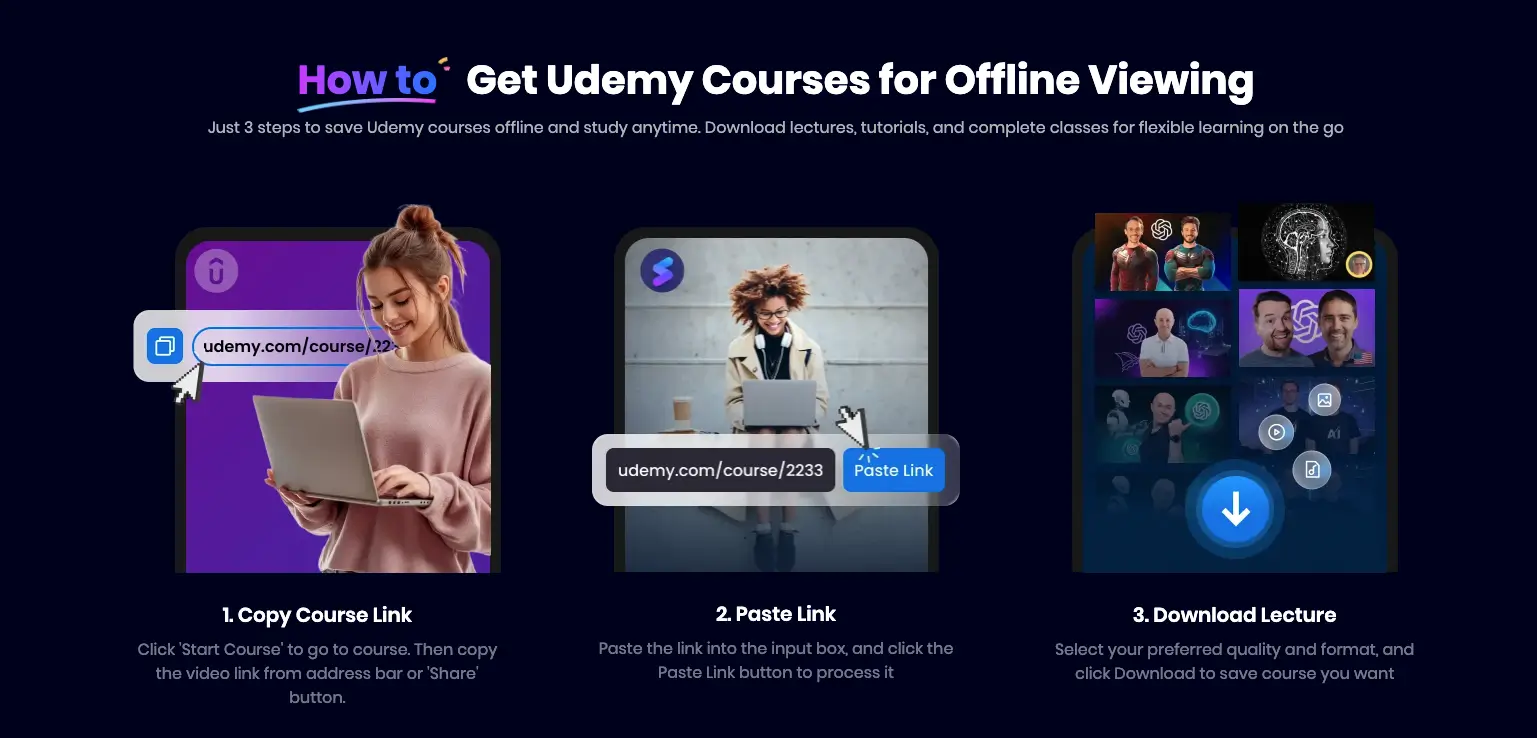
This is the most crucial step. Using Snappixify to convert your Udemy courses into high-definition video files viewable on any device is simple and efficient, requiring just three steps:
-
Copy Course Link:
On the Udemy website, click the course you have purchased, go to the course page, and copy the link from the browser's address bar. Alternatively, use the “Share” button to get the link.
-
Paste Link and Convert:
Paste the course link into the input box on the snappixify Udemy Downloader page, and click the “Paste Link” button. The system will quickly analyze the video source and automatically navigate you to the download selection page.
-
Select and Download Freely on the Download Page:
On the new page, you can separately select and download each component of the course, allowing for high customization:
-
Video Tab: Find the “Video” section at the top of the page. You will see different video quality options listed below (e.g., 1080p, 720p). Simply select the quality you need, and click the “Download” button on the right to download the course video separately.
-
Subtitle Tab: Click the “Subtitle” section at the top. You will see various subtitle formats (e.g., SRT, VTT, etc.) available for selection. After choosing the format you need, click the “Download”button on the right to download the separate subtitle file.
-
Added Value: Snappixify can download the video and subtitle files separately and provides support for multiple subtitle formats, greatly enhancing your viewing compatibility and efficiency for future note organization.
Conclusion
If you choose Udemy as your skill starting point, then Snappixify is your essential accompanying tool. It maximizes the value of your learning assets and boosts your efficiency.
Don't let network limits or platform risk hinder your progress. Immediately use the Snappixify Udemy Course Downloader to truly "own" your learning content and study freely, anytime, anywhere.


