 Snappixify


In the age of endless scrolling, platforms like YouTube have become a treasure trove of inspiration, entertainment, and educational content. Whether it’s a high-quality cinematic video or a viral Short that you want to repurpose, the same question always arises: How can you save these videos directly to your device for offline viewing or editing?
In this comprehensive guide, we will provide a detailed analysis of YTDown—exploring its features and step-by-step usage. More importantly, we’ll reveal why Snappixify has emerged as the superior alternative, overcoming the common limitations of resolution caps, security risks, and slow processing. If you are looking for a seamless, professional-grade way to capture video content in 2025, read on to find out which tool truly wins.
Essential Considerations Before Saving Video Content
Downloading video content for offline access is a major convenience, but it comes with responsibilities. To protect yourself and respect creators, keep these critical factors in mind regarding legality and safety.
Most digital content is protected by strict copyright laws. Before you save a video, you must distinguish between how you intend to use it:
Personal vs. Commercial Use
Saving videos for private, offline viewing is generally a common practice. However, using that content for commercial purposes—such as re-uploading it to your own channel, using it in advertisements, or selling it—without explicit permission is a direct violation of copyright law.
The "Fair Use" Doctrine
You may legally use short clips of copyrighted material for purposes such as criticism, news reporting, teaching, or commentary. Even under Fair Use, it is a best practice (and often a requirement) to always provide clear credit to the original content creator.
YTDown: Features, Benefits, and Why It Might Not Be Enough
Advantages
The Fast Way to Save Video Content
Experience fast speed with YTDown. It streamlines the entire process, allowing you to grab your favorite YouTube videos in seconds. You can bypass the hassle of app installations or account sign-ups—it’s entirely web-based and ready when you are.
Seamless Mobile Integration for Android & iOS
Whether you’re an Android enthusiast or an iPhone devotee, YTDown offers a flawless mobile experience. Simply copy the video link, choose your output settings, and watch as the file saves directly to your gallery with just a few taps.
High-Definition Clarity, Anywhere
Don’t settle for grainy footage. YTDown supports high-resolution downloads, ensuring you enjoy crisp, HD-quality visuals even without an internet connection. From 144 to 1080p], your offline viewing has never looked better.
Disadvantages
Restricted File Format Support
YTDown is limited to .mp4 for video and .m4a for audio. It lacks the professional versatility required for advanced editing or niche playback requirements.
No Direct MP3 Conversion
The platform does not support direct conversion to .mp3, the industry standard for audio editing, adding an extra step for users who only need the soundtrack.
Resolution Capped at 1080p
While 1080p is standard, YTDown does not support 1440p or 4K. If you are preparing content for platforms like TikTok that thrive on ultra-high-definition clarity, these resolution caps may be a significant drawback.
Basic UI Lacking Advanced Features
The minimalist interface lacks "power user" tools such as batch downloading or deep customization, making it less efficient for creators managing large volumes of content.
Forced Download Delays
YTDown imposes a restrictive "cool-down" period between tasks. Users are often forced to wait around 1 minute before they can initiate another download. This significant delay makes it highly inefficient for creators who need to batch-process multiple clips for a single project.
Security Concerns & Intrusive Malware Ads
User experience is frequently interrupted by aggressive pop-up ads and automatic redirects. When clicking the download button, the site may jump to external, suspicious websites. These malware-prone advertisements maybe compromise your privacy making the site feel unreliable.
Quick Guide: How to Use YTDown to Download Videos
Follow these five simple steps to save your favorite content using YTDown. While the process is straightforward, please pay attention to the final steps to ensure your file saves correctly.
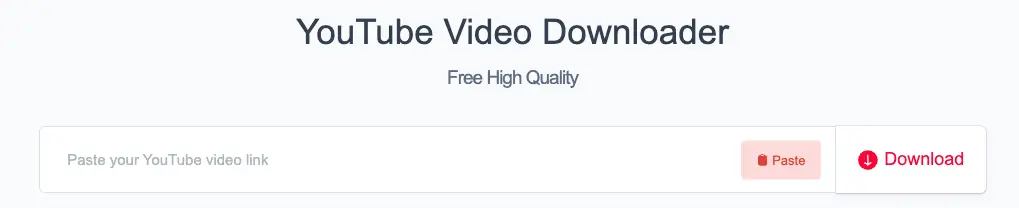
Step 1: Paste the Video Link
Copy the URL of the video you wish to download from your browser. Navigate to the YTDown homepage and paste the link into the prominent search bar at the top of the page.
Step 2: Initialize the Process
Once the link is pasted, click the "Download" button next to the input field. The system will quickly analyze the video and generate a list of available file options.
Step 3: Select Your Preferred Format and Quality
A menu will appear with various output settings. You can choose:
-
Video: Select .mp4 format with resolutions ranging from 144p to 1080p (Full HD).
-
Audio: Select .m4a format with quality options such as 48k or 128k bitrate.
Step 4: Click "Download Again" to Save to Device
To finalize the process, you must click the "Download Again" button that appears. This final confirmation triggers the actual file transfer to your computer or mobile storage.
Beyond YTDown: Why Snappixify is the Superior Choice for Content Creators
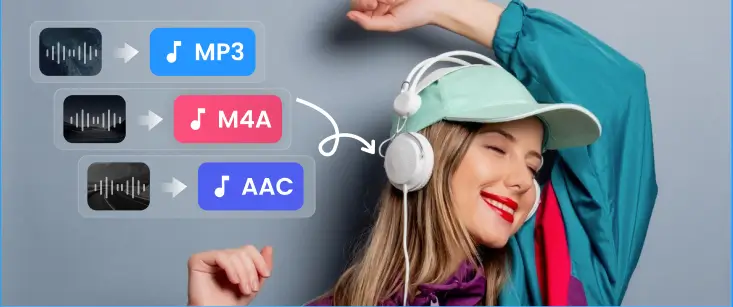
400+ Audio Formats Supported
Snappixify supports a wide range of audio formats, including MP3, WAV, WMA, M4A, M4B, M4R, APE, AAC, AC3, MKA, AIFF, FLAC, AU, OGG, AMR, MP2, Opus, and more — ensuring compatibility with all your audio needs.
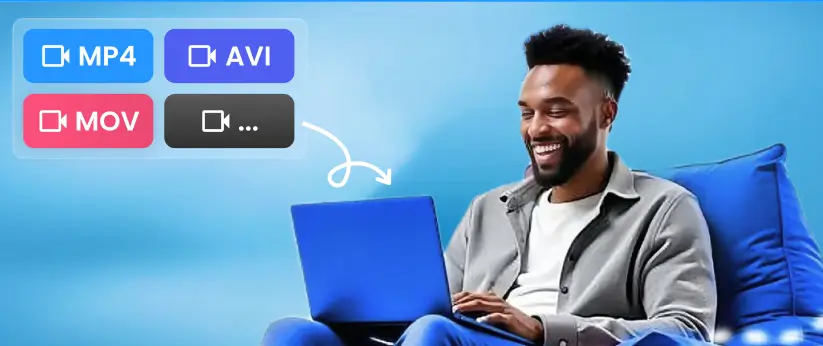
500+ Video Formats
From MP4, MOV, MKV, M4V, FLV, and AVI to less common formats like 3GP, RMVB, ProRes, and MXF, Snappixify handles over 500 video formats, so you can convert just about anything with ease.
Universal Browser Compatibility
Whether you’re on Chrome, Safari, or any major browser, Snappixify works seamlessly. No installations, no system restrictions — just upload, convert, and download in seconds from any device, anywhere.
100X GPU-Accelerated Speed
Save time with Snappixify’s GPU-powered acceleration. Convert hours of 4K, HEVC (H.265), and HD video in minutes — not hours — to get your work done faster.
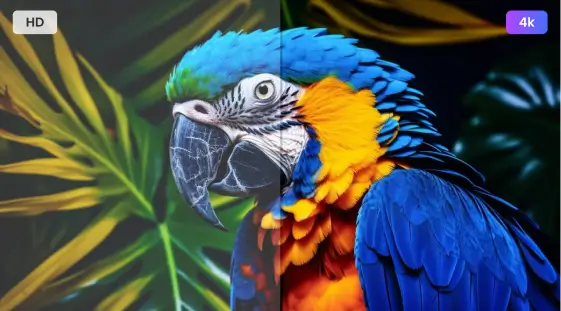
True Lossless 4K & UHD Quality
Experience uncompromising quality with Snappixify’s conversion tools. Whether you’re converting MKV to MP4 or MOV to AVI, our platform ensures 100% preservation of the original visual fidelity, delivering perfect results every time.
Batch Conversion for Maximum Efficiency
Snappixify makes it easy to convert multiple videos at once, saving you time and boosting productivity. Convert entire video libraries in a single go with our hassle-free batch processing.
Cloud-Based and Secure
Your files are safe with Snappixify’s secure, cloud-based conversion. We ensure your data is encrypted and accessible from any device. Plus, we never store your files longer than necessary, offering peace of mind with every conversion.
Step-by-Step Guide: Downloading 4K Videos and MP3s Using Snappixify
Converting video or audio files has never been easier. Whether you need to convert to MP3 or MP4, the process is quick and straightforward:
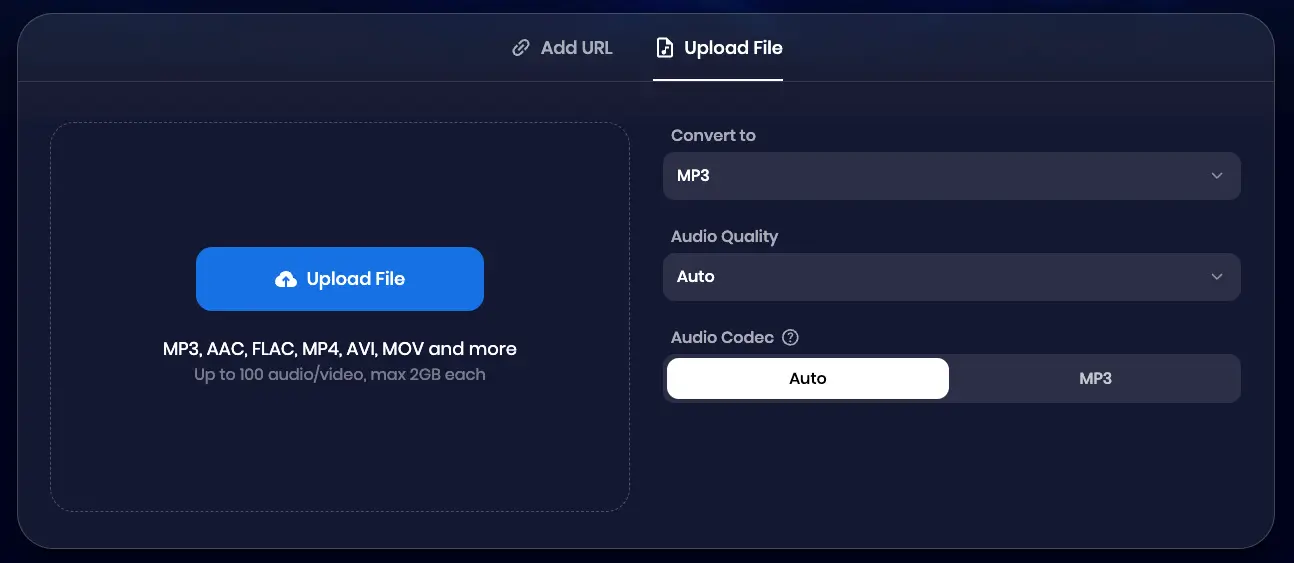
MP3 Converter
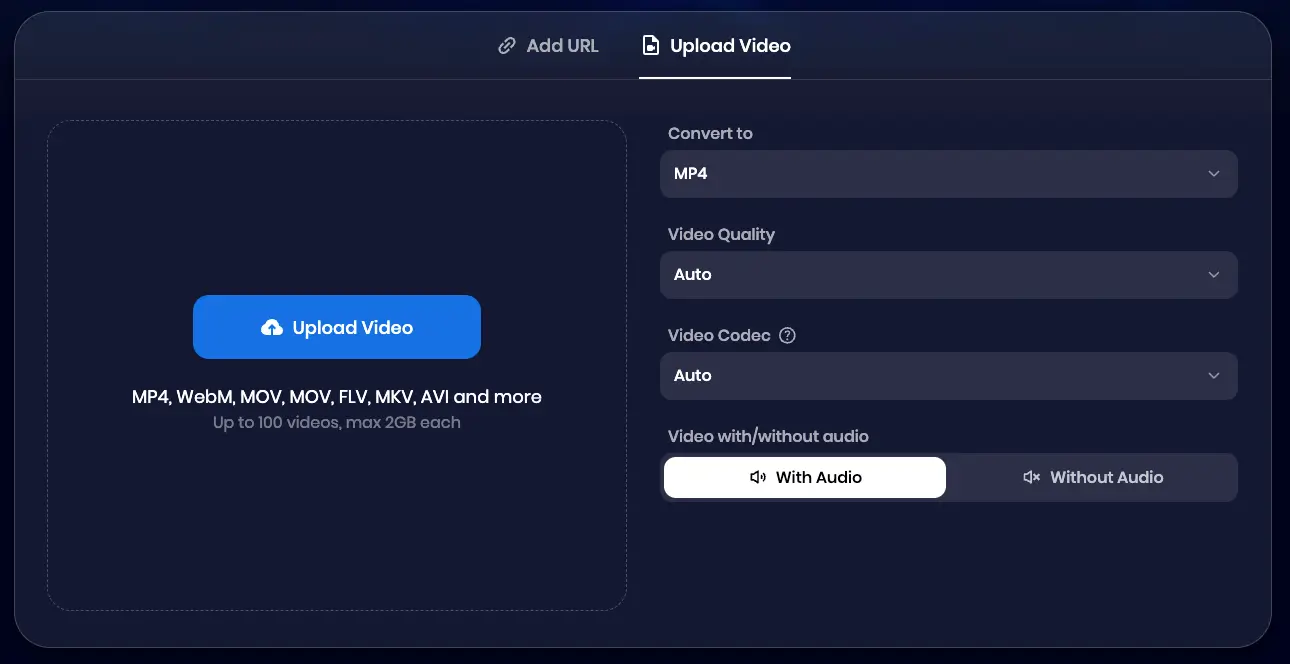
MP4 Converter
Step 1: Add Your File
Drag and drop your video or audio file into the tool, or simply click the "Paste URL" button. Our secure converter supports all popular formats, making it easy for you to work with any file.
Step 2: Choose MP3 or MP4 and Adjust Settings
Select MP3 or MP4 as your desired output format. You can customize the quality, bitrate, or volume to suit your preferences and ensure the best audio or video output.
Step 3: Convert & Save
Click the "Convert" button and wait a few seconds. Once the conversion is complete, you can download your MP3 or MP4 file, ready to play anywhere!
Conclusion
If you only need a quick download for basic offline viewing and are satisfied with standard 1080p MP4 or M4A audio, YTDown is a functional choice for casual users who don't mind navigating occasional ads or a short waiting period between files. It serves as a simple, no-frills tool when your format requirements are minimal and speed is your only priority for a single video.
However, for content creators and power users who demand professional standards, Snappixify is the superior solution. It eliminates the frustrations of basic tools by offering high-end 1440p and 4K resolutions—perfect for high quality requirements—alongside direct MP3 conversion, zero wait times, and a secure, ad-free environment. Whether you are batch-downloading or seeking crystal-clear clarity for editing, Snappixify provides the advanced features and safety that YTDown simply cannot match.
FAQs
What are the disadvantages of using Ytdown?
Ytdown has several limitations, including limited file format support, only allowing MP4 for video and M4A for audio. It also lacks direct MP3 conversion, which is essential for audio editing. The resolution is capped at 1080p, and it doesn't support higher quality like 1440p or 4K. Additionally, its basic user interface lacks advanced features like batch downloads or customizable settings.
Which is the best free video downloader?
If you want a reliable, fast, and high-quality tool without the headache of malware, Snappixify is the best free video downloader available today. It simplifies the process of saving your favorite content while maintaining the highest possible standards for video and audio.
What is the safest video downloader?
The safest way to download high-resolution videos is to use professional software from reputable developers, such as Snappixify. These tools are considered secure because they are free from the malware and intrusive ads.
What is the universal video downloader for PC?
Snappixify is the ultimate universal video downloader for PC, allowing you to save high-quality content from YouTube, TikTok, Facebook, and more by simply pasting a link. It supports top-tier resolutions like 1080p and 4K, ensuring your downloads meet professional standards for offline viewing or content creation. Optimized for speed and convenience, Snappixify requires no installation and works seamlessly across all major PC browsers, including Chrome, Edge, Firefox, and Opera.


