 Snappixify


A Deep Dive into the WEBA Format and the Necessity of MP3
What is the WEBA Format? Where Does It Come From?
The WEBA format is essentially the pure audio version of the WebM container format. WebM is an open, royalty-free media file format, originally launched by Google, designed to be the ideal choice for HTML5 video and audio elements.
-
Core Encoding: WEBA files most commonly utilize the Opus audio codec. Opus is renowned for its superior performance, capable of maintaining excellent audio quality at very low bitrates, while also performing well in terms of network latency, making it the preferred choice for platforms like YouTube and Discord, as well as real-time communication.
-
Common Sources: Many high-quality online audio streams, embedded web audio, and even audio acquired through certain download tools may be presented in the WEBA format.
The Necessity of Conversion: The Wide Gap in Compatibility
Despite WEBA's technical advantages, its widespread adoption is still far behind the decades-old MP3 format.
-
Device Limitations: Many traditional playback devices (such as older iPods, car stereos, and some smart TVs) have not yet integrated support for Opus encoding or the WebM container.
-
Editing and Production: Many professional audio editing software programs may encounter issues when importing WEBA files, whereas the MP3 format ensures seamless integration into any workflow.
-
Storage and Sharing: Converting files to the most universally compatible MP3 format ensures instant playback and easy sharing in any scenario, avoiding hassle caused by format restrictions.
The Core Solution: The Efficiency Secret of the Snappixify Converter
When facing the need for format conversion, choosing an efficient and reliable tool is crucial. Snappixify is not just a format converter; it is a guarantee of efficiency and quality.

Snappixify’s Core Advantages and Unique Position
-
Exceptional Conversion Quality: Snappixify utilizes advanced audio processing algorithms to minimize the loss of the high-quality Opus encoding during the WEBA to MP3 conversion process, avoiding noticeable secondary compression damage.
-
Privacy and Security Assurance: For the online version, Snappixify commits to immediately deleting uploaded files after conversion, fully protecting user privacy and eliminating data security concerns.
-
Powerful Batch Processing Capability: It is particularly suitable for users who need to handle a large number of WEBA files (such as podcast episodes or lecture recordings), as its process is specifically designed for efficiency.
The Unique "Configure First, Upload Later" Design Philosophy
Snappixify’s greatest innovation lies in its process design—it replaces the lengthy "Upload-Wait-Set Parameters-Convert" sequence of traditional tools with a more user-friendly set parameters first, then process in bulk model.
The Detailed Process for Converting WEBA to MP3 with Snappixify
Please follow Snappixify's unique sequence to quickly complete your WEBA file conversion:
1. Pre-set Output Parameters (Format, Bitrate, and Codec)
In the Snappixify homepage or settings panel, you must determine your output specifications in advance:
-
Select Output Format: In the format drop-down menu, precisely select the target format MP3.
-
Set Bitrate for Quality Optimization: Bitrate is the key factor affecting MP3 quality. If you pursue the highest quality and have sufficient storage space, choose 320kbps; if you are unsure or want to balance quality and size, selecting Auto is the best choice.
-
Select Audio Codec: In the codec options, you can choose Auto for the system to intelligently match the best encoding, or select MP3 explicitly to ensure maximum compatibility.
2. Upload WEBA File, System Automatically Redirects to Processing Interface
After completing all parameter presets, click the upload button or drag and drop your WEBA files into the designated area.
-
Process Acceleration: Once the files are uploaded, the Snappixify system will immediately pre-process them according to your preset parameters and automatically redirect you to the conversion list interface, eliminating the need for manual refreshing or clicking "next."
3. Initiate Full Batch Conversion (Click Convert All)
In the new interface, you will see a list of all uploaded files, already assigned the preset parameters.
-
One-Click Operation: Now, simply click the "Convert All" button at the top or bottom of the interface. Snappixify will start multi-threaded conversion, completing the process for even dozens of files in a short time.
4. Efficient Batch Download (Click Download All)
Wait for the program to indicate that all files have been successfully converted:
-
Instant Acquisition: Click the "Download All" button. All the converted MP3 files will be packaged together and downloaded (or downloaded separately based on your browser settings), allowing you to complete your task in the most convenient way.
In-Depth Comparison and Analysis of Alternative WEBA to MP3 Solutions
While Snappixify is simple and highly efficient, understanding alternative methods can keep you prepared for situations without internet access or specific environments.
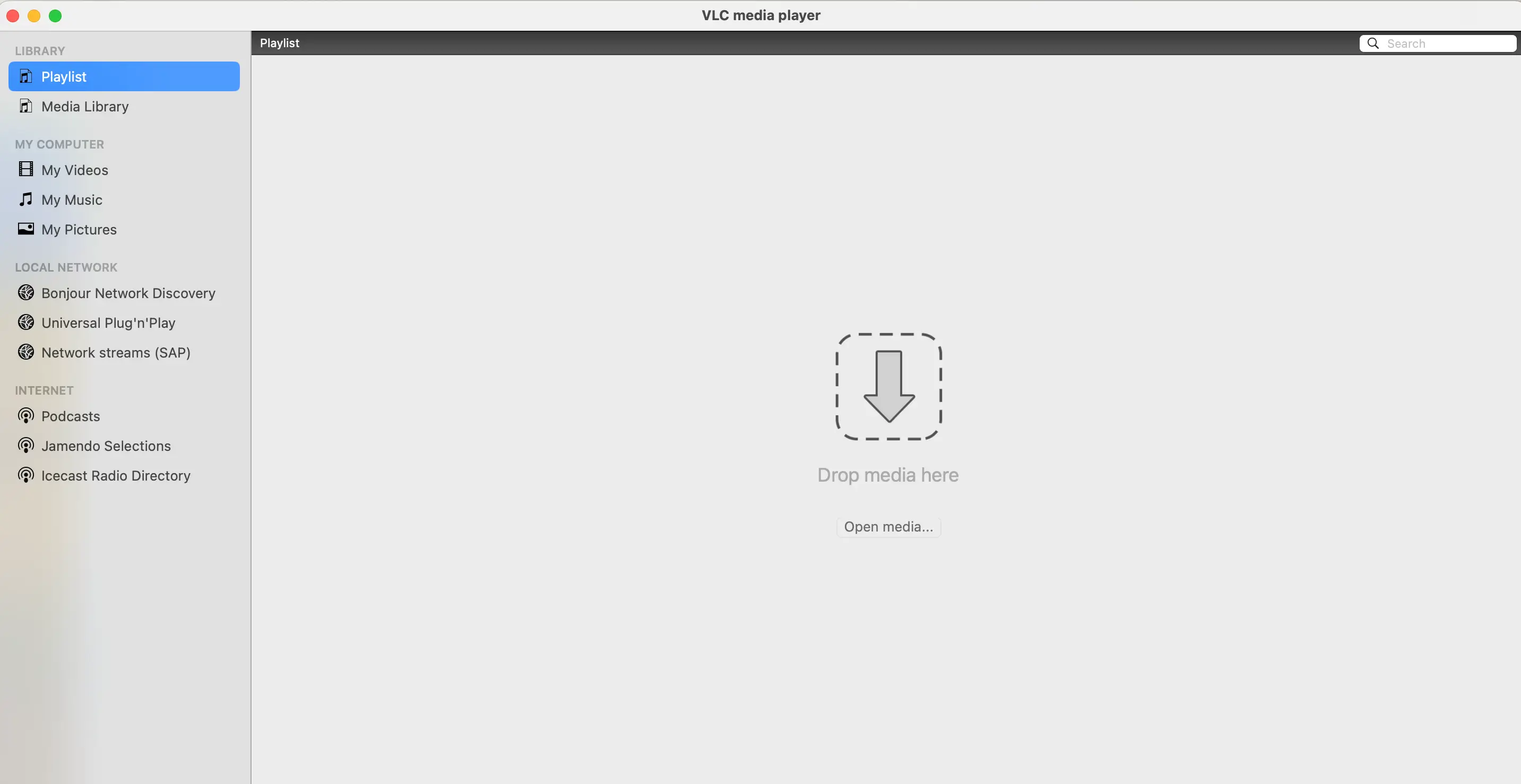
The Free All-Purpose Tool: VLC Media Player
VLC is not just a player; it's a powerful format conversion utility. However, its operation path is relatively hidden and complex:
-
Open VLC, click the menu bar "Media" and choose "Convert/Save."
-
Add the WEBA file in the dialog box.
-
Click the "Convert/Save" button.
-
Select "Audio - MP3" under "Profile," and manually set the destination file path.
-
Click "Start."
Analysis: VLC is free and powerful, but its process requires multiple clicks and manual path setting, resulting in a higher learning curve for new users, and it lacks the simplicity of the Snappixify workflow.
Browser-Based Online Converters
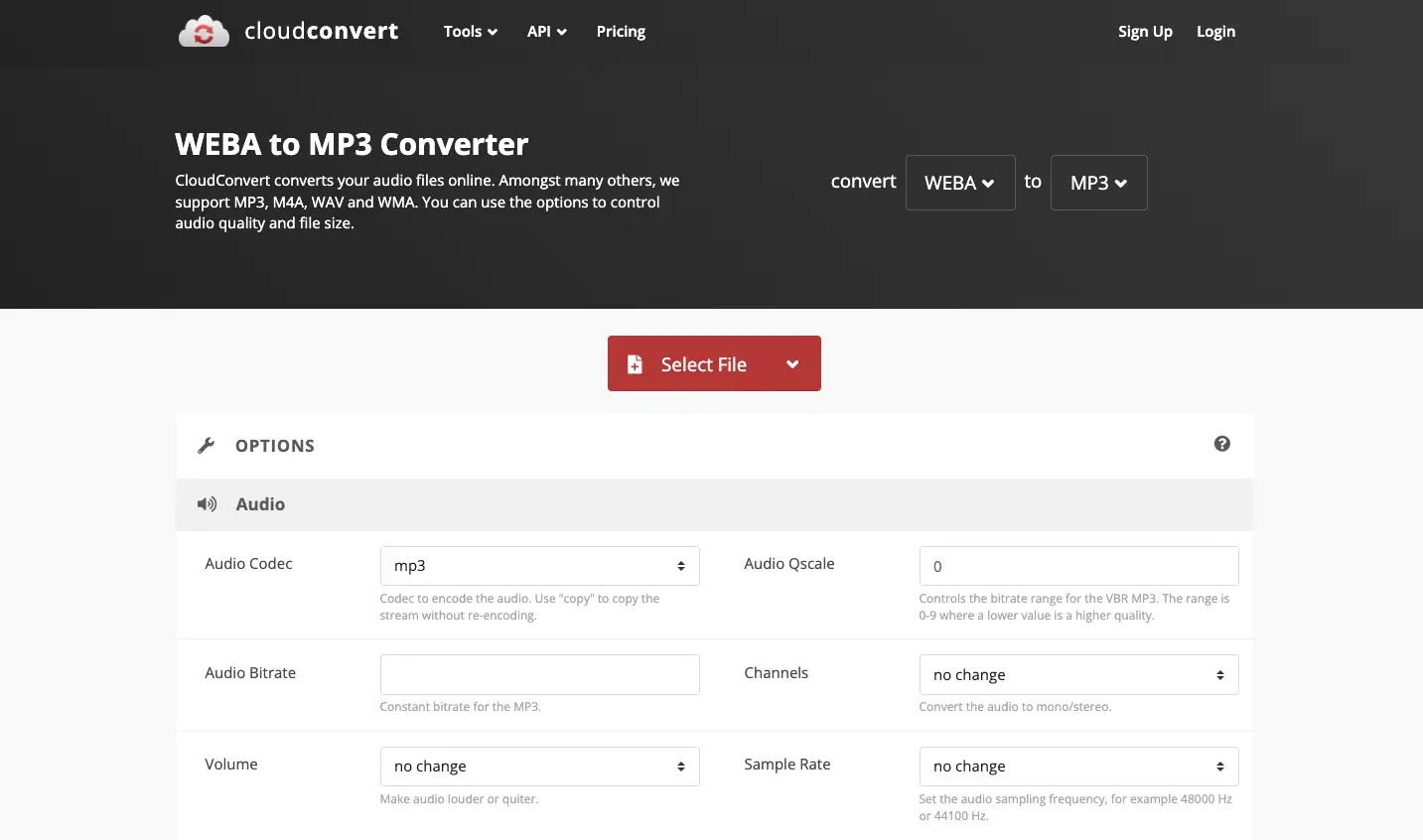
Many websites offer online WEBA to MP3 services, such as CloudConvert or Zamzar.
|
Conversion Method |
Pros |
Cons |
Ideal Scenario |
|
Online Converters |
No software installation required, always accessible |
Conversion speed depends on network, usually has file size limits, may involve privacy risks |
Users converting a small number of small files temporarily |
|
Professional Audio Recorders |
Can capture audio streams while playing, maintaining lossless quality |
Usually requires a paid subscription, features are often complex |
Professional users with extremely high-quality requirements |
Conclusion: Making Format Conversion Stress-Free
In the era of diverse digital audio formats, choosing the right tool is the key to improving efficiency.
Snappixify, with its innovative "configure first, upload later" process and optimization for batch processing, successfully simplifies the WEBA to MP3 conversion from a complicated task into a smooth four-step "Set-Upload-Convert-Download" operation.
Whether you are a music enthusiast or a content creator, we recommend you try Snappixify, eliminate format troubles, and focus more on the enjoyment and creation itself.


