 Snappixify


Have you ever struggled to play your AVI videos on your phone or share them online because of their large size and limited compatibility? While AVI is great for high-quality storage and editing, its bulky files and poor device support can be frustrating.
That’s why converting AVI to MP4—the most widely supported and efficiently compressed format—is essential. It makes your videos easier to watch, share, and store without sacrificing quality.
In this article, we’ll break down what AVI and MP4 are, what to look for in a converter, and share the top 5 free AVI to MP4 converters to make your decision easy.
What Are AVI and MP4?
Both AVI and MP4 are digital container formats used to store video and audio data. They are not the codecs themselves, but rather act like a "wrapper" or "shell" that encapsulates the encoded video stream, audio stream, and other data (like subtitles).
AVI (Audio Video Interleave)
AVI stands for Audio Video Interleave.
-
Origin: It was introduced by Microsoft in 1992 and is one of the standard multimedia formats on the Windows platform.
-
Characteristics:
-
Quality: AVI files typically offer high-quality audio and video, especially when using lossless or minimally compressed codecs.
-
File Size: Due to its structure and codec choices, AVI files are generally large, making them less ideal for web streaming.
-
Codec Flexibility: As a container, it supports a wide variety of codecs, allowing different compression methods for the audio and video streams.
-
Usage: Commonly used for video editing and archiving due to its high quality and ease of manipulation.
-
MP4 (MPEG-4 Part 14)
MP4 is a multimedia file format based on the MPEG-4 Part 12 (ISO/IEC 14496-12) standard. Its full name is MPEG-4 Part 14.
-
Standard: It is part of the international MPEG-4 specification.
-
Characteristics:
-
Compression Efficiency: MP4's main advantage is its excellent compression efficiency. It often uses MPEG-4 encoding standards, which allow for a smaller file size while maintaining good quality.
-
Compatibility: MP4 is one of the most widely compatible video formats today. Nearly all devices, operating systems, and online platforms support it, making it the preferred choice for web streaming and mobile devices.
-
Usage: Widely used for online video streaming (e.g., YouTube, TikTok), playback on mobile devices, and media sharing.
-
Key Factors to Consider When Choosing a Free Video Converter
Format and Codec Support
Input Formats: It should support a wide range of video formats you need to convert (e.g., MOV, AVI, WMV, MKV) and newer codecs (like H.265/HEVC).
Output Formats: It must be able to convert to the formats you need (like MP4 for web, or MKV for archiving).
Conversion Speed & Efficiency
Hardware Acceleration (GPU): Video conversion can be very CPU-intensive and slow, especially with 4K or large files. A good converter should utilize GPU hardware acceleration (NVIDIA CUDA, Intel QSV, or AMD VCE/VCN) to speed up the process significantly.
Batch Conversion: If you have many files, the ability to process multiple videos simultaneously (batch conversion) is a massive time-saver.
Output Quality Control
Quality Preservation: The converter should maintain the original video quality as much as possible. Avoid tools that force excessive compression or quality degradation.
4K/HD Support: If you work with high-resolution content, ensure the tool supports 4K and Ultra HD video conversion without limitations.
Security (No Malware/Adware)
The top priority is to ensure the software is 100% clean and safe. Many free converters are bundled with hidden malware, bloatware, or excessive, intrusive ads. Look for safe options (like Snappixify) as they are more transparent and trustworthy.
Top 5 Free AVI to MP4 Converters
Happyscribe
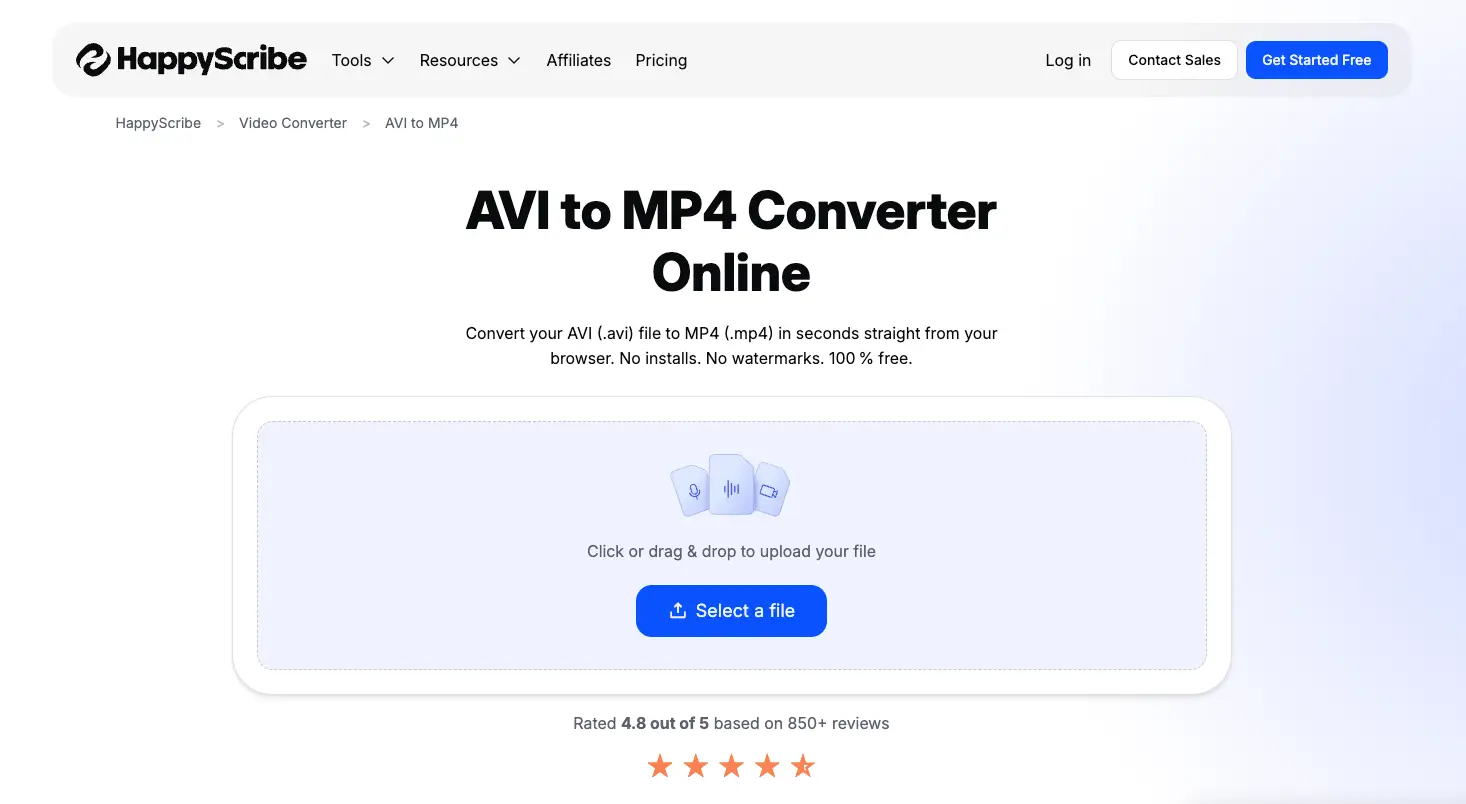
Features
-
High-Quality Conversions: Happyscribe offers reliable conversions from AVI to MP4 with lossless quality, maintaining the original video details during the conversion process.
-
Format Support: While primarily focused on transcription and subtitling, Happyscribe supports a variety of video and audio formats, including AVI, MP4, and MOV.
-
Web-Based Tool: No software installation required—users can convert AVI to MP4 directly from their browser, making it a convenient option for quick conversions.
-
Multi-Device Compatibility: Converted MP4 files are compatible with most devices, ensuring smooth playback on smartphones, laptops, and tablets.
Pros
-
Easy to Use: With its simple, user-friendly interface, Happyscribe is easy to navigate, even for beginners.
-
No Software Download: Happyscribe works directly from the browser, so there’s no need to install any software or plugins.
-
Fast Conversion: Conversion speed is relatively fast for smaller video files, making it ideal for quick tasks.
Cons
-
Not Focused on Video Conversion: Happyscribe’s main function is transcription and subtitling, so its video conversion tools are somewhat basic compared to specialized converters.
-
Limited Customization: The platform doesn’t offer advanced settings for video quality or customization, which can be a drawback for users needing more control.
-
Paid Service: While there’s a free tier, users must upgrade to access unlimited conversions and more advanced features, making it less ideal for occasional users.
Restream
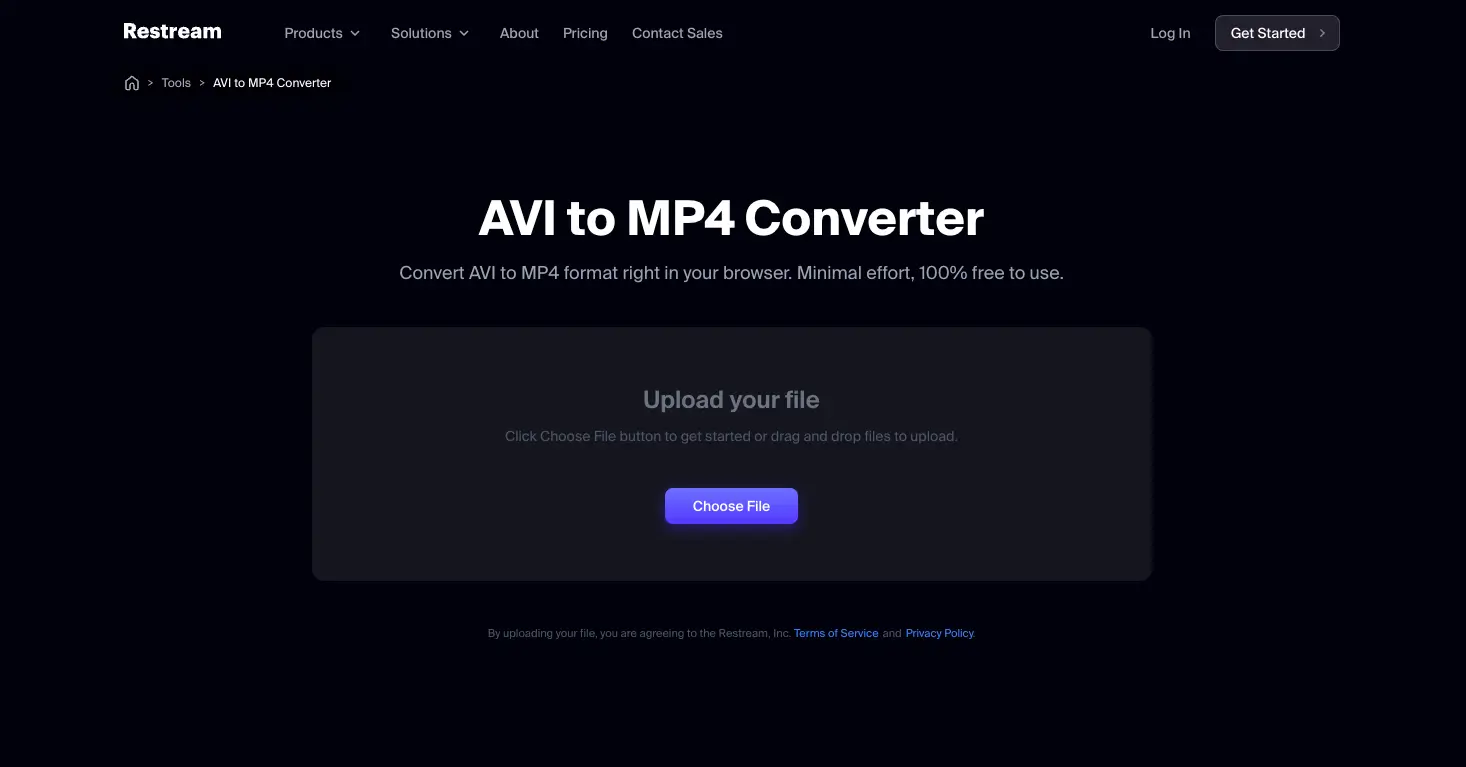
Features
-
Quick and Easy AVI to MP4 Conversion: Fast conversion with a simple process.
-
High-Quality Output: Ensures MP4 files maintain original video quality.
-
Cloud-Based Tool: No software installation needed, works directly in your browser.
-
User-Friendly Interface: Simple and intuitive design for easy use.
Pros
-
No Software Download: Accessible from any device with just a web browser.
-
Fast Conversion: Ideal for quick AVI to MP4 conversions.
-
Easy Process: Simple interface that makes converting videos a breeze.
Cons
-
Limited Customization: No advanced settings for video quality or options.
-
Not Focused on Video Conversion: Other features (like live streaming) may be more complex for occasional users.
-
Free Tier Limitations: Full features require a paid subscription.
Trascribe
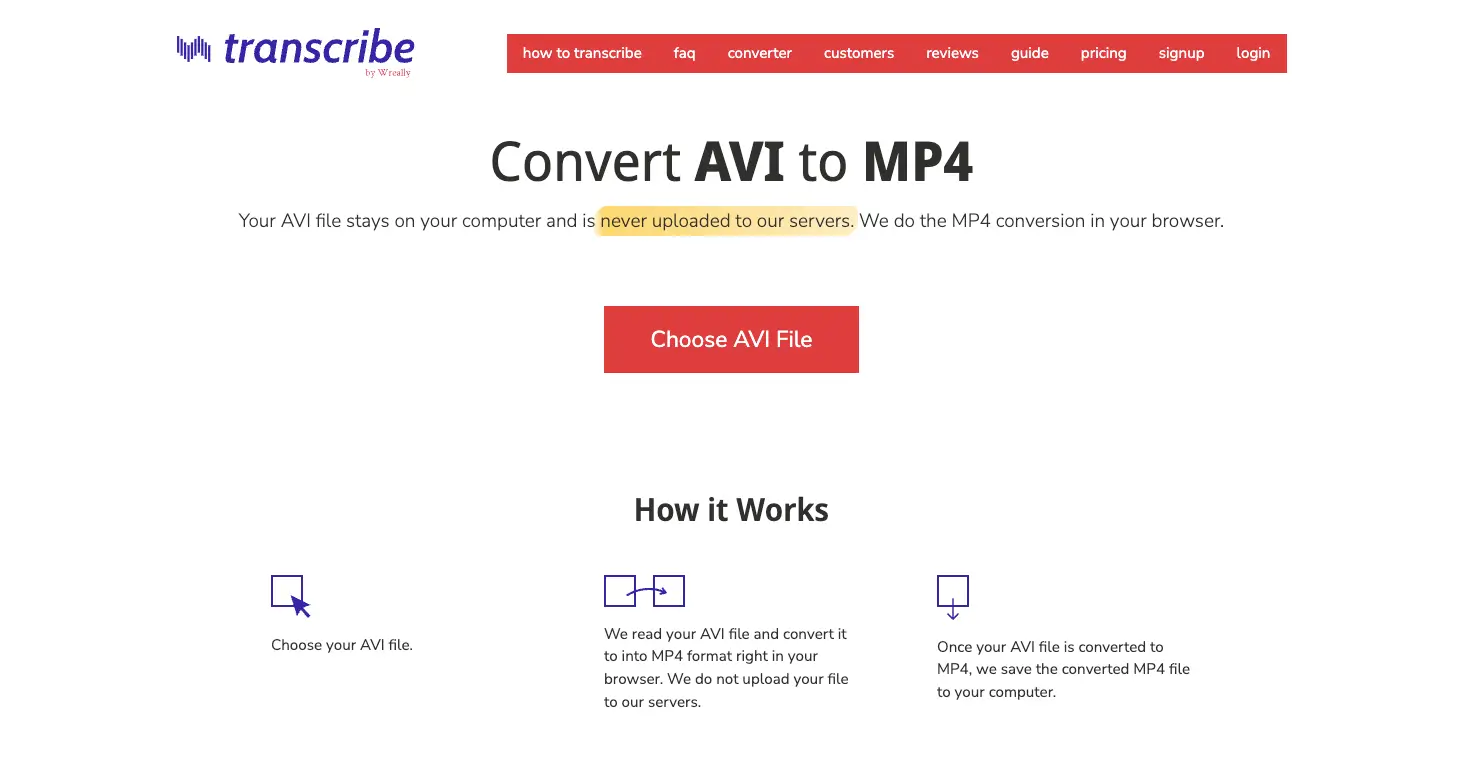
Features
-
In-Browser AVI to MP4 Conversion: Convert files directly in your browser, no need to upload anything to external servers.
-
Free to Use: Completely free for both personal and commercial use.
-
Fast and Simple: Conversion time is typically around one-third of the video's original length. For example, a 30-minute AVI file would take about 10 minutes to convert to MP4.
Pros
-
No Uploading Required: Your data stays on your device, ensuring privacy.
-
Ad-Free: No intrusive ads during the conversion process.
-
Fast Conversion: Quick and efficient, with minimal wait times.
Cons
-
Basic Conversion: Limited to standard AVI to MP4 conversion without advanced customization.
-
Browser-Based: Relies on your browser, so performance can vary.
Movavi
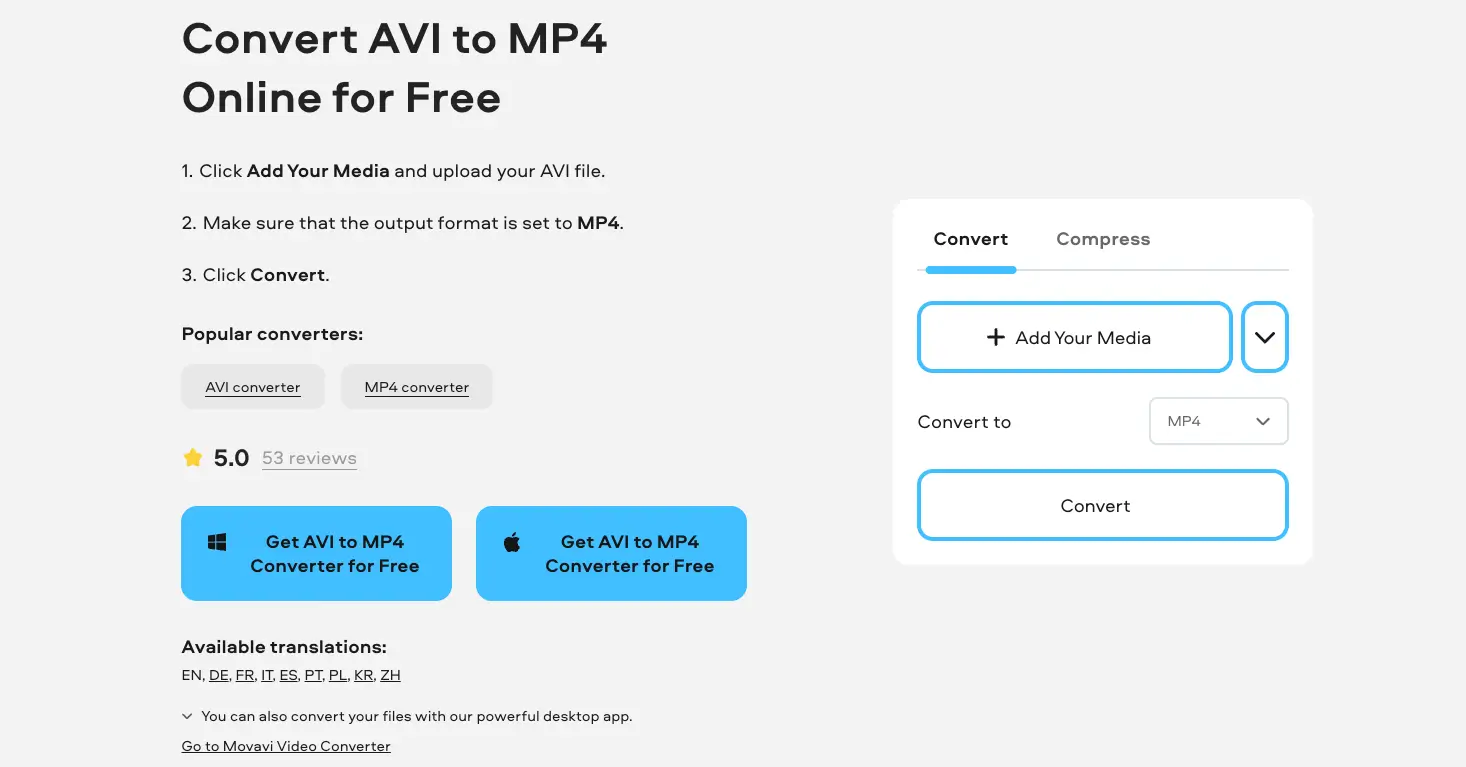
Features
-
Supports 180+ Formats: Includes AVI, MP4, and other popular media formats.
-
Batch Conversion: Convert multiple files at once, saving time.
-
User-Friendly Interface: Simple, intuitive design for easy navigation and quick conversions.
-
Online Tool: Movavi offers a free online converter for instant video format changes.
-
Customizable Output: Adjust video resolution and bitrate for optimal results.
Pros
-
Easy to Use: Streamlined interface that’s perfect for beginners.
-
No Installation for Online Tool: Can convert AVI to MP4 without downloading software.
-
Fast Conversion: Converts videos quickly without sacrificing quality.
-
Versatile: Handles both small files (online) and large files (desktop version).
Cons
-
File Size Limit for Online Tool: Not suitable for large files when using the online converter.
-
Free Version Limitations: The full set of features requires a paid upgrade.
-
Online Tool Not for Bulk Conversions: Limited to one file at a time for online use.
Snappixify
Features
-
High-Resolution Conversion: Convert videos to 8K, 4K, 1080P, and 3D formats with no loss in quality. Supports a variety of codecs such as AV1, VP9, H.264, and H.265, ensuring compatibility across all devices.
-
Wide Format Support: Works with over 500 file types, including MP4, MOV, AVI, MKV, and MP3, making it a versatile tool for different formats.
-
Speedy Conversions: Uses GPU acceleration (NVIDIA, AMD, Intel, Apple M5) to provide ultra-fast conversion speeds, up to 180 times faster.
-
All-in-One Conversion Tool: Allows for quick conversion and editing of videos from platforms like YouTube, TikTok, and Instagram. Edit, trim, and optimize videos for social media sharing.
-
Batch Processing: Convert multiple videos at once with customizable settings, taking advantage of GPU power for fast, high-quality results.
How to Convert AVI to MP4 with Snappixify
Converting AVI to MP4 with Snappixify is a fast and simple process that doesn't require any downloads. Everything happens right in your browser, making it a convenient option for anyone. Here's how you can convert your AVI files to MP4 in just a few easy steps:
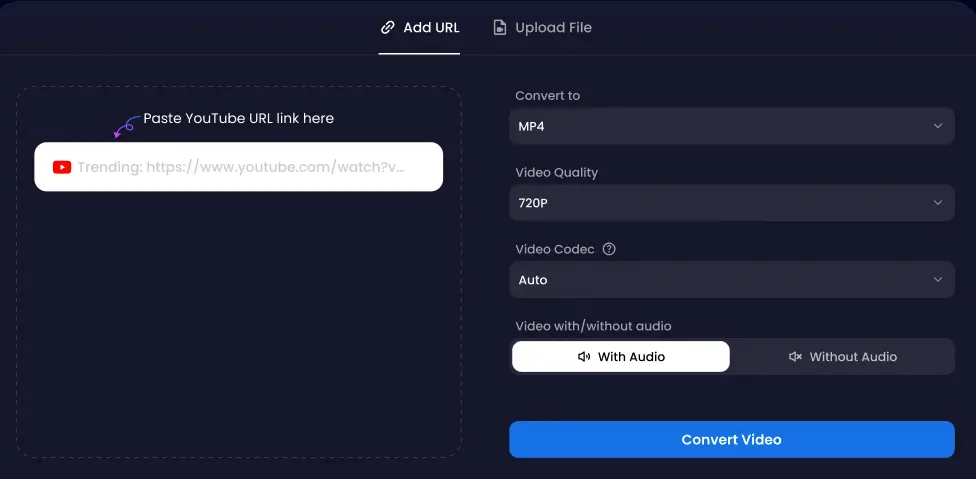
Step 1: Choose MP4 as the Output Format
Go to the Snappixify website. First, select MP4 as the output format from the available options on the page.
Step 2: Upload Your AVI Files
After selecting MP4, click on the "Upload File" button to upload your AVI video. You can upload multiple AVI files at once — Snappixify supports batch conversion, so you can convert several videos simultaneously.
Step 3: Go to the Conversion Page
Once your files are uploaded, you'll be directed to the conversion page. Here, you can double-check your settings. You can add more files if needed, adjust output settings, and then proceed.
Step 4: Click 'Convert All'
On the conversion page, click the “Convert All” button. Snappixify will start converting all the selected files to MP4 format. With GPU acceleration, the process is fast and efficient.
Step 5: Download Your MP4 Files
After the conversion is complete, simply click “Download” to save your MP4 files to your device. Now, your videos are ready for playback or sharing.
Comparison of AVI to MP4 Converters
Here’s a comparison of popular AVI to MP4 converters, showcasing their platforms, conversion speeds, batch processing capabilities, and other key features to help you find the best solution for your needs.
|
Program |
Platform |
Ratings |
Conversion Speed |
Download |
Batch Conversion |
|
Snappixify |
Online (Browser-based), Mobile App |
4.8/5 ★★★★★ (based on user reviews) |
Ultra-fast, up to 180X faster with GPU acceleration |
No |
Yes |
|
HappyScribe |
Online |
4.6/5 ★★★★☆ |
Moderate, depends on file size |
No |
No |
|
Restream |
Online |
4.5/5 ★★★★☆ |
Fast, but limited to online tools |
No |
No |
|
Transcribe by Wreally |
Online |
4.2/5 ★★★★☆ |
Moderate, good for smaller videos |
No |
No |
|
Movavi Video Converter |
Windows/Mac/Linux |
4.7/5 ★★★★☆ (from Trustpilot) |
Fast, SuperSpeed conversion available |
Free Trial, Paid upgrade |
Yes |
Final Thoughts
Converting AVI to MP4 isn’t just about changing formats — it’s about making your videos easier to play, share, and store. With the right tool, you can keep the same great quality while saving time and space.
Snappixify makes that process simple. Our online converter lets you upload your AVI files, adjust key settings like resolution and bitrate, and download a smooth, high-quality MP4 in seconds — no software needed. Try it today and see how effortless video conversion can be.
FAQs about AVI to MP4 Converter
Can I convert multiple AVI files to MP4 at once?
Yes! Many converters, including Snappixify, support batch conversion. You can upload multiple AVI files and convert them to MP4 in one go — fast and efficient.
Is there a limit on video length when converting AVI to MP4?
There’s no strict limit. However, longer videos may take more time to process depending on your internet speed and file size.


