 Snappixify


Despite the popularity of music streaming services, YouTube remains the world’s largest library of audio and visual content. Many users wish to download content such as music, podcasts, or lectures in high-quality MP3 format for offline listening or use on other devices. This guide will introduce the main download methods, their pros and cons, and recommend several practical tools.
Main YouTube Audio Convert Methods
Method 1: Screen Recording / Audio Recording
-
Description: Utilizing the computer’s or phone’s built-in screen recording or internal audio recording feature to directly record the sound during video playback.
-
Cons: This is the least recommended method. As mentioned, it results in the poorest sound quality. During recording, it’s extremely easy to pick up system notifications or ambient noise, and the sound quality is often far below the original high-quality audio stream provided by YouTube.
Method 2: YouTube Platform Built-in Download (e.g., Premium)
-
Description: Using the video or audio download function offered by a YouTube Premium membership.
-
Cons: The files are encrypted with DMR (Digital Rights Management) and can only be played offline within the YouTube application. They cannot be exported, shared, or used in any external player, lacking true "download" freedom.
Method 3: Using Third-Party Online/Desktop Tools (Recommended)
-
Description: Employing professional tools to directly grab the original audio stream or high-definition video stream from YouTube’s servers and convert it into the user’s desired format (such as MP3, AAC, FLAC, etc.).
-
Pros: Capable of obtaining the best possible audio quality, supports multiple format choices, and the files can be freely exported, shared, and used externally.
Recommended YouTube Audio Convert Tools
We divide the tools into professional-grade and convenience-grade options, catering to different user needs.
Online Convert Tools (Quick and Convenient)
The advantage of online tools is that they require no software installation and can be used instantly, but they often compromise on sound quality, stability, or advertisements.
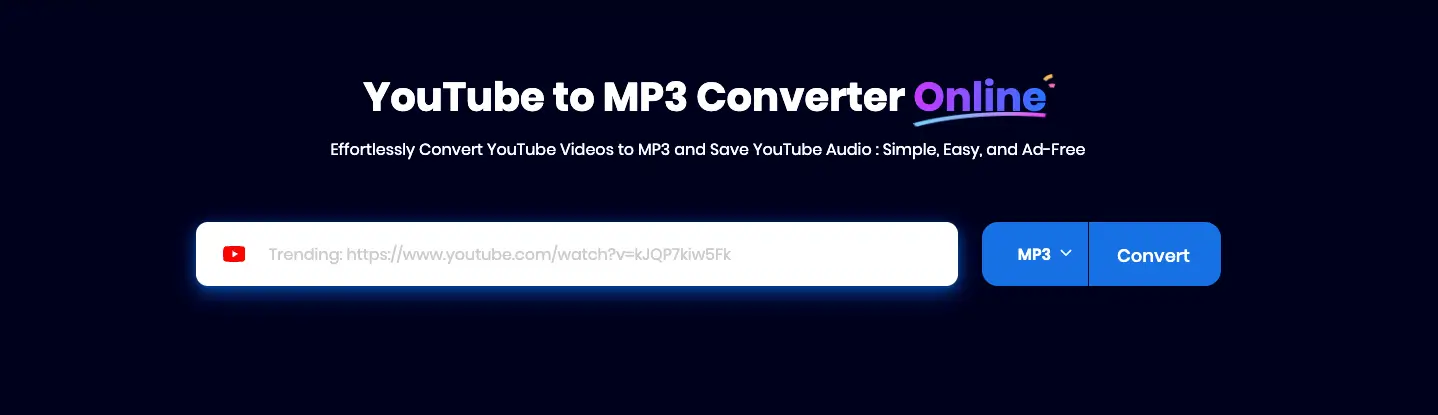
1. Snappixify
Summary: snappixify is a tool that achieves a good balance between convenience, user experience, and audio quality.
-
Pros:
-
Allows selection of many different format conversions.
-
Allows selection of different bitrates for download after conversion.
-
Can simultaneously download video, subtitles, and cover art.
-
No advertisements, very safe.
-
The interface is user-friendly, providing a good user experience.
-
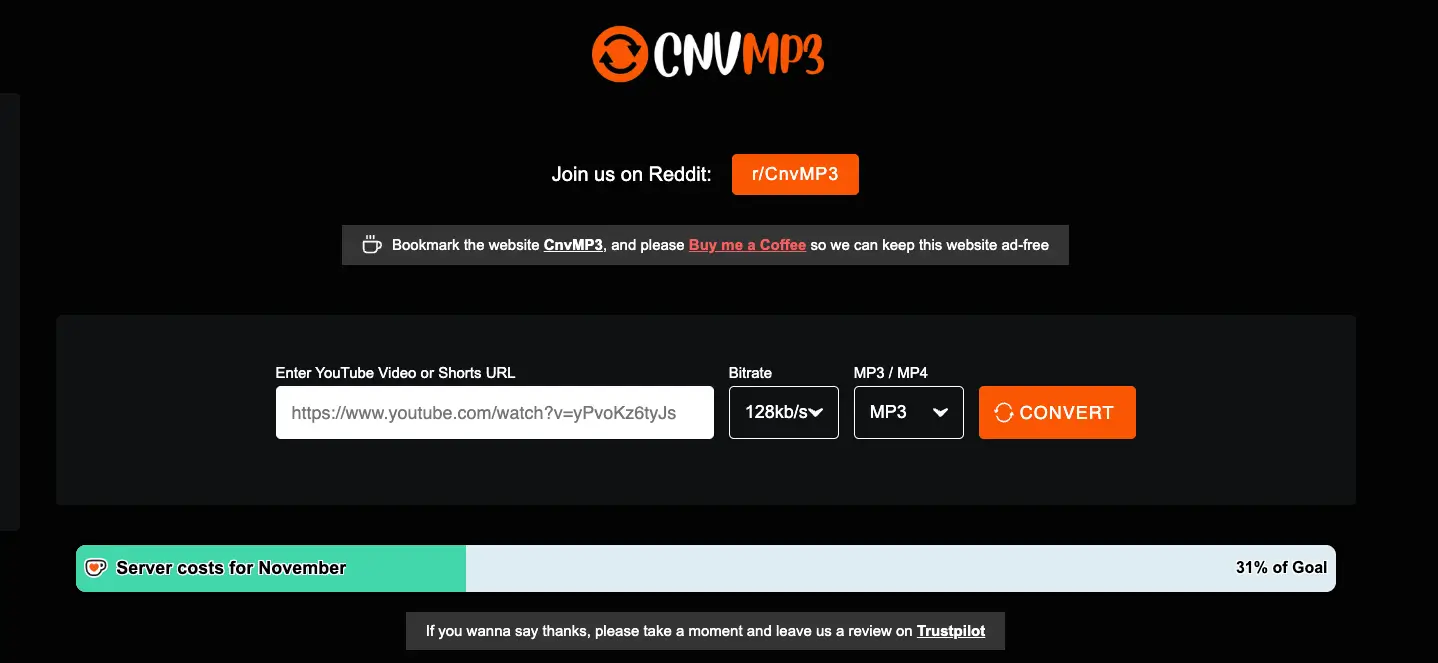
2. CnvMP3
-
Pros:
-
Offers various bitrate (kbps) options.
-
Automatically fetches cover art, artist, and name after conversion (comprehensive metadata).
-
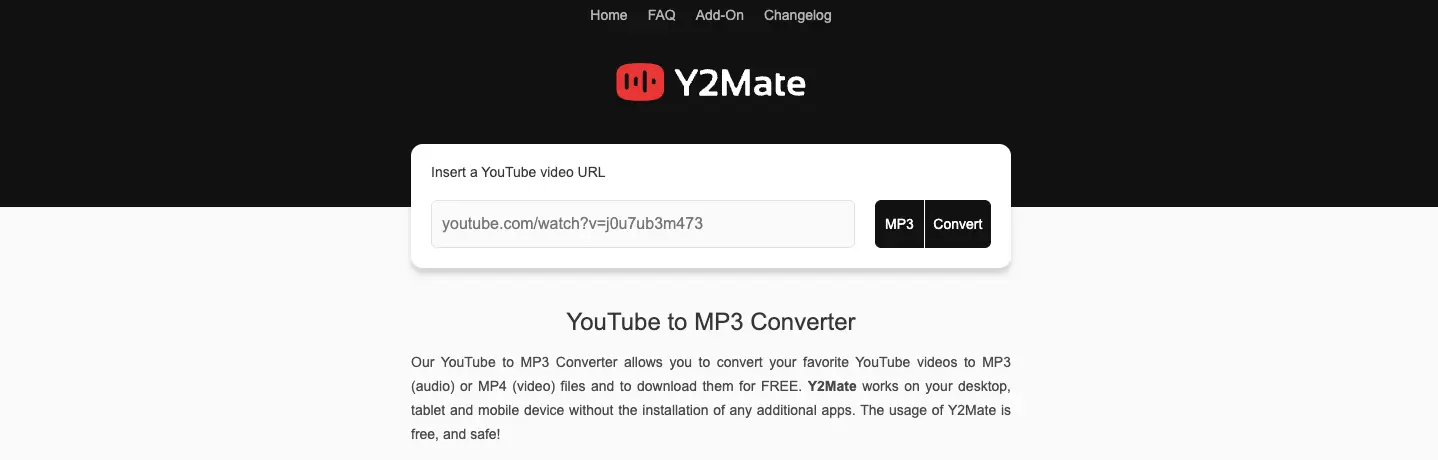
3. Y2Mate
Summary: This is a relatively established and common online conversion service.
-
Pros: Intuitive interface and simple operation steps.
-
Cons: Popup ads appear after clicking the download button.
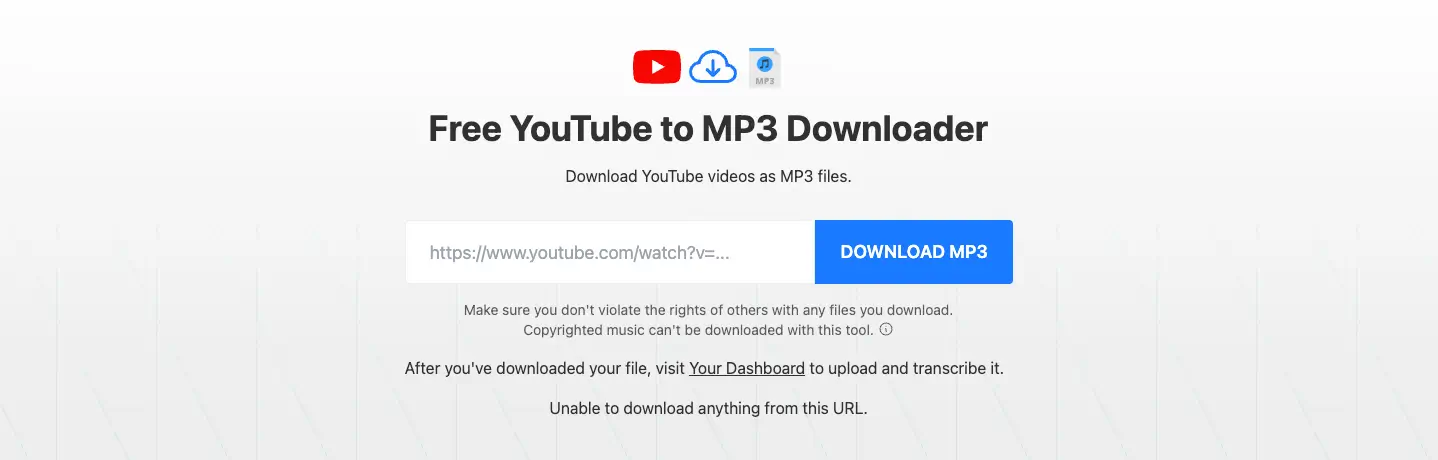
4. TurboScribe.ai
-
Pros:
-
Can quickly provide users with a download link.
-
Allows selection of video or audio download after conversion. The \text{audio}option allows selection based on file size (bytes).
-
-
Cons:
-
Cannot select different \text{audio} formats or bitrates.
-
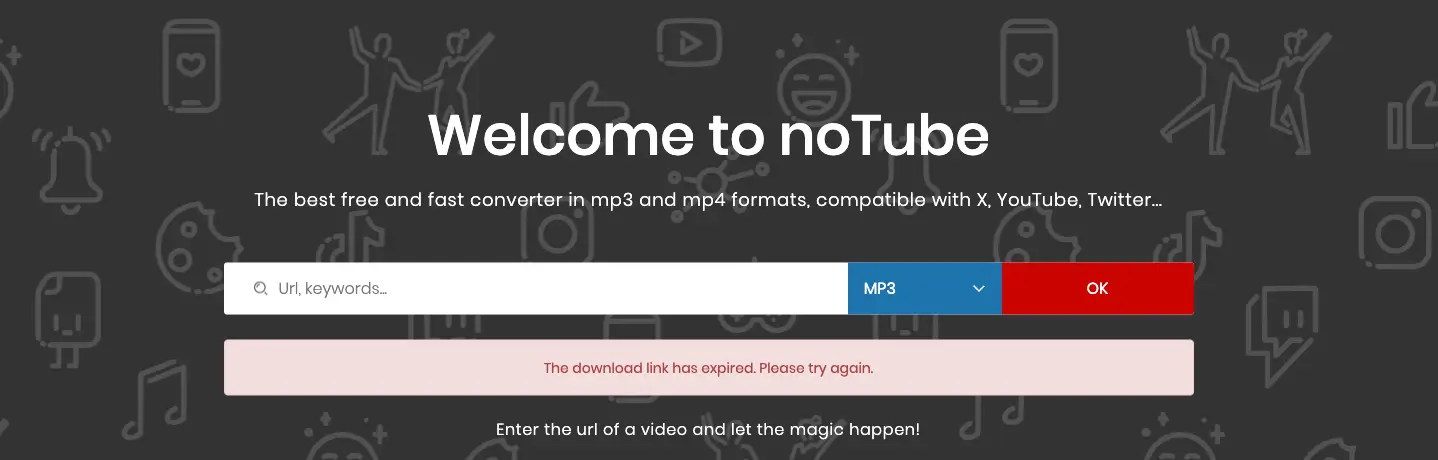
5. noTube
Summary: This is a mainstream online download platform.
-
Pros:
-
Good compatibility, generally supporting various devices and browsers.
-
Allows selection of different formats.
-
-
Cons:
-
Contains advertisements and redirects.
-
Software/Command Line Tool (Recommended for Professional Users)
-
Tool: yt-dlp
-
Overview: This is an open-source command-line tool, which can also be used in conjunction with browser extensions like External Application Launcher.
-
Pros: yt-dlp is widely recognized as the most professional, stable, and highest-quality download tool in the industry. It can download the highest resolution audio streams available from YouTube (often better than online converters) and perfectly supports playlists and batch downloads, making it the top choice for heavy users and audiophiles.
-
Cons: Requires some basic command-line knowledge, making setup and use slightly complex for ordinary users.
-
Snappixify Convert Steps Explained
Taking Snappixify as an example, here is the basic process for using such an online tool to download YouTube audio; the entire process usually takes just three steps:
Step One: Get the YouTube Video Link
-
Open the YouTube video page you want to convert.
-
Click the “Share” button beneath the video player.
-
Copy the short URL link provided by the system (usually in the
youtu.be/xxxformat).
Step Two: Paste the Link, Select Format, and Start Conversion
-
Open the official Snapiixify website.
-
Paste the copied YouTube link into the input box on the homepage.
-
Ensure the target format is selected as MP3, then click the “Convert” button.
Step Three: Select Quality and Complete the Download
-
Once the conversion process is complete, the page will redirect to the final download interface.
-
On this page, you can choose the desired kbps bitrate according to your needs (e.g., 320 kbps for audiophiles, 128 kbps for podcasts or lectures).
-
After selection, click the final “Download” button.
Why Choose Snappixify?
Among the many online YouTube audio download tools, Snappixify is often mentioned and chosen because it strikes a good balance between convenience, user experience, and audio quality:
-
Streamlined Operation and Efficient Conversion
Many users choose online tools specifically for efficiency. Snappixify typically offers a clean and clear interface, allowing users to complete the conversion with just a paste and a click, eliminating the complex installation and setup process of desktop software.
-
Supports High-Quality Bitrates
-
No Installation Required, Instant Use
-
Good Device Compatibility
In short, Snappixify is an ideal choice for users who want a fast, simple, and high-quality way to convert YouTube videos to MP3.
Summary
For professional users and audiophiles seeking the absolute highest sound quality and batch downloading, the yt-dlp method, combined with the command line or a browser extension, is the best choice. For the general public who prioritize convenience, speed, and ease of use, online conversion tools like Snappixify offer an ideal solution that balances usability and sound quality. Regardless of the method chosen, users should always pay attention to website security and select tools that offer high bitrate options to ensure the downloaded audio file meets a satisfactory level of quality.


