 Snappixify


Are you tired of stuttering streams, expired Stories, and the inability to watch that crucial video tutorial without Wi-Fi? Relying solely on the platform’s save feature is not enough for the modern user.
Whether for personal offline viewing, securing a permanent collection, or for professional content research and repurposing, downloading Facebook video to your local storage is the key to achieving true "video freedom."
This guide will walk you through the top methods for downloading Facebook videos, helping you effortlessly take control of your digital content.
Tool Selection: Exploring the Top Facebook Video Download Tools
Download tools primarily fall into four categories: online converters, mobile apps, browser extensions, and command-line utilities. Here are the leading options in each category, along with their pros and cons.
Online Converters: The Convenient, Cross-Platform Choice
Online tools require no installation; you simply use them in your browser, making them the default choice for most users.
1. Snappixify (Our Top Pick): The Ultimate All-in-One Solution
-
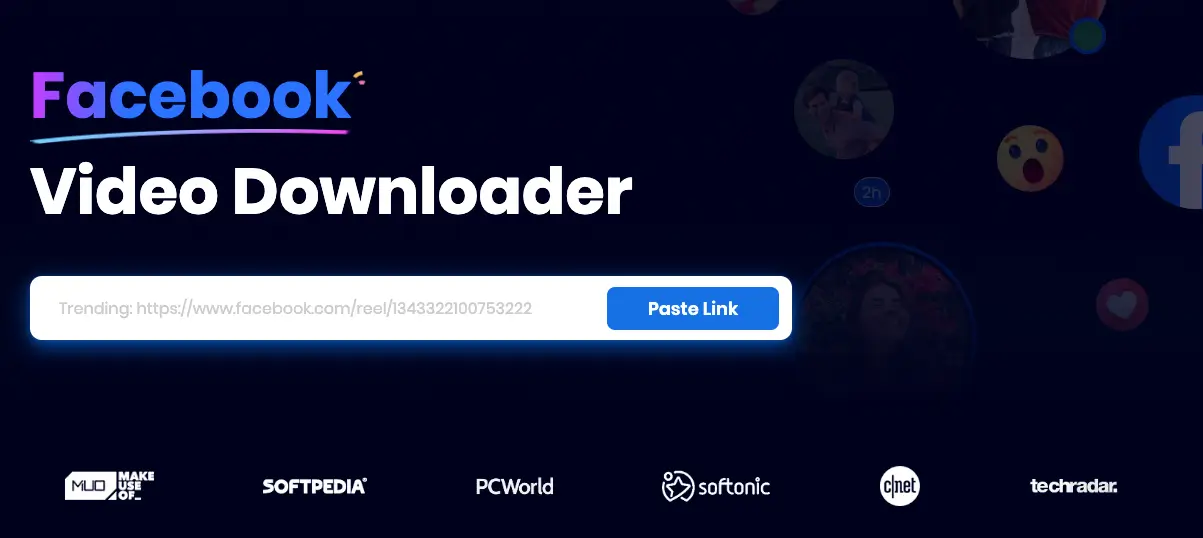
Description: Snappixify is a powerful, user-friendly online platform. It offers an ad-free, high-quality experience, ensuring fast and seamless service, making it our primary recommendation for functionality, quality, and user experience.
-
Key Advantages (No Cons Listed - Promotion Focus):
-
Ad-Free Experience: Provides a seamless, clean user journey.
-
Comprehensive Format Support: Downloads in various formats, and its built-in converter supports transforming files into 500+ output formats.
-
High-Definition Guarantee: Supports downloading videos in up to 1080P and 4K quality.
-
Fast Conversion & Download Speed.
-
Supports All Content Types: Reels, Stories, Live Videos, and Photos.
-
2. FDown.net
-
Description: A direct online tool that downloads videos via link and offers two basic quality options.
-
Pros: Direct download link, generally quick.
-
Cons: Distracting Ads, limited to MP4 format.

3. FDownloader.net
-
Description: An online tool offering various bitrate choices, but quality often tops out at 720p and requires an additional "rendering" process.
-
Pros: Offers multiple bitrate selections.
-
Cons: Ads present, limited to MP4; requires the rendering/merging process (separate audio and video tracks) which increases processing time.

4. Snapsave.app
-
Description: An online tool with a relatively clean interface that also necessitates the "rendering" process.
-
Pros: Smooth and clean user experience.
-
Cons: Ads present, limited to MP4, rendering/merging process takes time.

Mobile Apps: The Direct-to-Gallery Solution
Facebook Video Downloader App
-
Description: A third-party app available for download in app stores, designed to save videos directly to your phone's photo gallery.
-
Pros: Direct save to phone gallery, simple and mobile-friendly operation.
-
Cons: Requires app installation, often requires you to log into your Facebook account within the third-party app, posing potential security/privacy risks.
Browser Extensions: Quick-Click Downloads
Video DownloadHelper
-
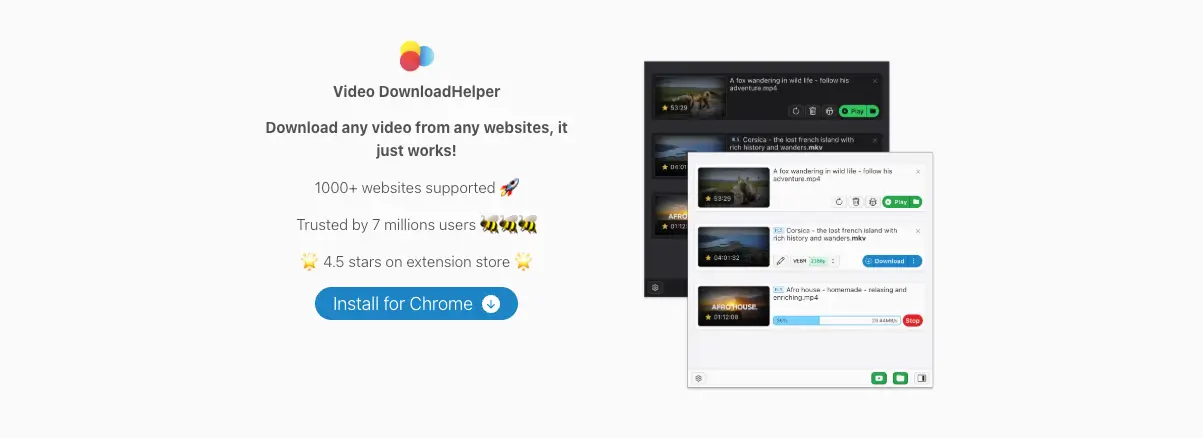
Description: A popular extension for browsers like Chrome and Firefox. It automatically detects videos as you browse, allowing downloads with a few clicks.
-
Pros: Seamless integration, works on multiple websites, no need to leave Facebook to operate.
-
Cons: Requires a companion application for optimal performance, functionality can be unstable, and extensions often need permission to read browsing activity, carrying higher privacy risks.
Command Line Tools: The Expert's Choice
yt-dlp
-
Description:
yt-dlpis a robust command-line utility supporting thousands of websites, including Facebook. It is favored by technical users who need batch downloading and maximum quality control. -
Pros: Extremely stable, offers maximum control over quality and format, powerful features.
-
Cons: Requires technical knowledge and installation, not suitable for beginners.
【Expert Tip: Solving the "File Name Too Long" Error】
yt-dlp does support Facebook video downloads. However, users on macOS or Linux sometimes encounter an "File name too long" error when downloading Facebook (especially Reels). This happens because Facebook video titles often contain excessively long text—view counts, hashtags, and full marketing copy—exceeding the operating system's filename limits.
? The Solution: Experts typically use a universal and secure command to resolve this: by using the video's unique numerical ID as the filename, it avoids the length restriction, making it the most reliable cross-platform fix. You can use the following command as a template:
yt-dlp -o "%(id)s.%(ext)s" FACEBOOK_VIDEO_URL
Snappixify's Key Applications: Meeting Personal and Professional Needs
Snappixify's robust feature set allows it to satisfy the needs of all users, from casual viewers to professional content creators.
Essential for Personal Users: Permanent Collection & Offline Viewing
-
Offline Access: Easily download videos for watching during commutes or travel, ensuring viewing continuity without Wi-Fi or high data usage.
-
Content Preservation: Permanently save ephemeral content like Stories and Live Stream replays that would otherwise disappear, preserving crucial information or memories.
-
Repetitive Learning/Enjoyment: Download favorite tutorials, lectures, or entertainment clips for repeated viewing and easy sharing with friends and family.
An Edge for Advanced Users: Content Research and Assetization
-
Mastering Reels: Use the download function to deconstruct viral short videos—studying their pacing, music sync, editing transitions, and hooks—to elevate your own creative output.
-
Asset Repurposing: Download full Live videos and perform watermark-free secondary edits to create multiple short clips for cross-platform promotion or on-demand content.
-
Research Material Library: Build a clean, high-definition library of competitor advertisements and successful video formats for strategic analysis and learning.
Quick Start: How to Download Videos in Three Simple Steps with Snappixify
Snappixify’s download process is designed for maximum simplicity and efficiency:
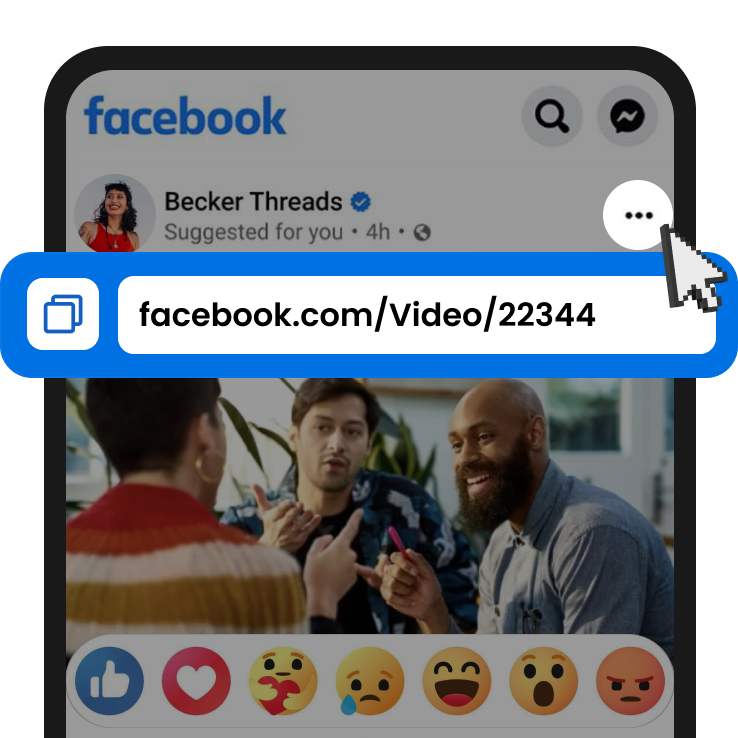
1. Copy the Facebook Link
-
Navigate to the video on Facebook (including FB Lite or Messenger). Tap the "Share" button and select "Copy Link," or use the three-dot menu option to copy the link.
2. Paste the Video Link
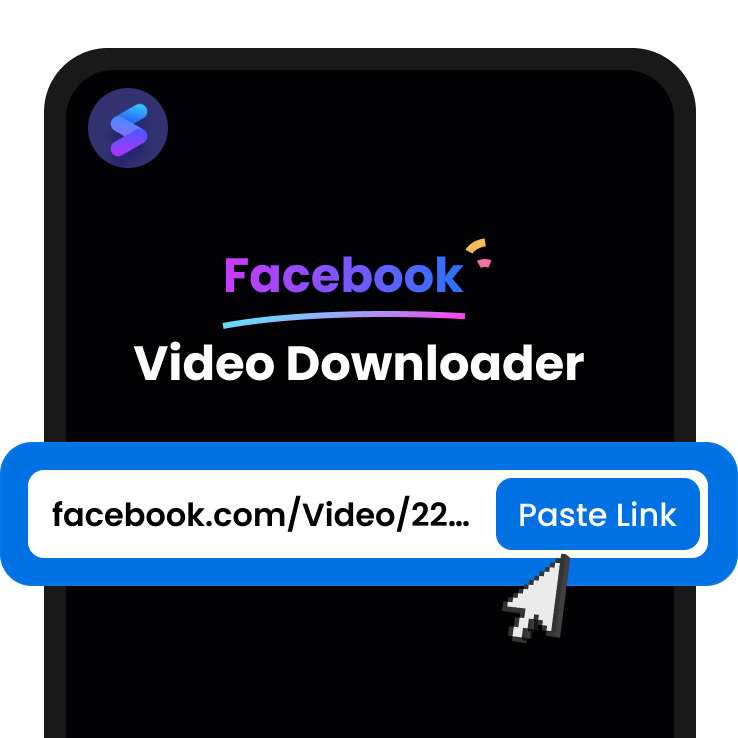
-
Click "Paste Link," and the site will automatically redirect you to the download options page.
-
FAQ Integration: “How to download video by link? Just open Snappixify, copy the link to the blank, and tap "Paste Link." It's easy.”
-
3. Save the HD Video
-
On the download screen, select your desired format and resolution (we recommend 1080P or higher), then click the corresponding "Download" button to save the file.
Tool Comparison: Finding Your Perfect Downloader
|
Tool Name |
Type |
Download Quality |
Format Flexibility |
Ads/User Experience |
Supports Stories/Reels |
|
Online Platform |
Up to 4K/1080P |
Excellent (500+ Formats via Converter) |
Ad-Free, Very Smooth |
Yes |
|
|
FDown.net |
Online Converter |
HD/Standard |
Limited (MP4 Only) |
Present |
Yes |
|
Snapsave.app |
Online Converter |
Up to 720P |
Limited (MP4 Only) |
Present |
Yes |
|
Mobile App |
Dedicated App |
Varies |
Limited (MP4/Standard) |
Varies |
Yes |
|
yt-dlp |
Command Line |
Max Available |
Full Control |
None (Technical) |
Yes |
Conclusion: Act Now and Achieve Unrestricted Video Access
Snappixify provides the best balance of safety, high-definition quality, and ease-of-use, meeting all user needs from casual viewing to professional content analysis.
Don't let network restrictions limit your experience any longer. Start using Snappixify today to take control of your Facebook videos, turning popular content into your personal collection and essential learning material!


