 Snappixify


What is a Free Video Downloader?
A free video downloader is a program or website that takes a link from a streaming site—like YouTube, Vimeo, or Facebook—and turns it into a video file on your computer. Instead of watching online, you can:
-
Watch Videos Offline anywhere, even without Wi-Fi.
-
Skip buffering circles when your connection is slow.
-
Save favorite clips for later, without hunting for the link again.
Most free tools let you choose the video quality and file format. Some work right in your browser, while others need a simple app on your Mac or PC.
Basic Steps to Use a Free Video Downloader
The process to save a video is usually the same across tools:
Copy the Video Link
Go to the streaming page and copy the URL from your browser's address bar.
Paste Into the Downloader
Open your chosen downloader—website or app—and paste the link into the input box.
Choose Format and Quality
Pick a format like MP4 or MKV, and select your preferred resolution.
Click Download
Hit the download button and wait for the file to save to your computer.
Open and Enjoy
Locate the file in your downloads folder and play it with your favorite video player.
Simple, right? But not all free downloaders treat you the same.
Popular Free Downloaders: ClipGrab and 4K Video Downloader
ClipGrab
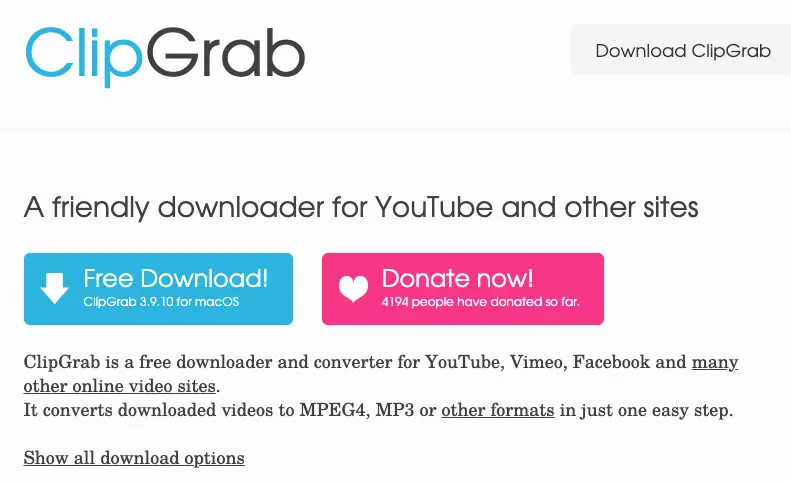
ClipGrab is an open-source app that works on Windows, Mac, and Linux. It offers a clean look and easy controls.
-
Pros: No ads, converts to MP4 or MP3 on the fly.
-
Cons: Only supports a few sites, max resolution often 1080p.
4K Video Downloader
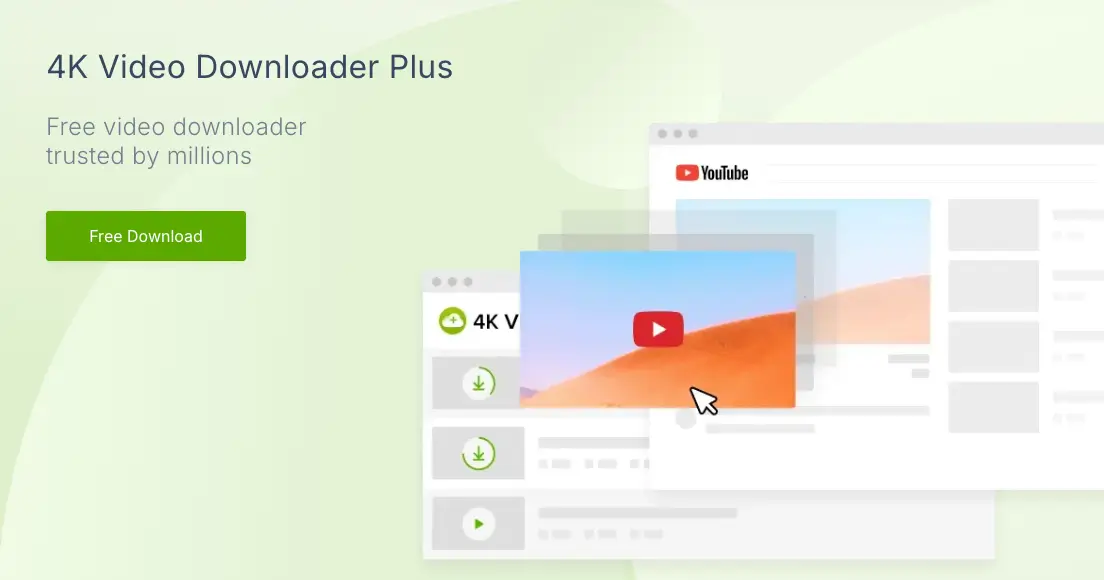
4K Video Downloader is famous for its high-quality downloads. The free version lets you grab videos up to 4K resolution.
-
Pros: 4K Video Download, subtitle extraction, Smart Mode.
-
Cons: Limits batch downloads and shows upgrade prompts.
While these tools are solid, they each hold back premium features or push you toward a paid plan.
Enter Snappixify: The Ultimate Free Choice
Snappixify is a browser-based downloader built to give you all the best features—completely free. No installs, no pop-ups, and no hidden fees. Let's dive into what makes Snappixify stand out.
1. 1000+ Website Support
Unlike most tools that focus on YouTube or a handful of sites, Snappixify works on over a thousand platforms. Whether you find a tutorial on a niche blog or a viral clip on social media, Snappixify handles it. Paste any supported link, and the tool goes to work.
2. Multiple Formats: MP4, MKV, WEBM, and MOV
Different devices, apps, and editing tools demand specific file types. Snappixify eliminates conversion hassles by offering four optimized formats in one click:
MP4
Perfect for: Phones, tablets, smart TVs, and 99% of video players.
Why choose it: Lightweight size + universal compatibility. Play instantly on iOS, Android, or streaming sticks.
MKV
Ideal for: 4K HDR, Dolby Vision, or high-bitrate content.
Why choose it: Preserves original color depth, audio tracks, and subtitles without compression. Best for home theaters or archival.
WEBM
Perfect for: Web embedding, social previews, or low-bandwidth streaming.
Why choose it: Small file size with VP9 encoding. Ideal for Discord, forums, or quick shares.
MOV
Essential for: Video editors (Final Cut Pro, Premiere Pro) and Apple ecosystems.
Why choose it: Retains alpha channels + professional metadata. Edit footage straight from downloads.
No extra converters needed—Snappixify delivers the right format for your goal. Whether you're watching on a phone, editing on a workstation, or archiving HDR masterpieces, one video downloader does it all.
3. Watch Videos Offline and Stop Buffering
Once your video is on your device, you can play it anywhere—on a plane, in a tunnel, or where Wi-Fi is weak. Snappixify helps you stop buffering and enjoy smooth playback every time. Your files live on your computer, not on a server that may slow down.
Step-by-Step: Using Snappixify
Here's a quick recap of how to use Snappixify:
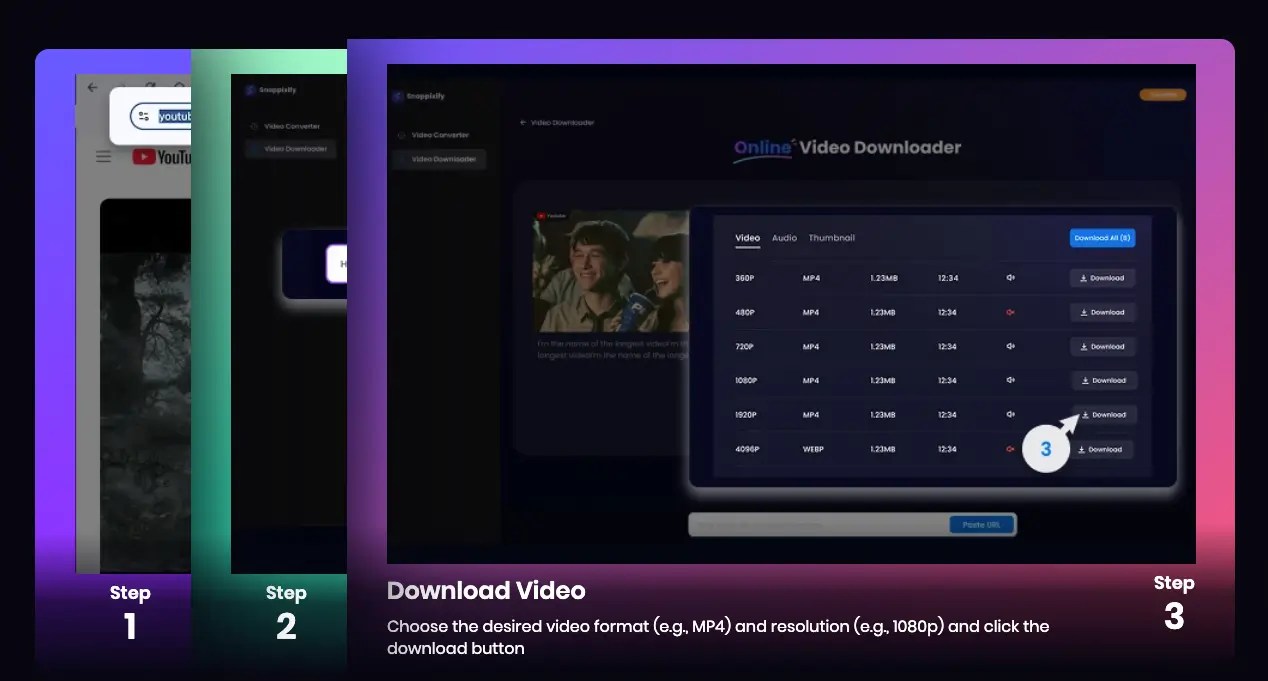
1. Copy the Link: Go to your video page and copy the URL.
2. Paste It: Open Snappixify in your browser and drop the link into the box.
3. Select Options: Choose MP4 or MKV and pick up to 4K quality.
4. Download: Click “Download” and watch your file appear in seconds.
No waiting for software updates or dealing with confusing menus—just a fast, straightforward experience.
Tips for Organizing Your Downloads
After you've saved a bunch of videos, keep your library tidy:
-
Create folders by topic: “Music,” “DIY,” “Podcasts.”
-
Rename files clearly: “GuitarLesson.mp4” instead of “video123.mp4.”
-
Tag or date your files for easy sorting.
A neat folder system makes it simple to find that one clip when you need it.
Conclusion
Knowing how to use free video downloader tools lets you save and enjoy your favorite videos anytime. While ClipGrab and 4K Video Downloader offer good basic features, Snappixify truly unlocks the full potential—support for 1000+ websites, 4K Video Download, MP4 and MKV formats, Safe & Secure Download, No Ads, No Watermark, and seamless Watch Videos Offline. Give Snappixify a try today and see how easy and clean video downloading can be—no fees, no hassles, just fast, high-quality files ready for you whenever you want them.
FAQs about Free Video Downloader
1. What is a good YouTube video downloader?
If you’re looking for a simple and fast option, Snappixify is one of the best. It lets you convert YouTube videos in MP4 or MP3 format without installing any software or browser extension.
2. Is 4K Video Downloader free?
Yes, 4K Video Downloader (now often called 4K Video Downloader Plus) offers a free version.
-
The free version allows you to download a limited number of videos per day and usually comes with some feature restrictions (like not being able to download playlists with more than a certain number of videos, or limitations on simultaneous downloads).
-
They also offer paid subscription plans that unlock all features, remove daily limits, and allow for bulk downloads.
3. Is there a free video downloader that doesn't require installation?
Yes, these are generally referred to as online video downloaders like snappixify. They are websites where you paste the video URL, and they process the download for you in your browser.
-
How they work: You simply go to the website, paste the link (e.g., from YouTube, Vimeo, etc.), and the site generates a download link for you.


