 Snappixify


What Video Downloader Professional Offers for Free
Video Downloader Professional does let you grab videos from sites like YouTube and Vimeo without paying. On the surface, it seems like a free video downloader. But when you dig deeper, you'll find a few drawbacks:
-
Speed Limits: The free tier often throttles your download speed. That means long waits for big files.
-
Ads and Upsells: Pop‑ups urging you to upgrade to the paid plan appear regularly.
-
Watermarks: Some formats add a small logo on your video unless you pay for the premium upgrade.
-
Limited Formats: You can usually choose MP4, but if you want MKV or other high‑quality formats, you'll have to go pro.
These limits can frustrate you, especially if you need polished, high‑quality clips without extra steps. If you've used Video Downloader Professional and found these issues, you're not alone. Many users look for a truly free tool that doesn't cut corners.
Why “Free” Doesn't Always Mean Fully Free
It's easy to claim “free” in software marketing. But in reality, “free” often means a basic plan with hidden costs. You might trade missing features for ads, watermarks, or slow speeds. For casual viewers, this might be okay. But for students, teachers, or anyone making presentations, these compromises add up.
A truly free downloader should let you:
- Download at full speed without waiting.
- Choose from top‑quality formats for different devices.
- Skip all ads and watermarks for a clean video file.
- Use advanced features like batch downloads or 4K support.
When a tool only gives you one or two of these features, you start to look for something better. That's where Snappixify comes into play.
Introducing Snappixify: No Holds Barred Freedom
Snappixify is a brand‑new site designed for people who want every feature—without paying anything. Unlike tools that tease you with “free” then lock the good parts behind paywalls, Snappixify gives you everything you need from the start.
-
1000+ Website Support: You can download from well over a thousand platforms, not just YouTube or Vimeo.
-
True 4K Video Download: Grab ultra‑high definition clips so you never lose a detail on your big screen.
-
MP4, MKV and More: Pick the format that fits your device—be it your phone, tablet, or home theater.
-
Safe & Secure Download: No malware, no trackers, and HTTPS encryption to protect your data.
-
No Ads, No Watermark: Enjoy pure video files with zero interruptions or logos.
-
Stop Buffering: Once downloaded, your videos play smoothly, even offline.
-
Watch Videos Offline: Perfect for flights, road trips, or places with weak Wi‑Fi.
Let's dive into a few of these standout features.
Unmatched Quality with 4K Video Download
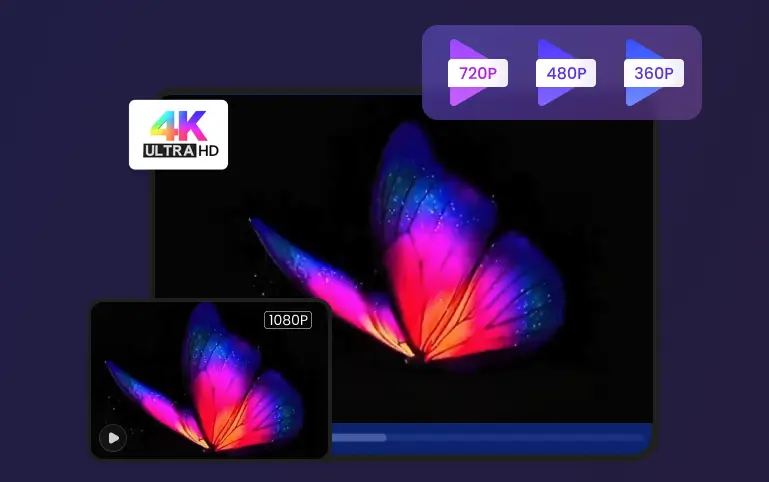
Most free players cap out at 720p or 1080p. But Snappixify takes it further. When you want to save a nature documentary, travel vlog, or big‑screen movie trailer, you can grab the full 4K file. That means:
-
Razor‑sharp images on your smart TV.
-
Extra details—from leaf veins in forest scenes to individual stars in night skies.
-
Better editing flexibility if you're creating clips for school or work.
No other free tool lets you access this level of clarity without restrictions. Snappixify makes it simple: paste your link, choose “4K,” and let the site do the rest.
Clean, Simple Files—No Ads, No Watermark
There's nothing more annoying than starting a video only to get hit with pop‑up ads or branded watermarks. Snappixify takes a firm stand: zero ads, zero watermarks. That means:
-
Videos you can share in presentations without distracting logos.
-
Smooth playback on any device—no breaks or pauses.
-
A straightforward interface with no misleading buttons or extras.
Because Snappixify runs smoothly in your browser, you never have to install bulky software or risk hidden toolbars on your computer.
Endless Possibilities with MP4, MKV and More
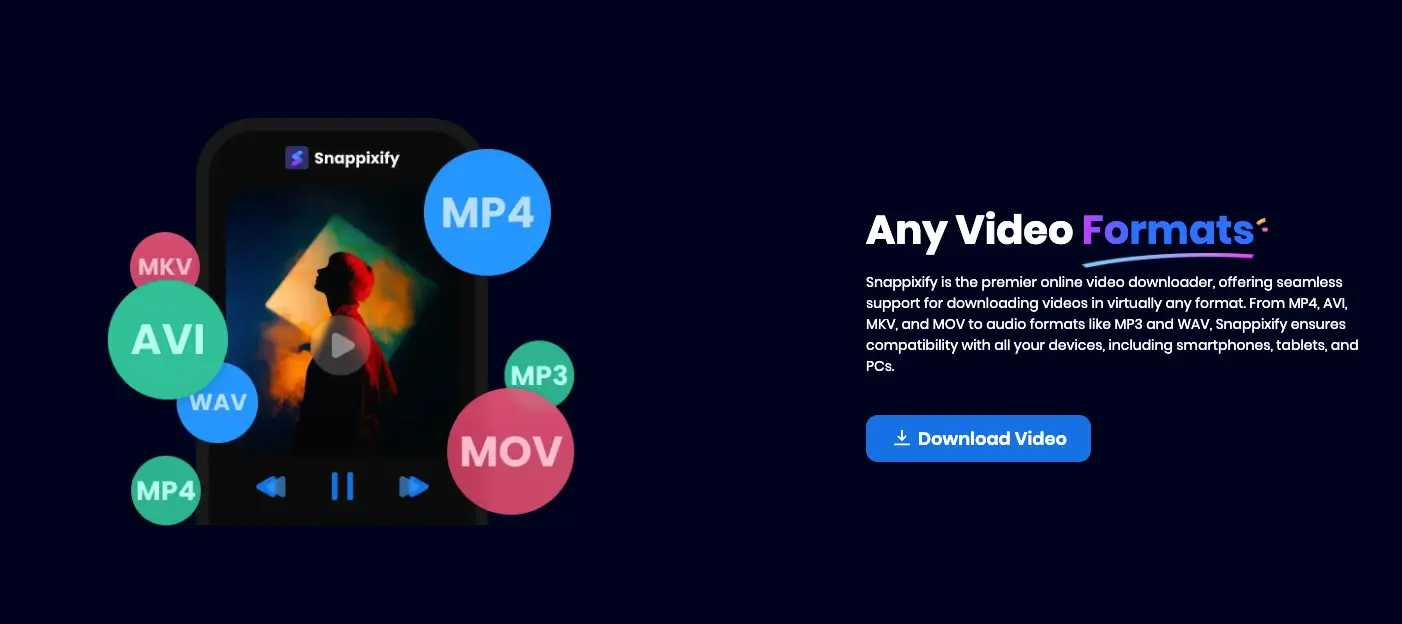
Different devices speak different video “languages.” Some phones and tablets work best with MP4. Other setups—especially home theaters or editing software—love MKV for its superior color and audio options. Snappixify supports both, plus many more formats. This flexibility lets you:
-
Store large files efficiently without losing quality.
-
Play videos on older devices that don't support newer codecs.
-
Convert in a single step, saving you time and hassle.
No need to download a separate converter or guess which format will work—Snappixify's tool does it all.
Watch Anytime—Watch Videos Offline
Internet connections aren't always reliable. Maybe you're on a long flight, stuck in a tunnel, or in a remote area with spotty coverage. Once your video is on your device, buffering becomes a thing of the past. Snappixify helps you:
-
Keep your favorite movies and shows at your fingertips.
-
Avoid streaming data charges when you're on a mobile plan.
-
Share videos with friends in places where Wi‑Fi is scarce.
Downloading is as easy as copying the link, pasting it into Snappixify, and clicking “Download.” Within seconds, your file is ready to go.
How to Get Started with Snappixify
Using Snappixify takes just three steps:
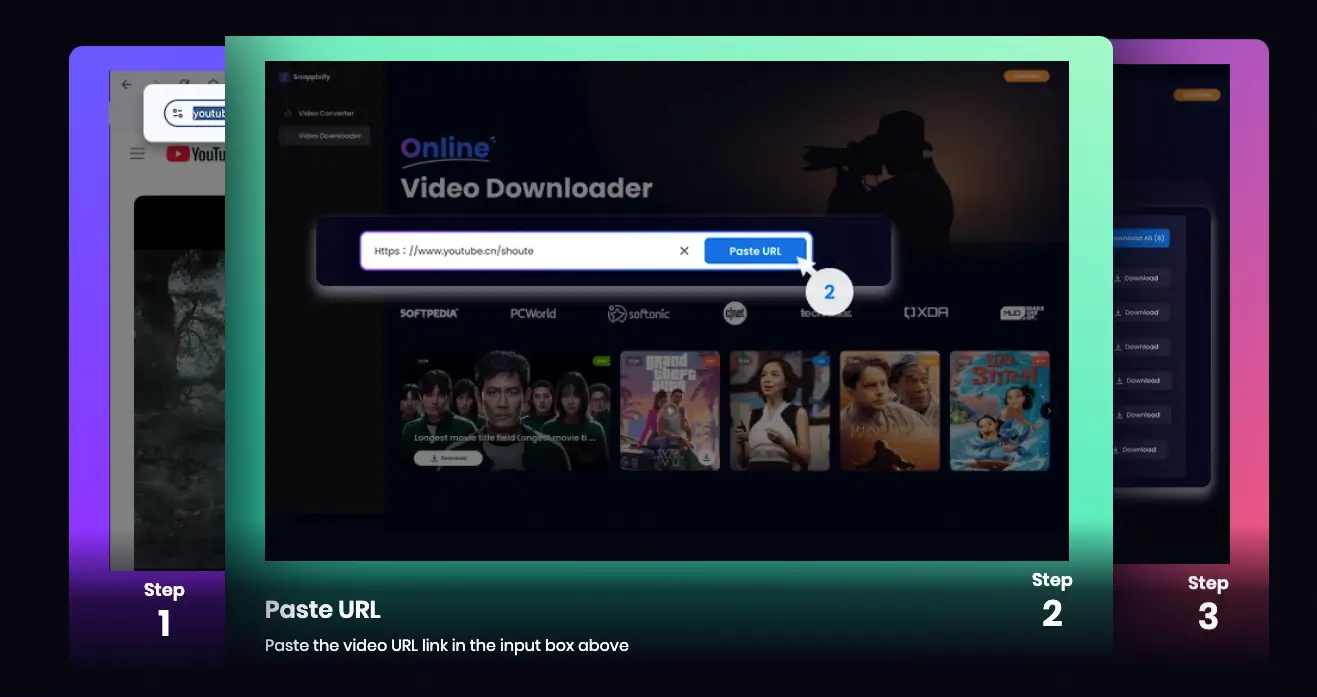
Copy the Video URL: From YouTube, Vimeo, or any supported site, copy the link.
Paste and Pick: Go to Snappixify, paste the URL, then choose your format (MP4 or MKV) and resolution (up to 4K).
Download and Enjoy: Click “Download.” Your video saves instantly—no ads, no wait, no watermark.
It's that simple. In just moments, you have a high‑quality, clean file saved on your device.
Conclusion: A Truly Free Alternative
So, is Video Downloader Professional really free? While it offers a no‑cost entry point, its limitations—ads, watermarks, slow speeds—can frustrate anyone who needs reliable performance. If you want a free video downloader that truly delivers:
-
Full‑speed downloads
-
Safe & secure download
-
No ads, no watermark
-
4K video download and format flexibility
-
Easy watch videos offline
…then Snappixify is the tool for you. Say goodbye to hidden paywalls and hello to seamless, professional‑grade downloads—completely free. Give Snappixify a try today and experience the difference for yourself.


