 Snappixify


In the era of social media, we are used to uploading our life's highlights to Facebook. However, these memories—photos, Reels, and even the witty banter in comments—are essentially your "digital assets." Many people only realize the importance of a backup when a platform glitch occurs or an account is unexpectedly flagged.
If you are still manually right-clicking to "Save Image As," you are not only wasting time but likely losing original image quality as well. Today, I’m sharing a comprehensive set of strategies—ranging from official "digital time capsules" to elite automation tools—to help you efficiently reclaim your data.
The Official Path: Your "Digital Time Capsule"
If you plan to deactivate your account or want a complete record of every post, friend list, and private message from over the years, Facebook’s official "Download Your Information" tool is the most stable choice.
1. Web Guide (PC/Mac)
-
Step 1: Log in to Facebook on your browser, click your profile icon, and go to Settings & Privacy ➡️ Settings.
-
Step 2: Click Accounts Center in the left menu, then select Your Information and Permissions ➡️ Download Your Information.
-
Step 3: Click Download or Transfer Information, select the accounts you want to back up, and choose Download to Device.
-
Step 4: Customize the date range. Crucial Settings: Set the format to HTML (for easy offline browsing) and Media Quality to High.
-
Step 5: Click Create Files. Once the system processes the request, you can find the file under the "Available Downloads" tab, verify your password, and save it.
2. Mobile App Guide (iOS/Android)
-
Step 1: Open the Facebook App, tap the Menu icon, and go to Settings & Privacy ➡️ Settings.
-
Step 2: Enter the Accounts Center at the top and select Your Information and Permissions ➡️ Download Your Information.
-
Step 3: Select Download or Transfer Information, choose your profile, and tap Download to Device.
-
Step 4: Confirm the date range and ensure Media Quality is set to the highest level.
-
Step 5: Submit the request. You will receive a notification when the file is ready; return to this page and enter your password to download.
The Limitations of the Official Method
While authoritative, the official tool has significant drawbacks for daily use:
-
No Instant Access: You often have to wait hours or even days for Facebook to generate the download link.
-
Lack of Flexibility: It is an "all-or-nothing" approach. If you only want to save a single video or a specific album, the official tool forces you to process massive amounts of irrelevant data.
-
Bulky Files: The download packages can be huge and prone to corruption if the network fluctuates during the process.
The Efficient Alternative: Why I Recommend Snappixify
Because the official method is so cumbersome for "on-the-go" saving, third-party tools like Snappixify have become essential. They fill the gap where official tools fail to provide instant, precise downloads.
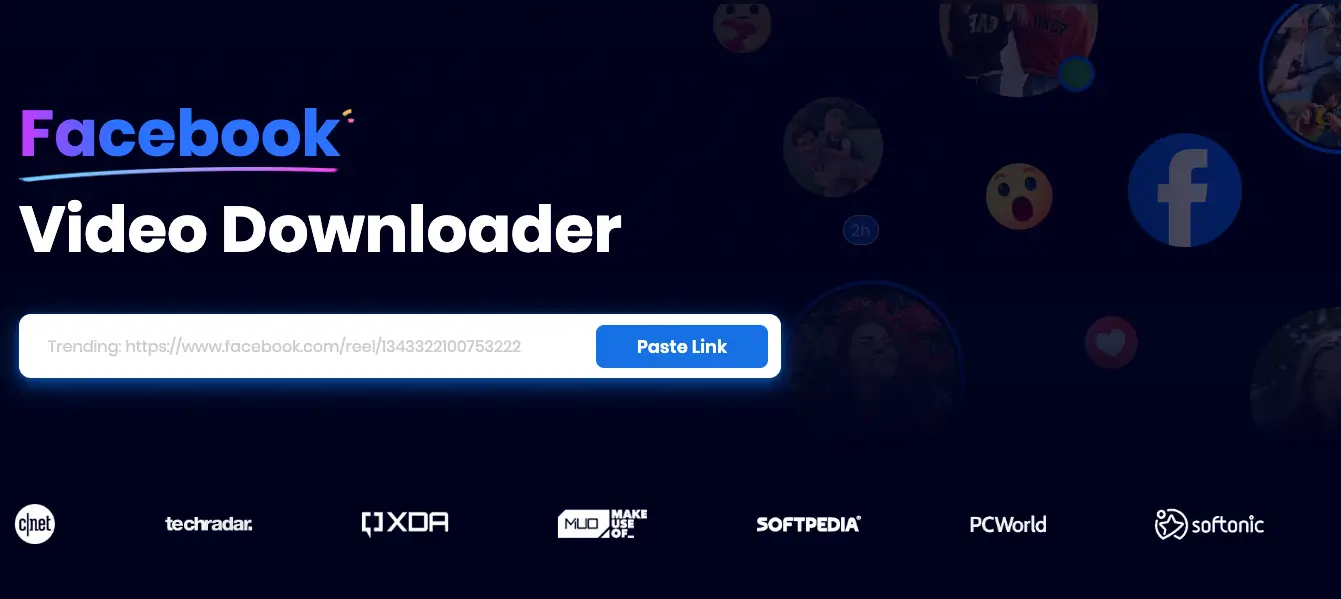
1. Core Advantage: Snappixify
The main appeal of Snappixify is that it is registration-free and login-free. You don’t need to hand over your Facebook password; it fetches content based purely on public links. This eliminates the phishing risks found on many sketchy download sites. Furthermore, it detects the original HD files on Facebook's servers, ensuring you get the highest quality rather than a blurry preview.
2. Comparison of Other Popular Online Tools
If you are looking for alternatives, here is the breakdown of other common tools based on my real-world testing:
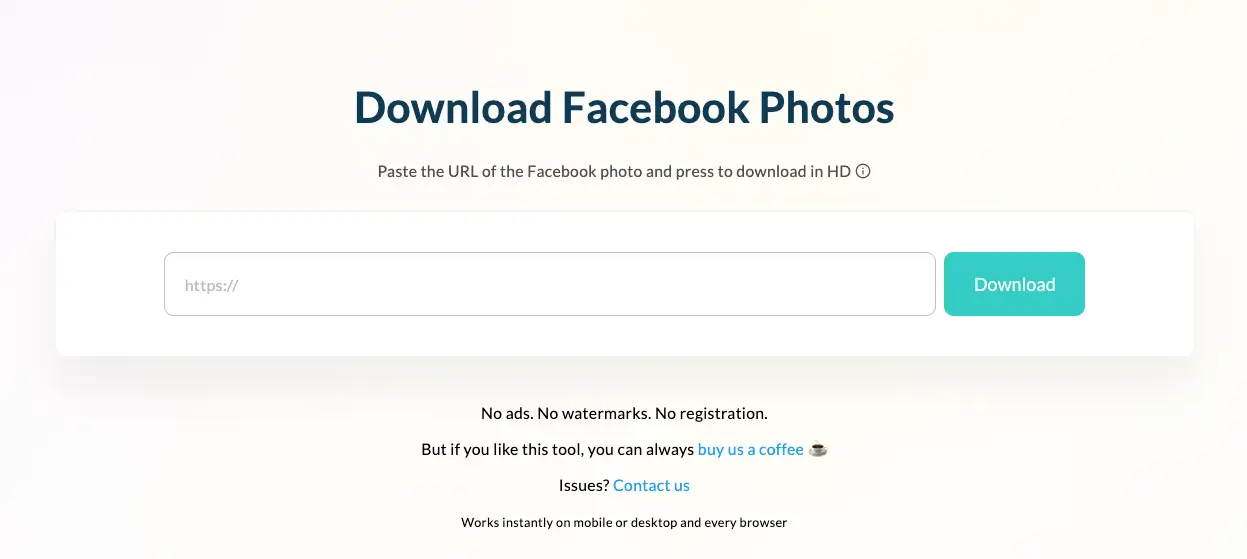
① Publer
-
Overview: A well-known social media management platform.
-
Pros: Extremely clean interface with zero ads. It is registration-free and provides watermark-free content.
-
Cons: Performance can be inconsistent. It is often slow when parsing large files, and you may see a "Please DO NOT refresh" warning while waiting.
② HiTube
-
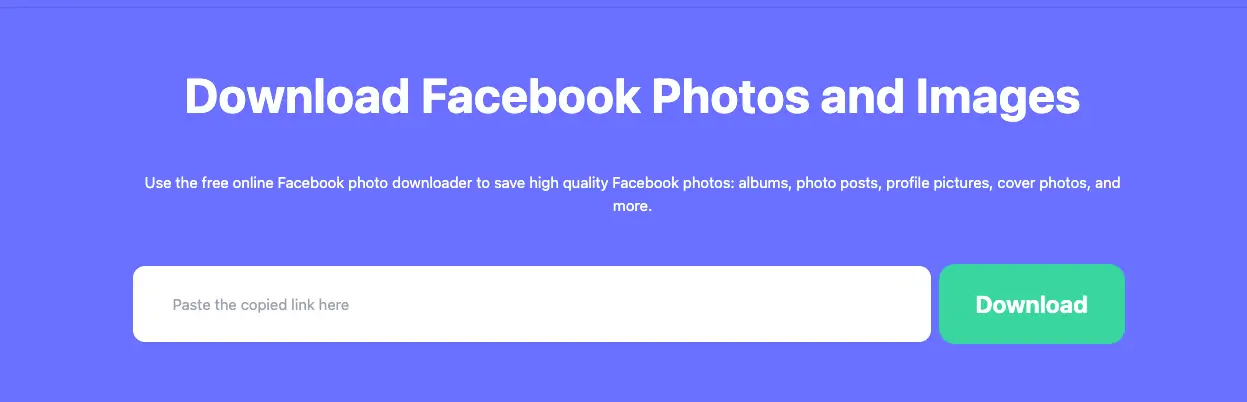
Overview: A site focused on video and audio stream downloading.
-
Pros: Very responsive, especially for Reels. Its photo download speed is noticeably faster than many competitors.
-
Cons: Limited features; it is not ideal for bulk-downloading complex albums.
③ Toolsmart
-
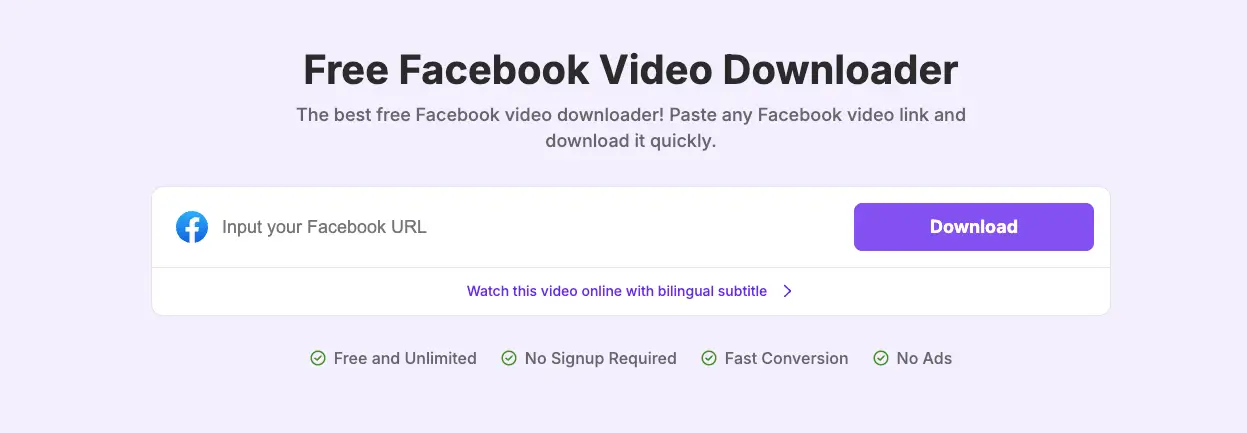
Overview: A multi-functional media processing site.
-
Pros: Includes some simple AI-driven media editing features.
-
Cons: The user experience is cluttered. In my tests, it often failed to parse photo links. More importantly, clicking "Download" can sometimes trigger unwanted ad-related installers—new users should proceed with caution.
Step-by-Step: How to Use Snappixify
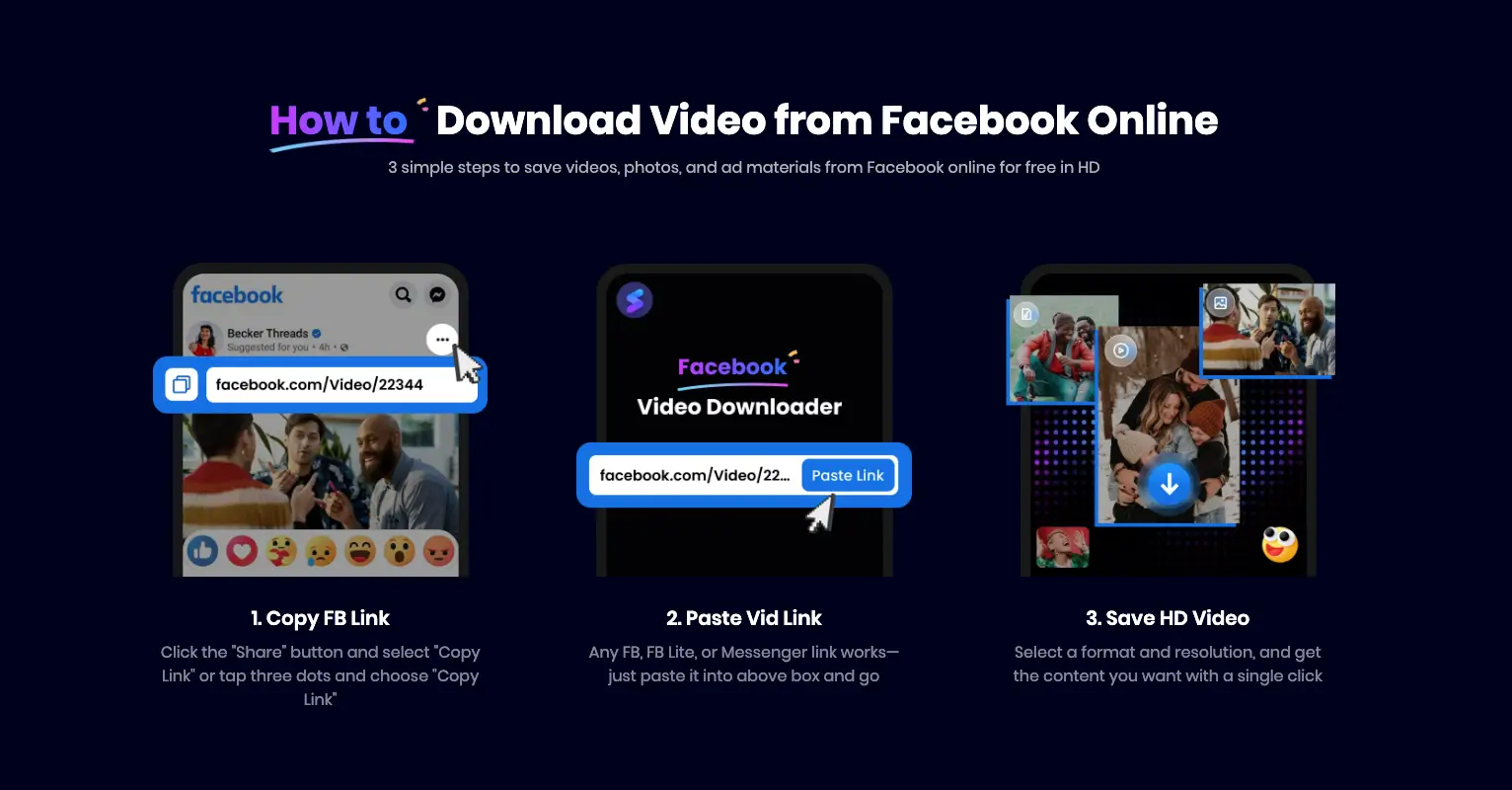
Snappixify is designed to be "step-free." The entire process takes just three clicks:
-
Copy Link: Find the content on Facebook, click the "Share" button, and select Copy Link.
-
Paste & Convert: Visit the Snappixify website, paste the link into the search box, and click Convert.
-
Save HD: Once parsed, choose your preferred resolution (High Definition recommended) and click Download.
The Geek Pro Path: Batching and Automation
For power users who need maximum efficiency:
-
Bulk Album Moving: I recommend Bulk Image Downloader (BID). Its "Infinite Scroll Scan" feature automatically simulates scrolling to find and extract every high-res original image hidden on a page.
-
The Ultimate Tool: yt-dlp: For tech enthusiasts, yt-dlp is the gold standard. When paired with the External Application Launcher browser extension, you can trigger a command-line download directly from your browser with a single click.
Note: While yt-dlp is the industry ceiling for quality, it requires technical knowledge, including Python environment setup and command-line usage. If you aren't looking for that level of complexity, Snappixify is more than enough for daily needs.
Safety and Privacy Tips
-
Avoid "Login Downloads": Stay away from any third-party site that asks you to log in to Facebook. Tools like Snappixify are safer because they use URL parsing, which does not touch your private data.
-
Respect Copyright: Backing up your own memories is your right, but always be cautious and respect copyright laws when downloading and distributing content created by others.
Summary: Which Method Suits You?
-
For Full Account Backups: Be patient and use the Official Facebook Tools.
-
For Moving Entire Albums: Use BID to grab thousands of photos at once.
-
For Hardcore Automation: Master yt-dlp to enjoy the speed and control of professional geek tools.
Don't wait until your memories are lost to start your backup. If you have any questions about setting up these tools, feel free to leave a comment below!


