 Snappixify


Ever found the perfect video—an insightful TED talk, a funny TikTok clip, or a stunning travel reel—only to lose it to buffering, deletion, or bad Wi-Fi? You're not alone. The ability to save and convert videos for offline use has quietly become an essential part of digital life.
In this guide, we're diving deep into the world of online video downloading. You'll learn how to use a powerful yet underrated tool called Snappixify to take control of your favorite videos, all while keeping things legal, safe, and hassle-free.
No, this isn't just another ad pretending to be a tutorial. We'll walk through real use cases, smart tips, and practical tricks so you can download smarter—not harder.
Practical Tips Most People Miss (Start Here!)
Before you even copy a link, here are some insider strategies that most people don't know about:
-
Use folders to organize your downloads by topic, project, or creator
-
Trim audio after downloading MP3s using free editors like Audacity or Online MP3 Cutter
-
Convert short Instagram reels into GIFs with tools like EZGIF—great for memes or email reactions
-
Always check file size vs. quality to save space while preserving resolution
-
Use incognito/private mode if you want no browser history footprint
? Quick Tip: Want to convert an hour-long interview into a podcast episode for your walk? Download as MP3, trim the silence, and load it into your music app. Free, fast, and offline.
Why Bother Downloading Videos?
Even when you have great Wi-Fi, streaming comes with downsides:
-
Content can be deleted or made private without notice
-
Platforms sometimes limit access due to region or age restrictions
-
Watching the same video repeatedly eats up data
-
You can't always rely on streaming during flights or travel
Having a video saved on your device solves all of that. And that's where tools like Snappixify come in.
Meet Snappixify: Your Video Sidekick
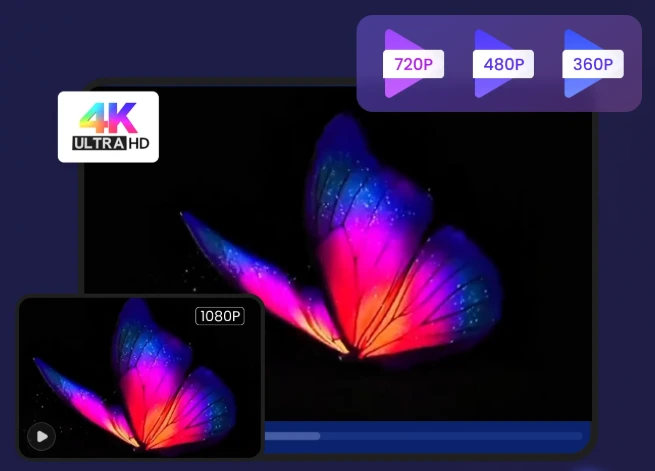
Snappixify is a free, browser-based tool that helps users download and convert videos from platforms like YouTube, Instagram, and Twitter/X. There are no apps to install, no accounts to create, and no pop-up spam to dodge.
Highlights include:
-
Works with all major platforms
-
Offers MP4, MP3, and other format options
-
Supports resolutions up to 4K
-
100% web-based—use it from any device
-
Downloads are encrypted with SSL
-
Files are auto-deleted after a short time for your privacy
Think of it as your online video downloader—fast, free, and freakishly easy to use.—fast, free, and freakishly easy to use.
How It Works: Downloading in 4 Easy Steps
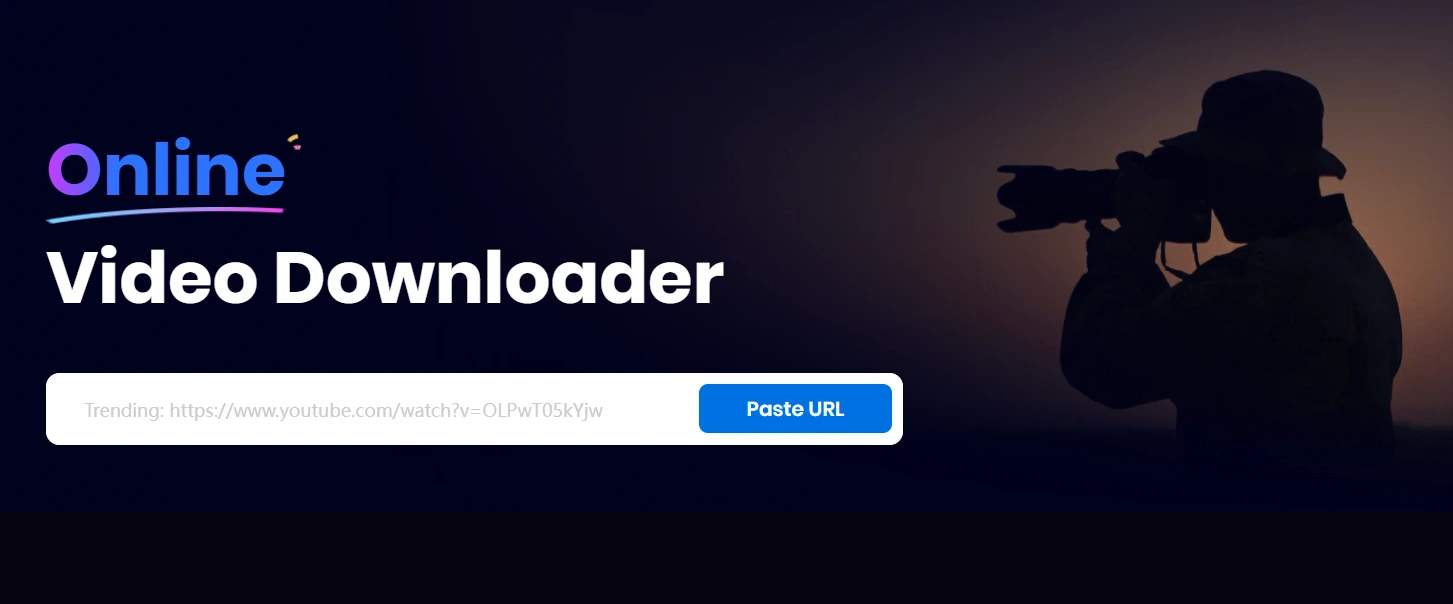
Copy Your Video Link
Go to your favorite platform and find the video you want. Click the share button or three-dot menu and select Copy Link.
Paste into Snappixify
Head to Snappixify.comand paste the link into the input bar. Hit the download button and let the magic happen.
Choose Format and Quality
You'll see a list of available download options including YouTube to MP4 downloads in various resolutions:
-
MP4 (standard video format)
-
MP3 (for audio-only versions)
-
WebM or others, depending on the source
-
Resolution options (360p, 720p, 1080p, or 4K) (360p, 720p, 1080p, or 4K)
Download and Save
Click the format you want, and the file will be ready in seconds. Save it to your phone, tablet, or computer.
Real-Life Use Cases (You Might Not Have Thought Of)
Offline Learning on a Budget
Students download YouTube explainers and language lessons to watch offline during their commute.
Flight Mode Entertainment
Before long flights, travelers download documentaries or comedy shows for in-flight viewing without needing airline Wi-Fi.
Podcast Conversion
Convert long-form interviews from YouTube to MP3s and listen during your workout or errands.
Saving Ephemeral Content
Social media stories disappear in 24 hours. Download those Instagram highlights or Twitter clips before they're gone.
Presentation Perfection
Educators and marketers grab key video clips to embed in slide decks or presentations, avoiding awkward buffering mid-pitch.
Legal and Ethical Boundaries (Yes, This Matters)
Is it legal to download videos? The answer is: it depends.
Generally, downloading for personal, non-commercial use is acceptable. But some platforms (like YouTube) technically prohibit downloading without permission.
What you should never do:
-
Download private videos
-
Re-upload downloaded content as your own
-
Sell or distribute videos you didn't create
Snappixify doesn't bypass DRM protections and only allows downloading of publicly accessible videos, keeping you on the right side of digital ethics.
Sneaky Good Features That Make Snappixify Special
You might be wondering: what makes this tool different from the dozens of others out there?
-
Zero sign-up friction
-
No bloatware or ads
-
One tool for all platforms
-
Fast conversions (even long videos)
-
Secure with SSL and auto file deletion
It feels more like a productivity hack than a downloader.
Visual Guide: The Snappixify Flow
Pro tip: Create an original infographic based on this flow for your blog.
Copy a video link (e.g., from YouTube or Twitter)
Paste into Snappixify
Choose format/resolution
Download & enjoy
Visuals can go a long way in making the guide shareable and memorable.
Final Thoughts: Download Smarter, Not Harder
In a world where viral videos can vanish overnight, being able to save what matters isn't just helpful—it's empowering.
With Snappixify, you can download videos quickly and safely, without the usual roadblocks—no logins, no installs, no spammy popups. Just the content you want, in the format you need.
Whether you're a student prepping a presentation, a traveler catching up offline, a creator sourcing clips, or simply tired of buffering, Snappixify gives you the freedom to keep and enjoy content your way.
Give it a spin at Snappixify.com. You'll wonder how you ever scrolled without it.
FAQs (Because We Know You're Curious)
Does it work on mobile?
Yes! Fully mobile-friendly. Works on iOS, Android, and all major browsers.
Can I download full playlists?
Not yet, but playlist support is under development.
Is there a file size limit?
Free users might experience limits for extremely large files. Consider premium options if needed.
Do I need to install anything?
Nope. Everything runs directly in your browser.
Is it really free?
Yes. Basic downloading and converting are 100% free. Premium features are optional.


