 Snappixify


Whether it's a dance challenge, a 15-second recipe hack, or a hilarious pet moment—YouTube Shorts are dominating the internet. With over 70 billion daily views (YouTube, 2024), these bite-sized videos are addictive, fast-paced, and often too good to watch just once.
But what if you want to download a Short to watch offline, share without the YouTube app, or repurpose it for inspiration?
In this guide, we'll show you how to use Snappixify, a free and secure YouTube Short downloader, to save your favorite clips quickly. Plus, we'll explain legal considerations, best practices, and real user scenarios to help you get the most out of YouTube Shorts.
What Are YouTube Shorts, and Why Are They So Popular?
YouTube Shorts are vertical videos that are under 60 seconds long, often featuring trending music, fast edits, or looping content. Since their global rollout in 2021, Shorts have exploded in popularity due to:
-
Instant engagement (perfect for short attention spans)
-
Seamless mobile integration
-
Visibility in YouTube's main app and homepage
-
Algorithmic boosting (more views = more potential reach)
With creators like MrBeast, Zach King, and Khaby Lame using Shorts to reach millions, it's no surprise users want a way to save these videos offline.
Why Download YouTube Shorts?
Offline Enjoyment
-
Travel or commute without using mobile data
-
No buffering issues in low-signal areas
Content Archiving
-
Save tutorials, inspirational clips, or references
-
Keep ephemeral or deleted content for later
Personal Use & Study
-
Rewatch to learn transitions, music cuts, or trends
-
Use in media literacy, education, or editing practice
⚠️ Note: Downloading should be for personal, non-commercial use. Always respect copyright and fair use guidelines.
Meet Snappixify: Your Free YouTube Short Downloader
Snappixify is a browser-based tool that allows you to download YouTube Shorts instantly—no registration, no watermark, and no software installs.
✅ Key Features
-
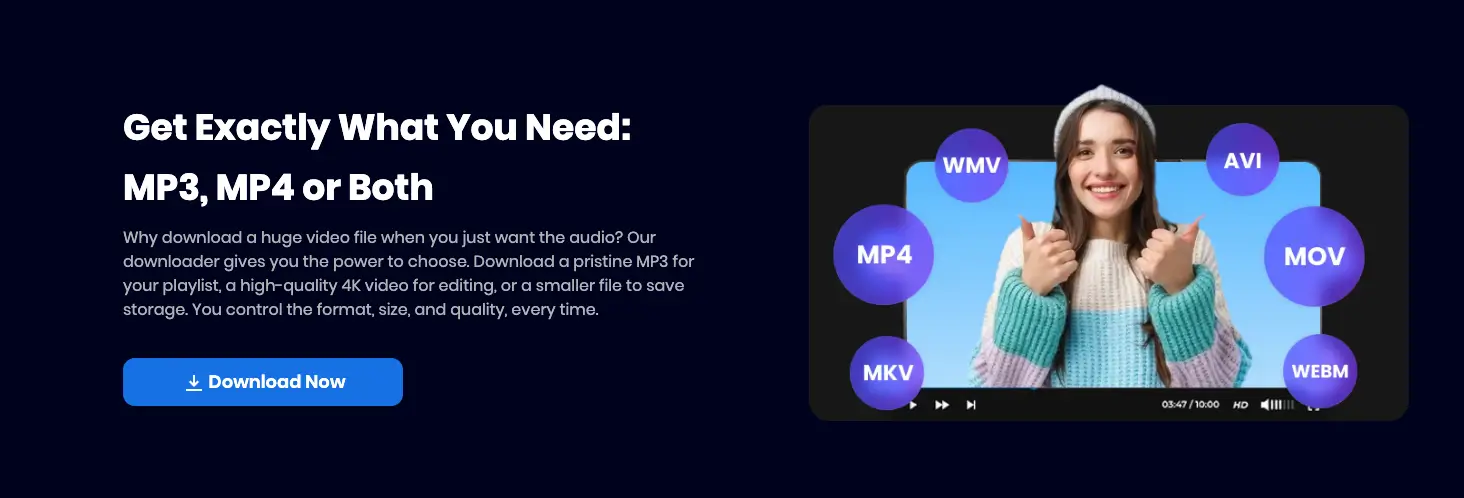
Supports HD and SD video downloads
-
Converts Shorts into MP4 or MP3 formats
-
Works on desktop and mobile
-
Secure with SSL encryption
-
No annoying ads or limits
Snappixify is ideal for casual users, educators, and content enthusiasts who want a simple, free way to download YouTube Shorts without jumping through hoops.
How to Download YouTube Shorts Using Snappixify
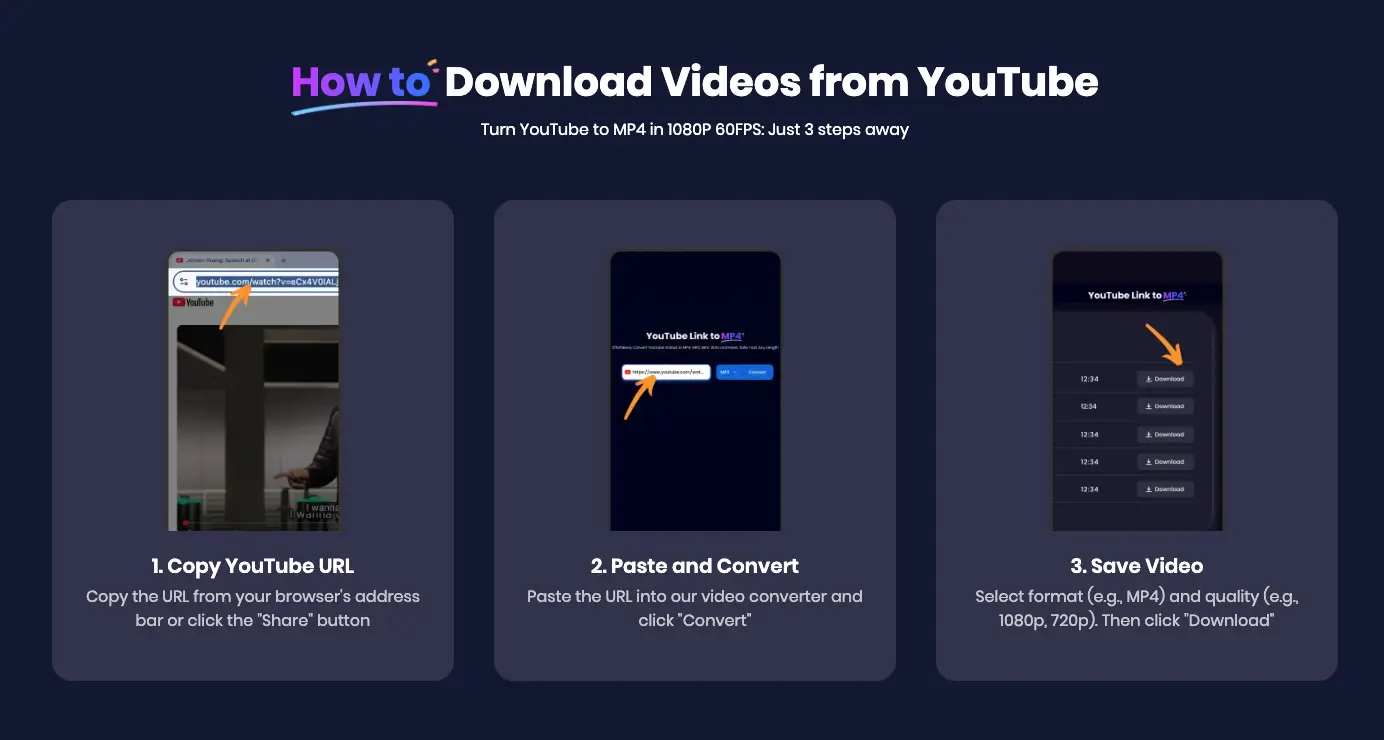
Downloading a Short with Snappixify is as easy as copy and paste. Here's a step-by-step guide:
? Step-by-Step Tutorial
-
Open the YouTube app or website
-
Navigate to the Short you want to save.
-
-
Copy the video URL
-
Tap the "Share" icon → Select "Copy link"
-
Example:
https://youtube.com/shorts/abc123xyz
-
-
Go to Snappixify.com
-
Paste the link into the input box on the homepage.
-
-
Click "Download"
-
The tool will fetch and preview the video.
-
-
Choose format (MP4/MP3)
-
Click your preferred format and the download will start instantly.
-
? Tip: Use the MP3 option if you're only interested in the audio (e.g., music, quotes).
Use Case: How a Content Creator Uses Snappixify to Build a Visual Library
Meet Erica, a lifestyle content creator who often browses Shorts for new ideas.
She uses Snappixify to:
-
Download 10-second aesthetic clips as mood board material
-
Extract audio snippets for reels
-
Save deleted Shorts that she previously bookmarked
"I don't have time to screen record or use complicated software," Erica says. "Snappixify is so fast and clean—it saves me hours every week."
This workflow also keeps her camera roll organized with content for inspiration, editing practice, and trend research.
YouTube Short Downloader: Legal and Ethical Considerations
While tools like Snappixify make downloading easy, it's important to know the boundaries:
✅ What You CAN Do:
-
Download for personal offline viewing
-
Use in educational or research settings
-
Archive content for inspiration
❌ What You SHOULDN'T Do:
-
Reupload Shorts without credit
-
Monetize downloaded content without permission
-
Alter and repost copyrighted clips
Always give creators the respect they deserve. When in doubt, ask for permission.
Topic Cluster: Related Questions and Answers
Can I download YouTube Shorts on mobile?
Yes, Snappixify is mobile-optimized. Simply open a browser on your phone and follow the same copy-paste steps.
Does Snappixify support Shorts playlists?
No, it downloads one video at a time—ideal for selective saving rather than batch downloads.
Are there limits on video length?
Snappixify supports any Short under 60 seconds. For longer YouTube content, it works equally well with regular videos.
Is this free forever?
As of now, Snappixify is 100% free to use with no hidden fees or freemium upgrades.
Data Snapshot: The Rise of YouTube Shorts
|
Metric |
Stat (2024) |
|
Daily views |
70B+ |
|
Monthly active users |
2.5B |
|
Average length |
20 seconds |
|
Most watched Short |
1.6B+ views (MrBeast) |
|
Gen Z engagement |
90% watch Shorts weekly |
Source: YouTube Official Blog, Social Media Today (2024 reports)
These numbers explain why demand for YouTube Short download tools is skyrocketing—especially in areas with low bandwidth or content restrictions.
Snappixify vs. Other Tools
|
Feature |
Snappixify |
Random App A |
Random Site B |
|
No install needed |
✅ |
❌ |
✅ |
|
Supports MP3/MP4 |
✅ |
❌ |
✅ |
|
Watermark-free |
✅ |
❌ |
❌ |
|
Safe & ad-free |
✅ |
❌ |
❌ |
|
Mobile compatibility |
✅ |
✅ |
❌ |
Snappixify keeps it clean, fast, and privacy-first. Many competitors overload users with popups or require extensions.
Final Tips for Downloading Shorts Safely
To make your experience better and safer, keep these practices in mind:
-
Avoid public Wi-Fi when downloading large files
-
Scan downloads if you're using a third-party tool (Snappixify downloads are secure, but habits matter)
-
Credit creators if using any clips in public presentations or derivative works
-
Respect privacy—avoid downloading Shorts with sensitive or personal info
Final Thoughts: Snappixify Makes Downloading Shorts Effortless
With YouTube Shorts becoming a cornerstone of digital culture, tools like Snappixify empower users to save, study, and enjoy content on their own terms. Whether you're commuting, creating, or just collecting the internet's best moments, Snappixify is the perfect companion.
Try it today at Snappixify.com and start building your offline Short collection—free, fast, and fuss-free.


