 Snappixify


In 2026, whether you're saving a podcast for a long flight or extracting a background track for a creative project, converting YouTube links to high-quality MP3s remains a vital skill. With so many tools appearing and disappearing, finding a balance between speed, audio fidelity, and security is key. This guide introduces three top-tier tools—Snappixify, Dubs.io, and TurboScribe—to help you master audio extraction effortlessly.
Why Convert YouTube Links to MP3?
Offline Convenience: Enjoy your favorite music, lectures, or meditations without needing a stable internet connection.
Storage Efficiency: MP3 files are significantly smaller than high-resolution videos, saving precious space on your mobile devices.
Multitasking: Listen to educational content while commuting, exercising, or working without keeping your screen active.
Customization: Extract specific audio clips to create personalized ringtones or samples for video editing.
Three Best Tools to Turn YouTube Link to MP3
Snappixify – The All-in-One Downloader(Top Recommendation)
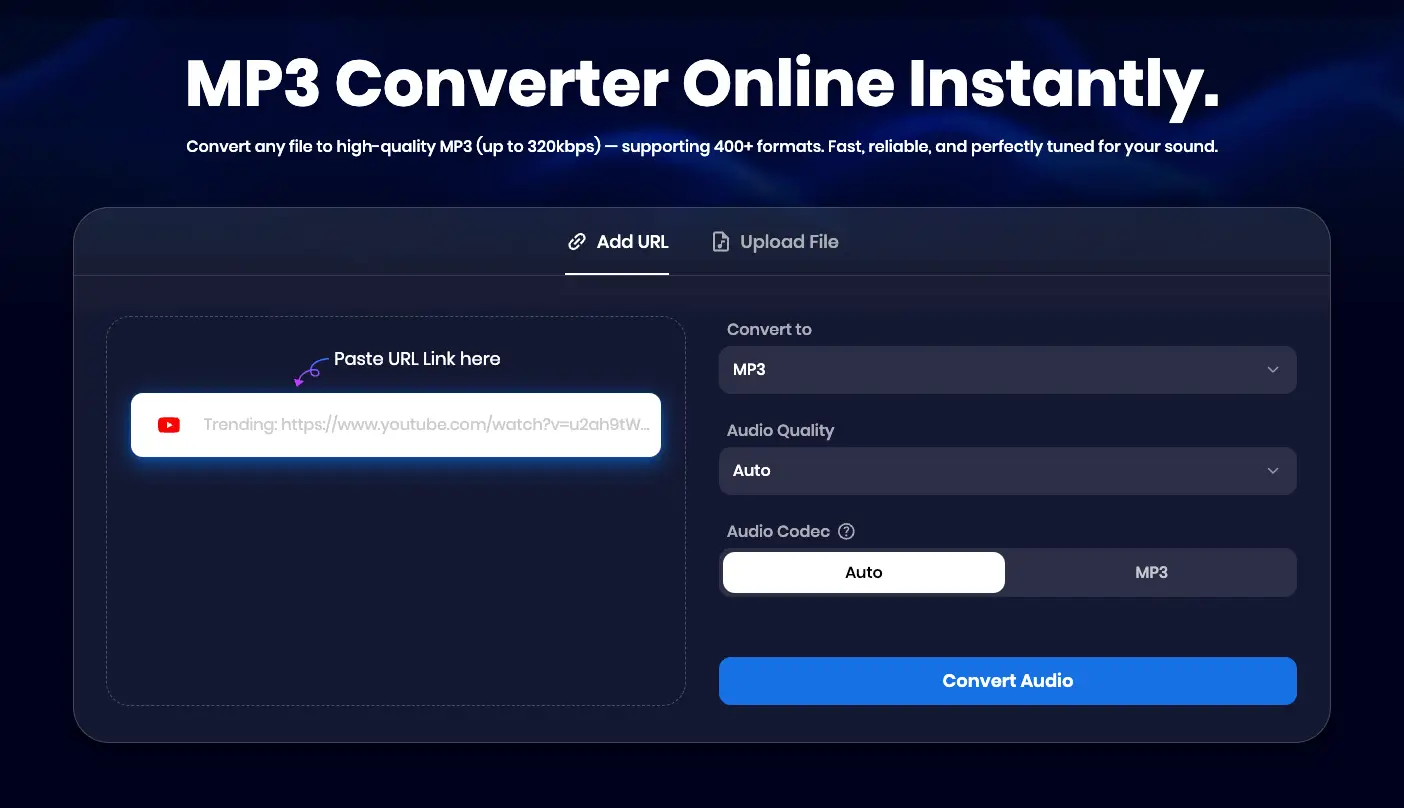
Snappixify stands out as the most robust solution for 2026. It isn't just a simple converter; it’s an official-grade media processing hub that prioritizes both speed and security.
✅ Pros:
-
Ad-free and Malware-free: A clean interface with no intrusive pop-ups, ensuring a secure download experience.
-
Extreme Speed: Powered by a 180X ultra-fast conversion engine.
-
High-Quality Extraction: Supports pristine audio quality up to 320kbps.
-
Batch & Playlist Support: Download entire YouTube playlists or channels in one go.
Snappixify is a powerful multi-functional tool that ensures high-quality conversions without the risks. It’s perfect for those looking for a robust link to MP3 converter and a long-term media management solution.
Dubs.io
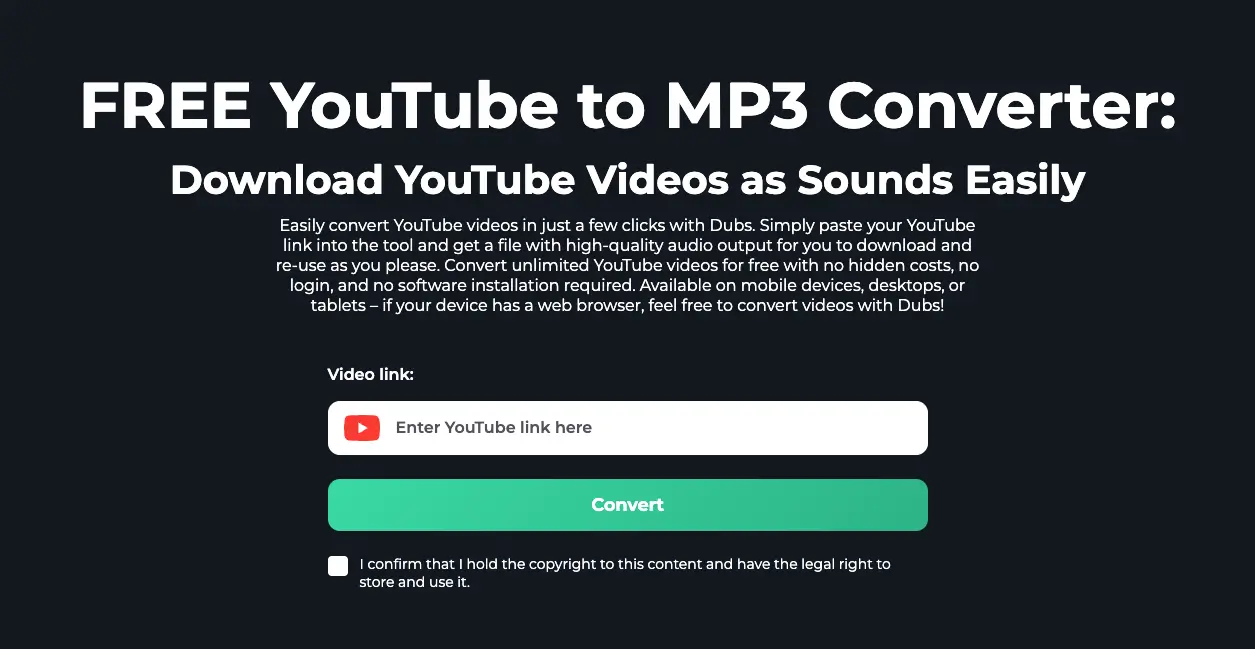
Dubs.io is a specialized tool perfect for creators who need flexibility in file formats and quick browser-based conversions.
✅ Pros:
-
Five Format Options: Choose between MP3, M4A, WEBM, AAC, and OPUS.
-
No Pop-ups: Offers a clean user experience by avoiding typical "click-bait" advertisements.
-
No Installation: Works 100% online through your browser.
❌ Cons:
-
No Batch Downloading: You have to process videos one by one.
-
No Bitrate Selection: Unlike Snappixify, you cannot manually choose the audio quality (e.g., 320kbps vs 128kbps); it converts based on a default setting.
-
Link Restrictions: It only accepts the top URL from your browser address bar (e.g.,
youtube.com/watch...). The "Share" button short-links (youtu.be/...) often fail to work.
TurboScribe
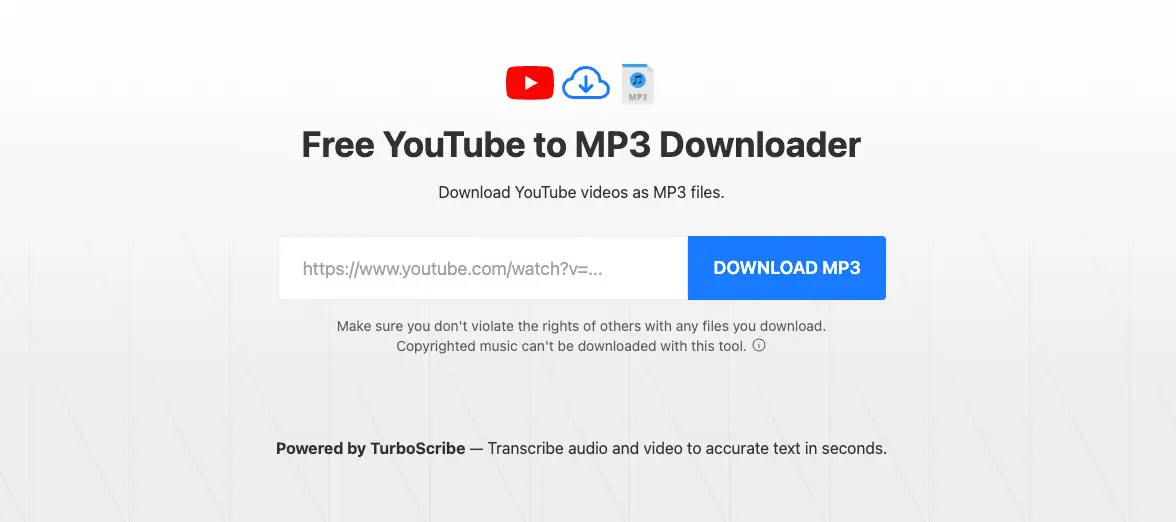
If your goal is to turn a YouTube video into written notes or a transcript, TurboScribe is the best AI-driven choice.
✅ Pros:
-
Clean and Minimalist Interface: Offers a distraction-free user experience that is very easy to navigate.
-
Large Language Support: Can transcribe and translate content in over 98 languages.
❌ Cons:
-
File Size & Length Limitations: Larger files or extremely long videos often cannot be converted or processed due to system constraints.
-
Technical Failures: Some videos may fail to download entirely depending on their duration or metadata.
-
Text-Focused Quality: The MP3 output is intended primarily for transcription; as such, it provides standard audio quality without advanced optimization or normalization features.
-
Limited Download Formats: Unlike dedicated converters, it offers very few output formats to choose from when downloading your audio.
Quick Comparison: Top YouTube to MP3 Tools
|
Feature |
Snappixify |
Dubs.io |
TurboScribe |
|
Speed |
180X Ultra-Fast |
Fast |
Moderate |
|
Main Focus |
Downloads & Editing |
Speed & AI Dubbing |
Transcription & Text |
|
Max Audio Quality |
320 kbps(Manual) |
Standard / Variable |
Standard |
|
Batch Download |
Yes |
No |
No |
|
Bonus Features |
Trimming & Normalizing |
Auto-Captions |
Unlimited AI Text |
How to Use Snappixify to Download YouTube Videos
Extracting high-quality audio with Snappixify is simple and takes only a few seconds. Follow these steps:
-
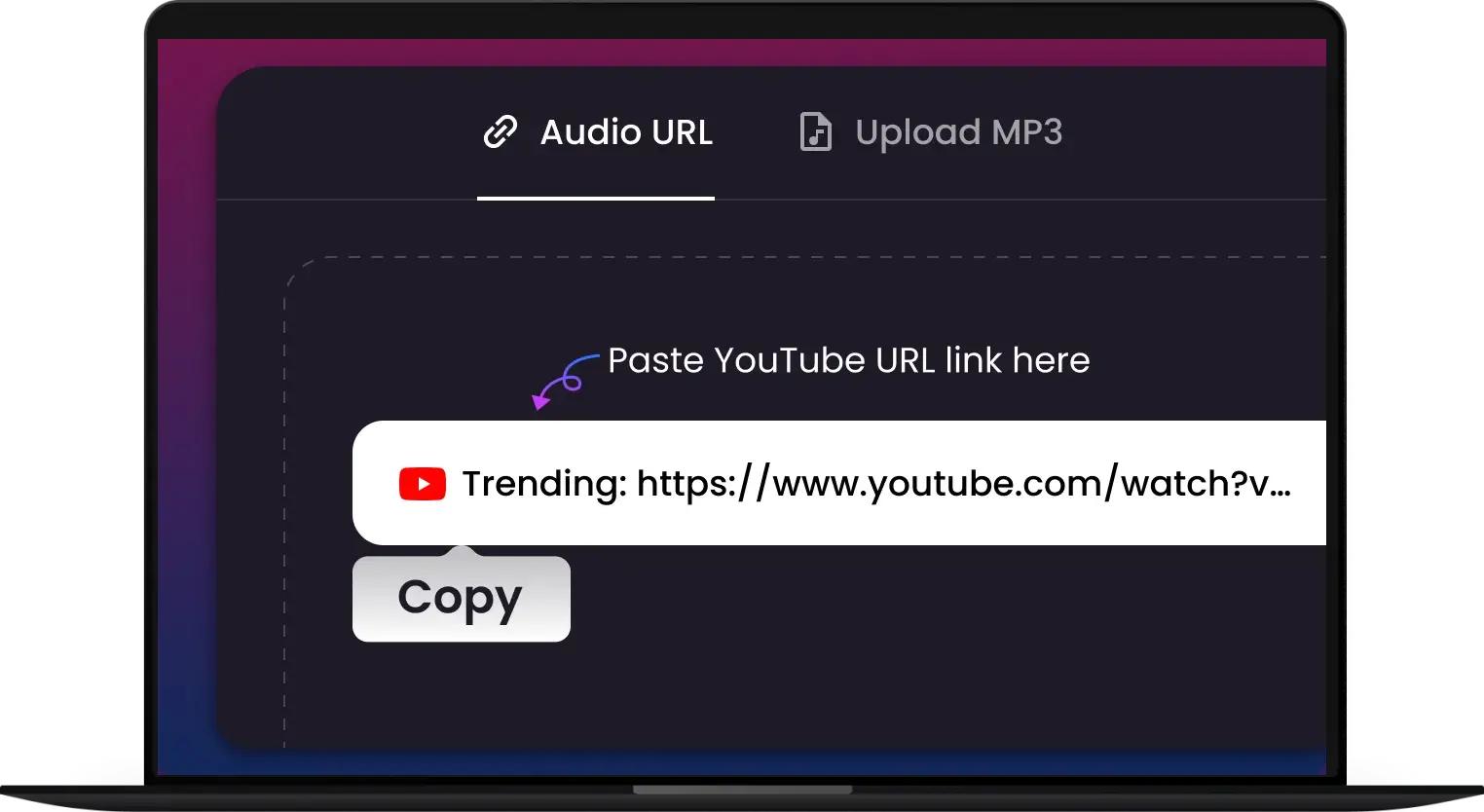
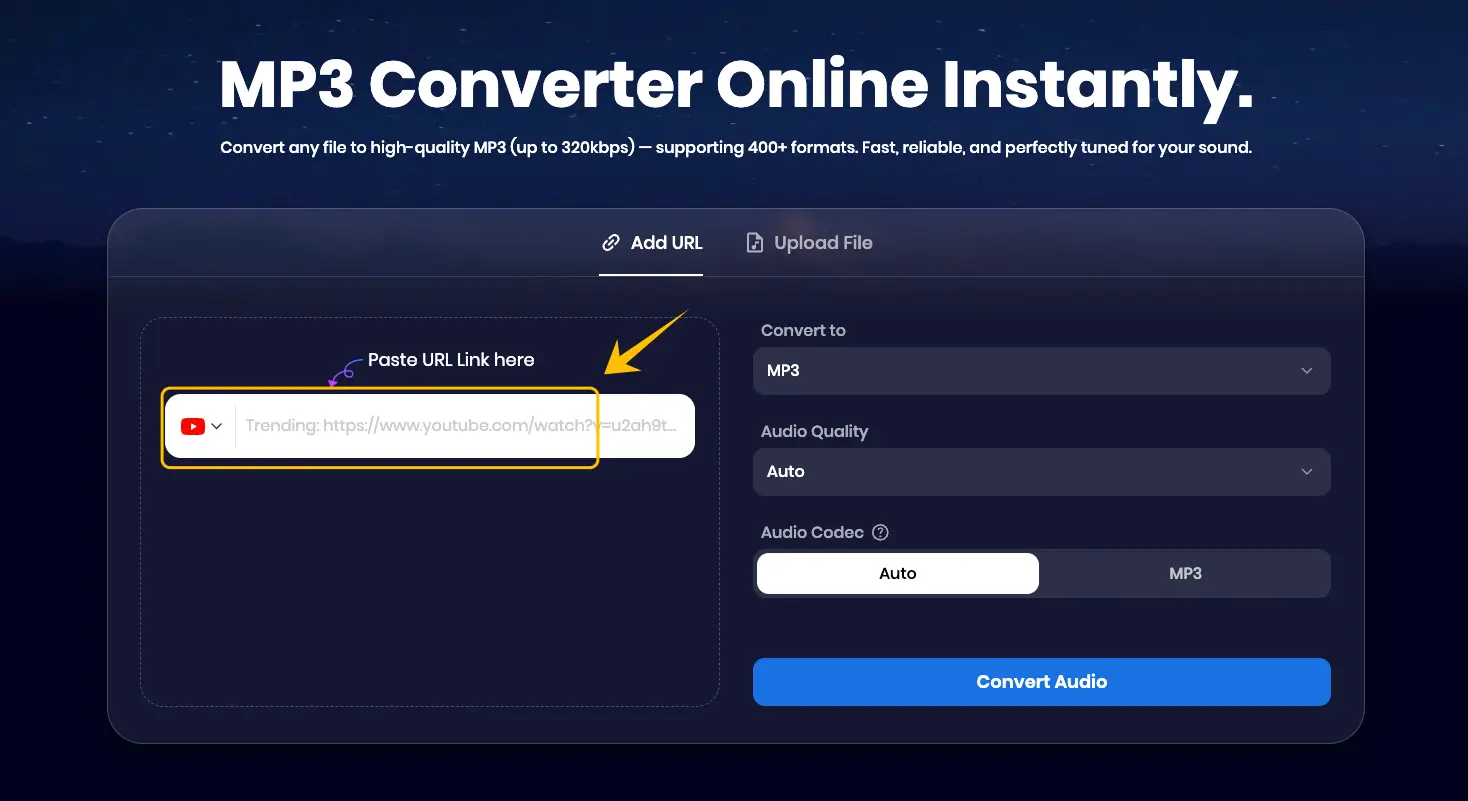
Step 1: Copy the Link – Open the YouTube video you want to convert. You can either copy the URL directly from your browser's address bar or click the "Share" button and copy the shortened link provided.
-
Step 2: Access Snappixify – Go to snappixify.com/youtube-downloader and paste the link into the search bar.
-
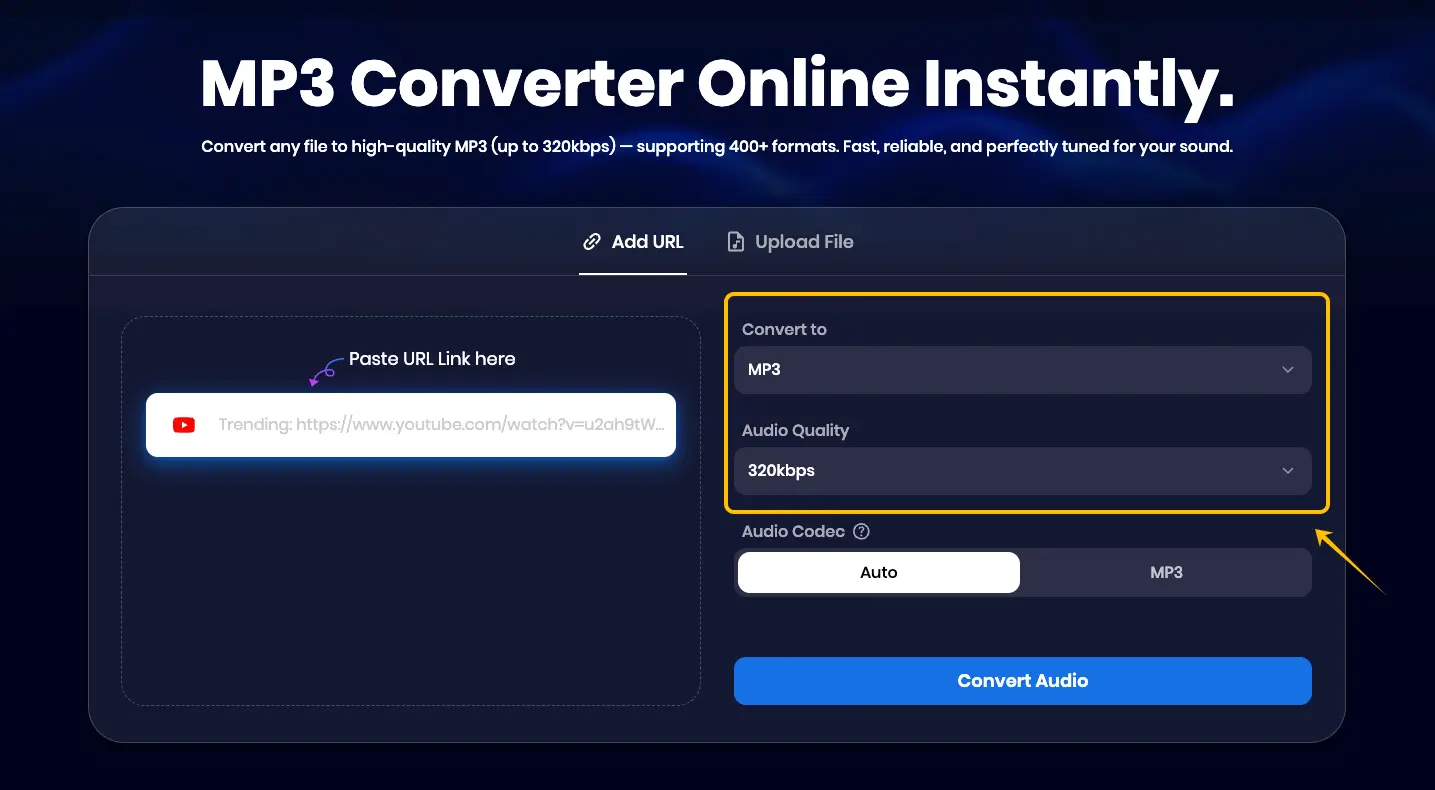
Step 3: Choose Format & Quality – Select your preferred format (MP3, WAV, FLAC, or M4A). For the best experience, we recommend choosing 320kbps to ensure crystal-clear, high-fidelity sound.
-
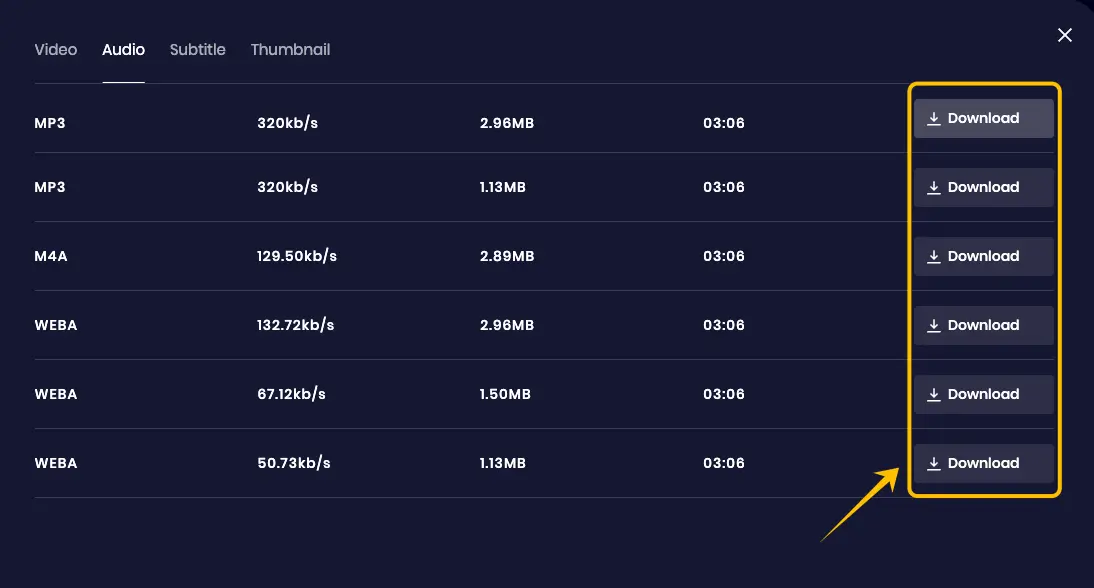
Step 4: Convert and Download – Click the "Convert Audio" button, wait a moment for the processing to finish, and then hit "Download" to save the MP3 to your device.
How to Choose the Right Bitrates (Sound Quality)
128kbps: Standard quality. Best for speech-heavy content like news or audiobooks to keep file sizes small.
192kbps: Good quality. Suitable for casual music listening on standard earbuds.
320kbps: The Gold Standard. Essential for music lovers and professional audio systems to ensure no loss in fidelity.
Use Snappixify to Enhance Your Offline Music Library
Combine Your MP3 with Snappixify YouTube Transcript
Downloading the audio is just the beginning. If you are using YouTube for learning or research, you can use the Snappixify YouTube Transcript tool alongside your downloaded MP3. By generating a full text version of the video, you can follow along with your offline audio, making it much easier to take notes or study complex topics without needing to be online.
Create a High-Fidelity Audio Archive
The best way to ensure your music library stays professional is to always source your files at the highest possible quality. By using Snappixify to consistently download at 320kbps, you are building a future-proof archive. High-quality source files mean that your audio will sound perfect on any device, from high-end home speakers to mobile earbuds, without the "tinny" sound found in low-quality converters.
Streamline Your Workflow with the Snappixify Ecosystem
Instead of jumping between different websites, you can rely on the Snappixify suite to handle both your downloading and content extraction needs. Using one trusted platform ensures a consistent, ad-free experience and keeps all your media processing in one secure place.
Is It Safe and Legal?
Safety: Always avoid sites that require you to download .exe files or show aggressive redirects. Snappixify and the tools mentioned here are secure web solutions.
Legality: Converting YouTube to MP3 for personal, offline use is generally tolerated, but distributing copyrighted material is illegal. Always respect the rights of content creators.
Why Snappixify: It provides a safe, ad-free environment, protecting your device from the malware risks common on "free" converter sites.
Final Thoughts
In summary, Snappixify is the premier choice for those who value speed and professional audio quality. Dubs.io is a fantastic quick-access tool for various formats, and TurboScribe is the go-to for turning audio into productive text.
FAQs About YouTube Link to MP3 Conversion
Is Snappixify completely free to use?
Snappixify provides one free download per day. To unlock the full potential of the platform, you can upgrade to the Pro version:
-
7-Day Trial: Only $1.95 (Full access, cancel anytime).
-
1-Month Plan: $9.95 – Unlimited downloads, 180X speed, and 8K video support.
-
1-Quarter Plan: $29.95.
-
1-Year Plan: $79.95 – Best value for power users.
Can I convert a long YouTube playlist to MP3 at once?
Yes! Snappixify is specifically designed to handle playlists. Simply paste the playlist URL, and you can download every track in the list simultaneously.
Does converting a link to MP3 affect the sound quality?
If you use a low-quality converter, yes. However, by selecting 320kbps on a tool like Snappixify, you ensure you are extracting the highest quality audio stream available from the source video.


