 Snappixify


Why Traditional Extensions Fall Short
Many Firefox extensions promise YouTube downloads but require permissions that access your data or slow your browser. They often limit you to 720p or 1080p, inject ads, or leave watermarks on your videos. Snappixify sidesteps these issues completely by running in your browser without installations, keeping your downloads private and your videos clean.
Universal Support for 1000+ Websites
Snappixify isn't just a YouTube video downloader - it works on over a thousand platforms:
-
Social Media: Facebook, Instagram, TikTok
-
Video Hosts: Vimeo, Dailymotion, Metacafe
-
News & Education: BBC, CNN, Khan Academy, TED
-
Niche & Indie Sites: Specialty blogs, local streaming channels
Whether you need to save a tutorial, a music video, or a news clip, Snappixify handles them all in one place.
True 4K Video Download for Crystal-Clear Quality
If you've found a spectacular 4K video—maybe a travel vlog or concert footage—Snappixify online video downloader preserves every pixel. Most extensions cap at lower resolutions, but with Snappixify's 4K video download, you get the full ultra-HD experience:
-
Enjoy crisp visuals on large monitors or 4K TVs.
-
Crop or zoom without losing detail when editing.
-
Future-proof your library as screens improve.
Flexible Formats: MP4, MKV and More
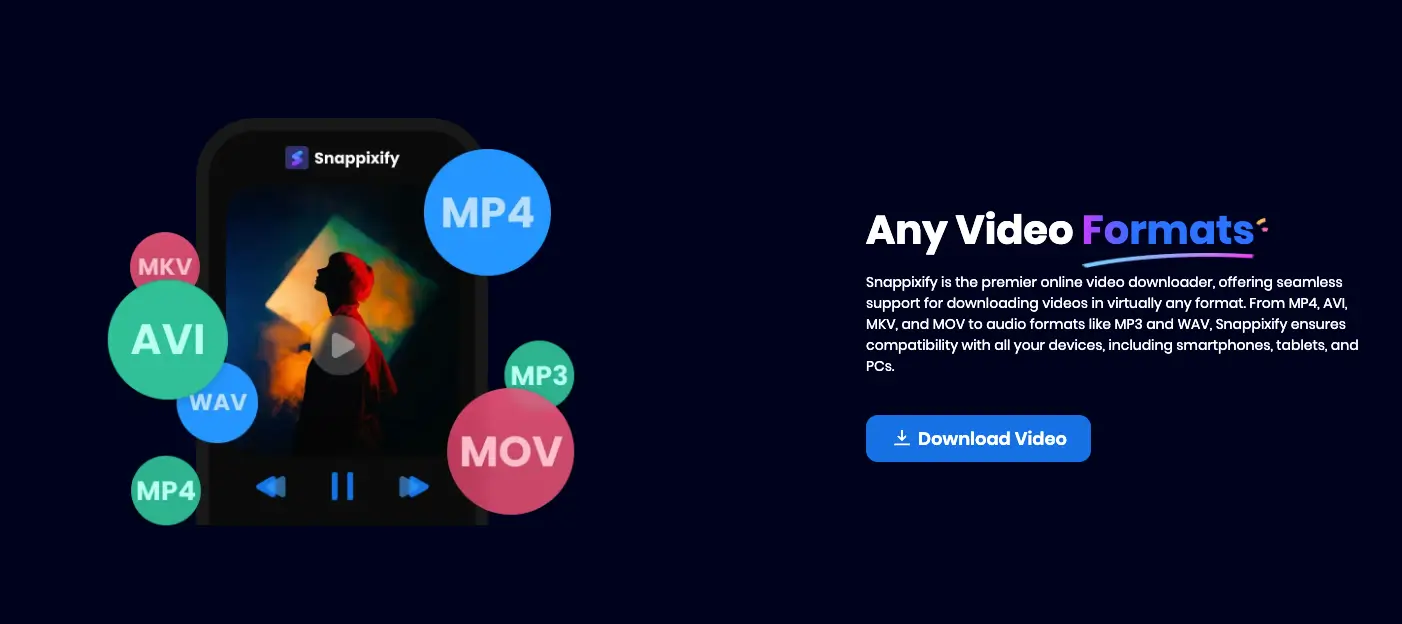
Different devices and editors have different needs. Snappixify offers a suite of download formats:
-
MP4 for universal playback on phones, tablets, and computers.
-
MKV for HDR content and multiple audio tracks.
-
WEBM, MOV, AVI for web use or specialized editing software.
By choosing your format ahead of time, you skip the trouble of later conversions.
Safe & Secure Download Over HTTPS
Security is vital when downloading files. Snappixify runs entirely over encrypted HTTPS connections, meaning:
-
No suspicious installs: No added toolbars or executables.
-
Zero tracking: Your browsing remains private.
-
Malware-free: No risk of bundled adware or spyware.
Enjoy worry-free downloads without compromising your device's safety.
No Ads & No Watermark for Clean Files
Many free YouTube downloader tools plaster ads on their pages or stamp watermarks on your videos. Snappixify offers:
-
Ad-free interface: No banners, pop-ups, or sponsored links.
-
Watermark-free downloads: Videos look exactly as they did online.
This makes Snappixify ideal for professional projects, personal archives, or sharing with friends.
Watch Videos Offline Anytime
Once you've used Snappixify to download your videos, open them in any media player—VLC, QuickTime, Windows Media Player—and simply watch videos offline:
-
Travel: Load up on movies or tutorials before a flight.
-
Commute: Enjoy podcasts or lectures without using mobile data.
-
Presentations: Embed local video files in slideshows for smooth playback.
No internet? No problem.
How to Use Snappixify in Firefox
-
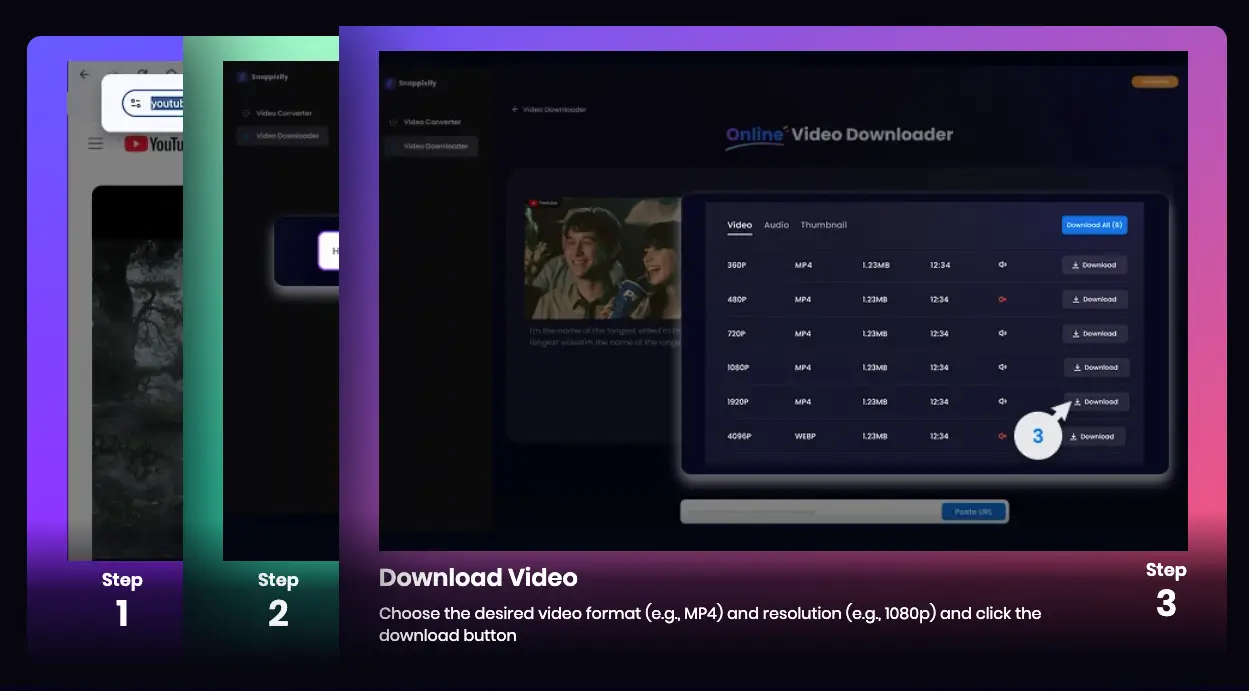
Copy the Video URL
Navigate to your video—YouTube, Instagram, or any supported site—and copy its link. -
Open Snappixify
In Firefox, visit snappixify.com. No login or extension required. -
Paste & Analyze
Paste the URL into the input field. Snappixify fetches all available formats and resolutions. -
Choose Format & Quality
-
Pick MP4, MKV and more for your device or editor.
-
Select resolution up to 4K video download if available.
-
-
Download & Enjoy
Click "Download." Your file saves to your chosen folder—no hidden paths.
You're ready to play, edit, or share your video immediately.
Real-Life Uses for Snappixify
Learning & Education
Save lecture videos or educational demos for offline review. Students can rewatch tutorials without buffering, and teachers can present videos in class without relying on Wi-Fi.
Travel & Leisure
Download travel vlogs, language lessons, or music videos before a journey. Enjoy seamless offline playback on planes, trains, or bus rides.
Content Creation
Build a library of reference clips, B-roll footage, or inspiration pieces for your next YouTube video or social media post. With high-resolution downloads, your edits will look professional.
Family & Fun
Save kid-friendly cartoons or workout routines for at-home use. Streamline family movie nights without buffering or data worries.
Why Snappixify Beats Firefox Extensions
|
Feature |
Typical Firefox Extension |
Snappixify |
|
Site Support |
10–20 platforms |
1000+ websites |
|
Max Resolution |
Up to 1080p |
4K video download |
|
Format Variety |
Often MP4 only |
MP4, MKV and more |
|
Ads/Pop-Ups |
Frequent |
No ads |
|
Watermarks |
Common |
No watermark |
|
Security Risk |
High (add-ons, tracking) |
Safe & secure download(HTTPS) |
|
Offline Viewing |
Yes, but limited |
Watch videos offline (buffer-free) |
Snappixify provides a superior, hassle-free experience without the downsides of extensions.
Advanced Tips for Power Users
-
Batch Downloads: List multiple URLs in a document and paste them one after the other to build your library quickly.
-
Audio Extraction: Download in MP4 and use Audacity to export MP3 files for podcasts or music tracks.
-
Custom Folders: Choose a dedicated folder for vacations, tutorials, or music videos to keep things organized.
-
Check Available Qualities: Always look for the 4K video download option for the best possible quality.
Conclusion
If you're tired of clunky Firefox YouTube downloader extensions that slow your browser and compromise security, Snappixify is the tool for you. With universal support for 1000+ websites, genuine 4K video download, multiple formats like MP4, MKV and more, a safe & secure download process, and absolutely no ads or no watermark, Snappixify makes saving and watching videos offline smooth and straightforward. Open Firefox, visit Snappixify, and start downloading high-quality videos in seconds—no installs, no hassles, just your favorite clips ready to enjoy!


