 Snappixify


Why People Need a Video to MP4 Downloader
Ever seen a video on YouTube or Instagram and wished you could save it to watch later without ads or internet? You're not alone.
With so much video content online, more people are looking for a quick and easy way to save videos.
Snappixify makes that super simple. It's a free, fast, and safe tool that helps you turn videos into MP4 files that you can watch anytime, anywhere.
Whether it's a cooking tutorial, music video, funny clip, or documentary—you can save it and rewatch it anytime.
What Is MP4 and Why It Matters
MP4 is a video format that works almost everywhere. It gives you good video quality in a small file size.
Why people love MP4:
-
Great quality even with small file sizes
-
Works on phones, computers, and tablets
-
Easy to share or save
-
Good for both watching online or offline
According to Statista, 80% of internet traffic in 2024 came from videos. MP4 is still the top choice for downloading and watching videos.
Think of it like the "PDF of video"—portable, easy to open, and widely accepted.
What Is Snappixify?
Snappixify is a free online tool that helps you download and convert videos from sites like YouTube, Instagram, Twitter/X, TikTok, Facebook, Reddit, and more.
Main Features
-
No software needed
-
100% free
-
Safe with SSL security
-
Works with many resolutions (from 360p to 4K)
-
Download as MP4, MP3, and more
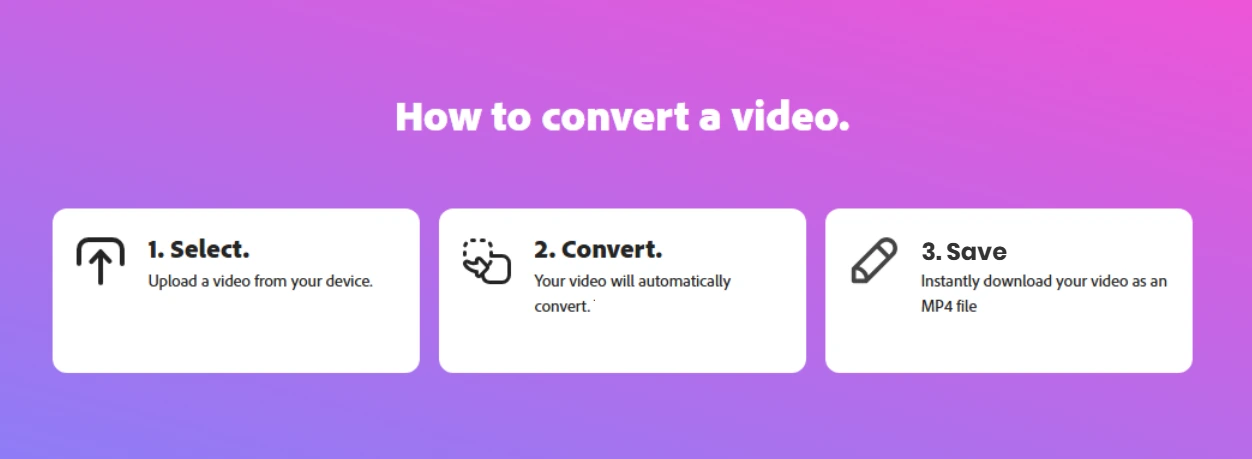
How to Use Snappixify (Step-by-Step Tutorial)
Step 1: Copy the Video Link
Go to a site like YouTube, TikTok, or Instagram. Click on the share button and copy the link of the video you want.
Step 2: Open Snappixify
Head over to Snappixify. No need to log in—just open it in your browser.
Step 3: Paste the Link
Paste the video link into the box at the top of the homepage.
Step 4: Choose Your Format
Select MP4 as your format. You can also pick other formats like MP3 (for audio-only), WEBM, or M4A.
Step 5: Select Quality
Want a fast download? Go for 480p. Want HD? Pick 1080p or even 4K if available.
Step 6: Download and Enjoy
Click download. Your video will be ready in seconds.
Hidden Perks: Why People Keep Coming Back
-
Bookmark Tool: Save Snappixify in your browser bookmarks so it's just one click away.
-
No Ads, No Spam: Unlike other tools, Snappixify doesn't throw pop-ups or shady ads at you.
-
Works Globally: From the US to India to Brazil—Snappixify works anywhere.
Who Uses MP4 Downloads and Why?
Students and Teachers
-
Download lectures for offline viewing
-
Use clips in class presentations
-
Store resources for exam revision
Video Creators and Influencers
-
Clip parts of videos for edits
-
Save trending content for inspiration
-
Collect source material for mashups
Travelers
-
Watch downloaded shows on planes, buses, or trains
-
Avoid buffering on weak connections
-
Backup vlogs while traveling
Remote Workers and Businesses
-
Save webinars and tutorials
-
Download videos for team onboarding
-
Collect clips for social media content
Everyday Users
-
Make offline playlists of favorite music videos
-
Save funny videos to rewatch
-
Keep fitness or cooking guides handy
Is Downloading Videos Legal?
This is a common question. The short answer: it depends.
If you download videos for personal use and don't share or sell them, it's usually fine. But:
-
Always check the copyright policy of the platform
-
Don't use copyrighted videos for commercial purposes without permission
-
If it's your own content, or you have permission—go for it!
Want to be 100% safe? Stick to public domain, Creative Commons, or your own uploads.
Is Snappixify Safe to Use?
Yes! Snappixify is built with privacy and security in mind:
-
SSL encryption protects your downloads
-
No cookies or tracking
-
Files are deleted within minutes after conversion
-
No sign-up required
You stay anonymous—and in control.
How Snappixify Compares to Other Tools
|
Feature |
Snappixify |
Others |
|
Free to use |
✅ |
Limited |
|
No software needed |
✅ |
Often not |
|
SSL secured |
✅ |
Sometimes |
|
No registration |
✅ |
Usually not |
|
Works on many sites |
✅ |
Varies |
Real Example: Travel Blogger Anna
Anna, a travel blogger from Spain, often visits places without internet. She uses Snappixify to:
-
Download YouTube videos for offline learning
-
Save Instagram clips for creative inspiration
-
Back up her own videos while on the move
She said:
“Snappixify is a game-changer. I can download everything I need before a trip and never worry about internet access."
Quick Tips for Better Downloads
-
Use Wi-Fi for faster downloads
-
Bookmark Snappixify in your browser
-
Try different formats if a video doesn't load
-
Don't overload with downloads—give it a few seconds between files
Final Thoughts
If you want a simple, safe, and free way to save videos as MP4 files, Snappixify is your best choice.
It works on any device, supports dozens of platforms, and requires zero tech skills.
Give it a go: Snappixify.com
Download your favorite videos in just a few clicks—no ads, no stress, no sign-up.
FAQs
Can I download 4K videos?
Yes! If the original video supports it, Snappixify lets you download in ultra-high quality.
Does it work on phones?
Absolutely. Just open your browser, no app required.
What formats are available?
MP4 (video), MP3 (audio), WEBM, M4A, and more.
Do I need to create an account?
Nope. You can use every feature without logging in.
Is it really free?
Yes. All basic features are free forever. Some advanced options may have a premium version coming soon.


