 Snappixify


As more creators upload songs and podcasts to YouTube, users increasingly want to download YouTube as MP3 for offline listening. Therefore, we evaluated over 60 YouTube to MP3 downloaders and listed the top 5 in this article, helping you download high-quality audio quickly and safely. Moreover, you will learn how to use a YouTube downloader safely and avoid legal issues.
How Do We Choose a Safe and Reliable YouTube MP3 Downloader
There are thousands of YouTube to MP3 converters in the market, including free and paid converters, and converters with and without the need to log in. However, some YouTube MP3 downloaders don't even work at all, which wastes users' time and may lead to privacy issues. Therefore, our team evaluated 63 downloaders and now lists the top five of them. We evaluate an excellent YouTube to MP3 downloader according to the following standards:
- Download YouTube as MP3 Successfully: When we tested YouTube MP3 downloaders, we found that some of them can't download YouTube videos as MP3 at all. When we pasted the link and clicked the download button, a new website just popped up, and nothing else happened. None of the 5 downloaders would perform like this.
- Fast Speed: The high speed of downloading a YouTube link to MP3 is the basic standard that we choose an excellent. After our team's test, the top five downloaders listed below will download a one-hour YouTube video to MP3 within no more than 1 minute.
- High Audio Quality: Sound quality matters, especially if you're downloading music. Some YouTube MP3 downloaders reduce the quality to save space, which affects the listening experience. The five converters on our list offer high-quality options, including 320kbps, so you can enjoy clear and sharp audio.
- No Pop-up Ads: Many free downloaders are full of pop-up ads. These ads can be annoying or even dangerous. In our tests, we avoided any tool that constantly opened new tabs or redirected us to other sites. The YouTube MP3 downloaders we chose are either ad-free or show only a few simple, safe ads.
- No Login Required: Some converters ask you to create an account before downloading. We don't think that's necessary. A good YouTube MP3 downloader should work as soon as you paste the link. All five tools we chose work without asking for any sign-up or personal details.
Top 5 YouTube MP3 Downloaders
1. Snappixify
- Platform: Online
- Price: Free to use, pro plan for unlimited use
- Ads: Totally Free
- Need to Login: No
- Speed: Super High, 1 minute to convert a 1-hour YouTube video to an MP3 file
- Video length limit: No limit (over 5 hours)
- Security: High
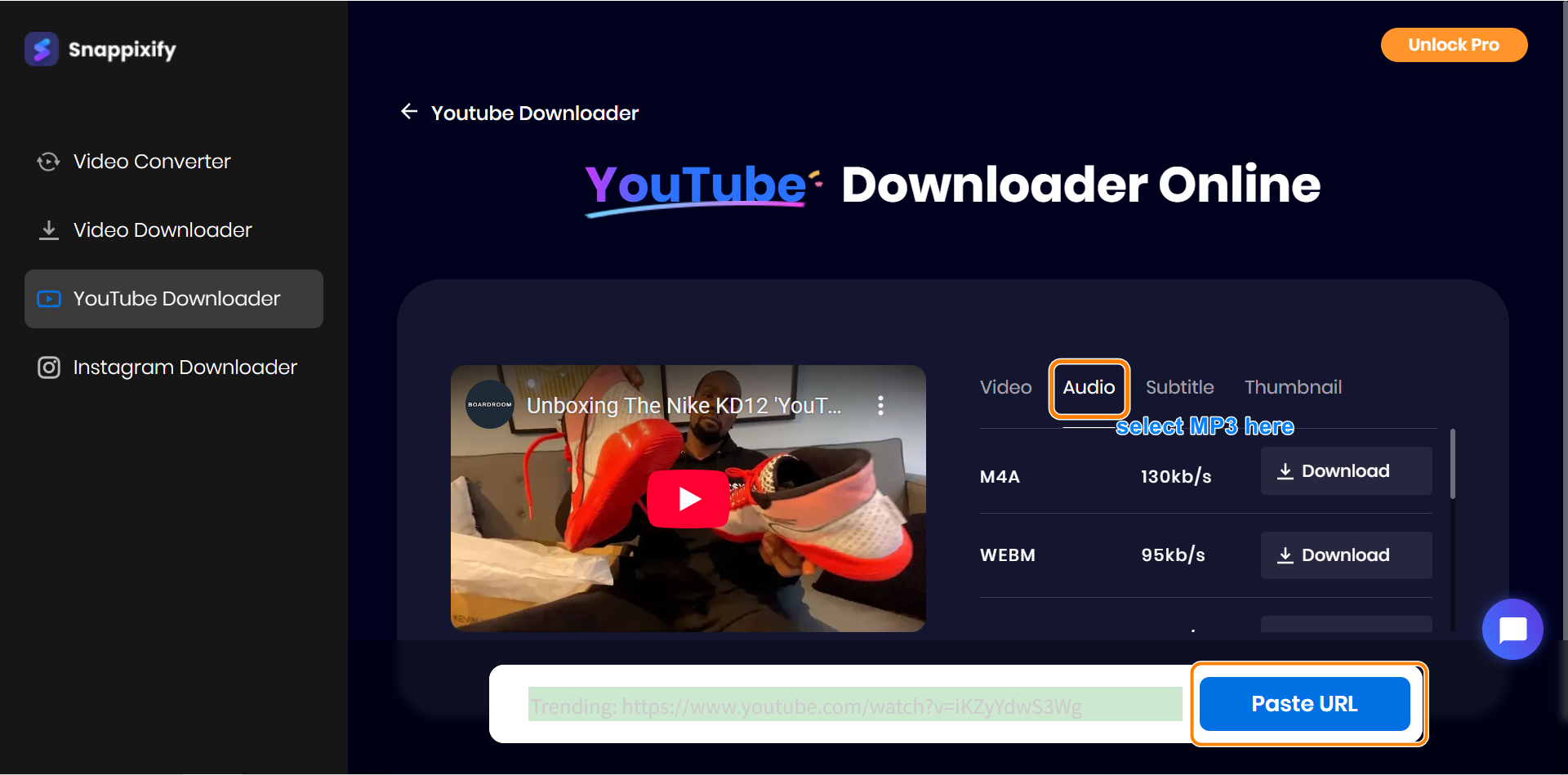
Snappixify is an online desktop tool that converts YouTube videos to MP3 in high quality and without YouTube ads. Not only MP3, but it also supports M4A and other formats like MP4. You can choose the video and audio quality from high to medium quality according to your needs. Moreover, you can also use Snappixify to download the subtitles into a file.
Main Features:
- High quality and speed: Download YouTube videos to MP3 in high quality and speed.
- Support various formats: Download MP3, M4A, MP4, WEBM, and even subtitle TXT files from YouTube videos.
- Concise and easy to use: Only several steps are needed to download a YouTube video.
- Various platforms supported: Not only downloading YouTube as MP3, Snappixify also supports other media platforms like Instagram.
How to Use Snappixify to Download YouTube as MP3:
Step 1: Visit the Snappixify site and paste a YouTube video link, and click Paste.
Step 2. You will see four main media formats: Video, Audio, Subtitles, and Thumbnail. Choose Audio, and find MP3.
Step 3. Click the Download button beside MP3. Wait for no more than 30 seconds, the MP3 file will be downloaded.
2. Cnvmp3
- Platform: Online
- Price: Free to use
- Ads: Free (voluntary donation)
- Need to Login: No
- Speed: Medium, 3 minutes to convert a 1-hour YouTube video to an MP3 file
- Video length limit: 1 hour and 30 minutes
- Security: Relatively High
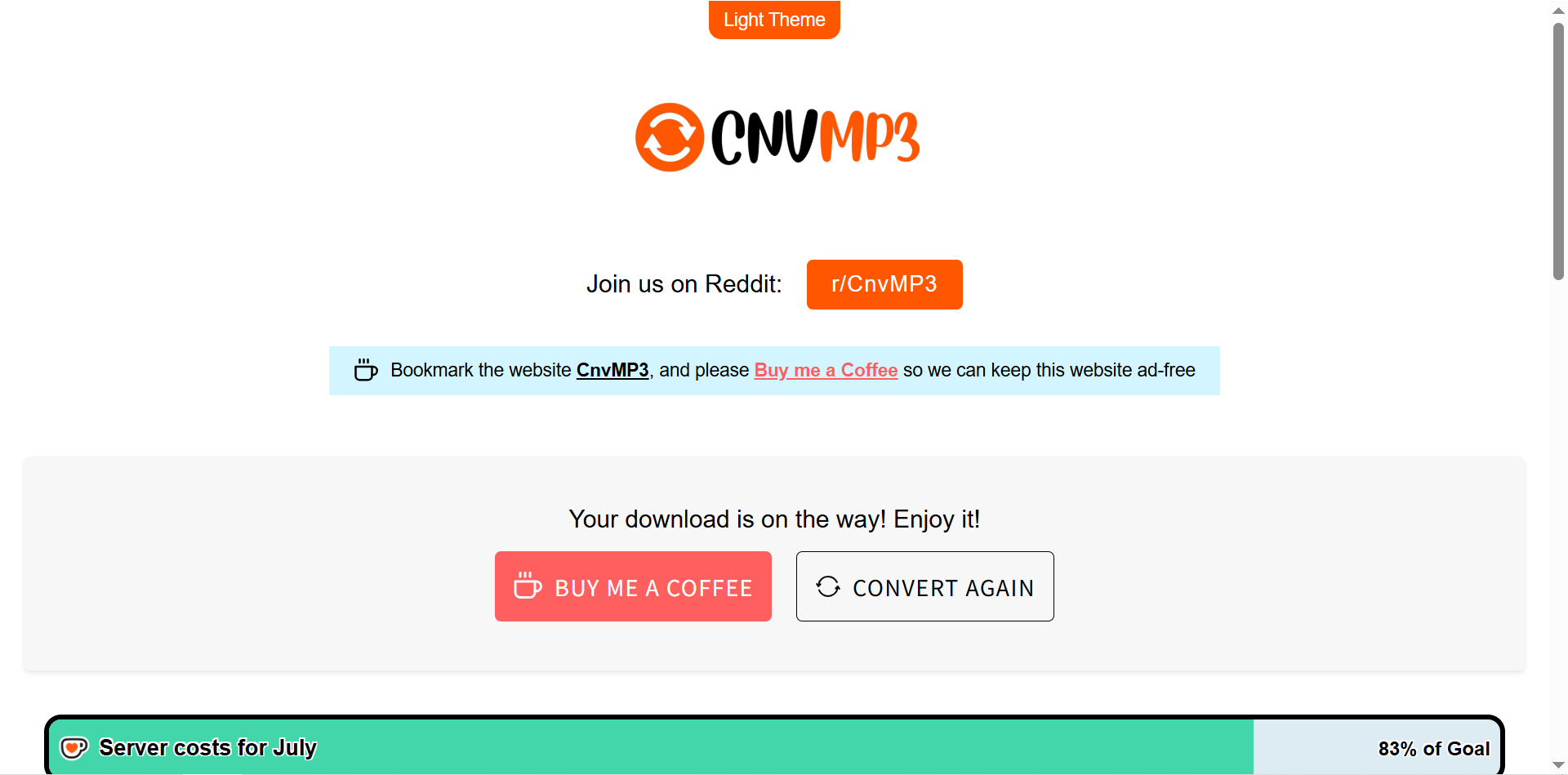
Cnvmp3 is a simple online tool for converting YouTube videos to MP3 files. It works fast and keeps the audio quality good. You don't have to sign up to use it. They profit from voluntary donations to keep the website clean and no ads. In a word, Cnvmp3 is a good-to-use YouTube to MP3 converter.
Main Features:
- Fast conversion: You can get an MP3 from a YouTube video quickly.
- Easy to use: The steps are simple, even if you are not tech-savvy.
- No login needed: Just paste the video link and start converting.
- Minimal ads: The site is not cluttered with many ads, which makes it user-friendly.
3. All Video Downloader
- Platform: iPhone and Android
- Price: Free to download, paid to use
- Ads: Medium for free version, no ads for paid version
- Need to Login: No (free version)
- Speed: Super high, 2 minutes to convert a 1-hour YouTube video to an MP3 file
- Video length limit: No limit (over 3 hours)
- Security: High
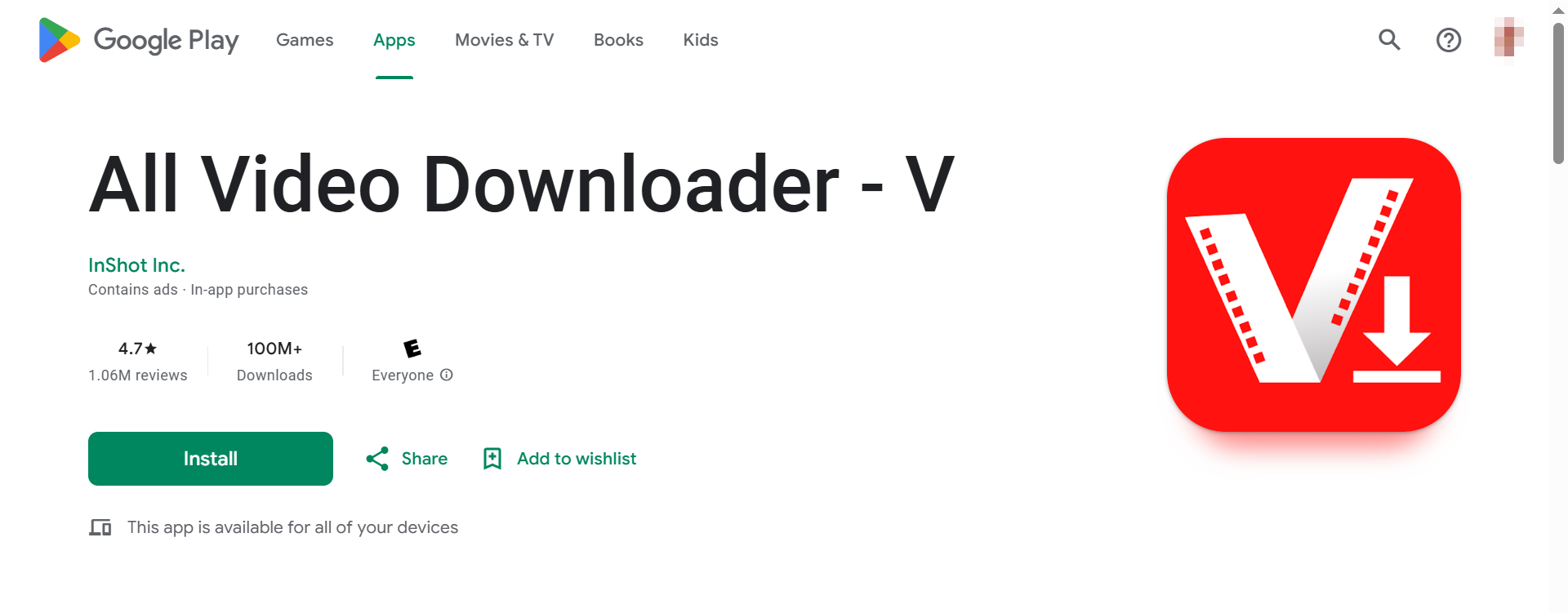
All Video Downloader is the only app that ranks in the top five. Not only because its downloading speed is high, but also it is highly compatible with Android and iOS. Users can choose to save YouTube videos to MP3 and many other formats. In addition to YouTube, the app supports many popular platforms like Instagram, Facebook, and Twitter.
Main Features:
- Fast and smooth: The app downloads and converts videos quickly. A short video usually takes just a few seconds.
- Multiple formats supported: Users can download in MP3, MP4, M4A, and more.
- Easy to use: The steps are simple. No special skills are needed.
- Wide platform support: Works with YouTube, Instagram, Facebook, Twitter, and others.
- Built-in file tools: Users can manage downloaded files within the app.
4. Y2Mate
- Platform: Online
- Price: Free use
- Ads: Almost none
- Need to Login: No
- Speed: High, 2 minutes to convert a 1-hour YouTube video to an MP3 file
- Video length limit: No limit (over 3 hours)
- Security: High (but watch out for spoofsites)
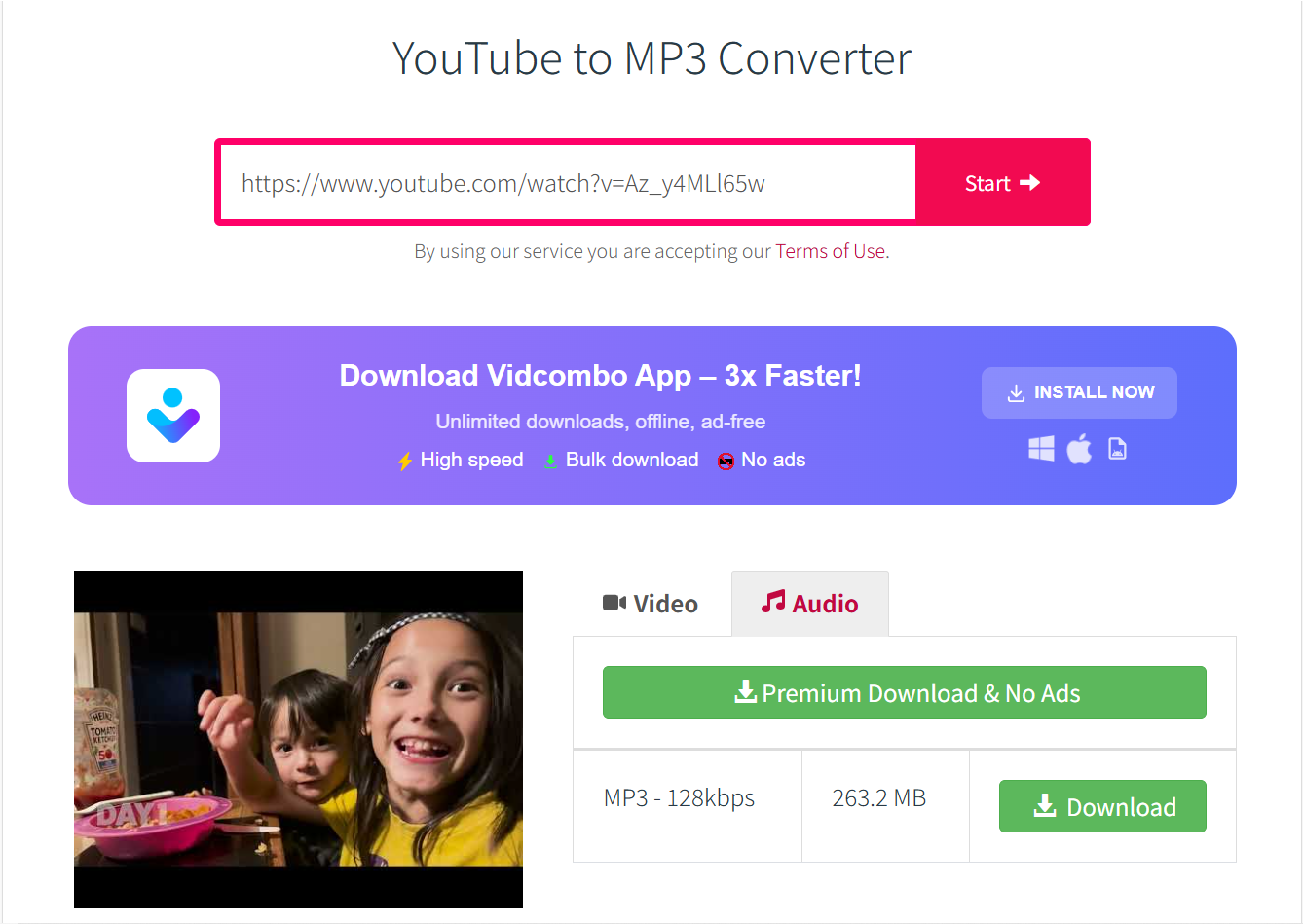
Y2Mate is a popular YouTube video converter that works directly in your browser. It lets users download YouTube videos as MP3 or MP4 without installing any software or creating an account. The tool is easy to use, but because it's so well-known, many fake websites try to copy its look and link. Some of these may show pop-up ads or contain unsafe content, so it's important to check the web address carefully.
Main Features:
- Very popular and mature: The workflow of Y2Mate is super mature since it is a long-time YouTube converter.
- Simple to use: Just paste the video link and choose your format.
- Supports various formats: Download as MP3, MP4, M4A, and more.
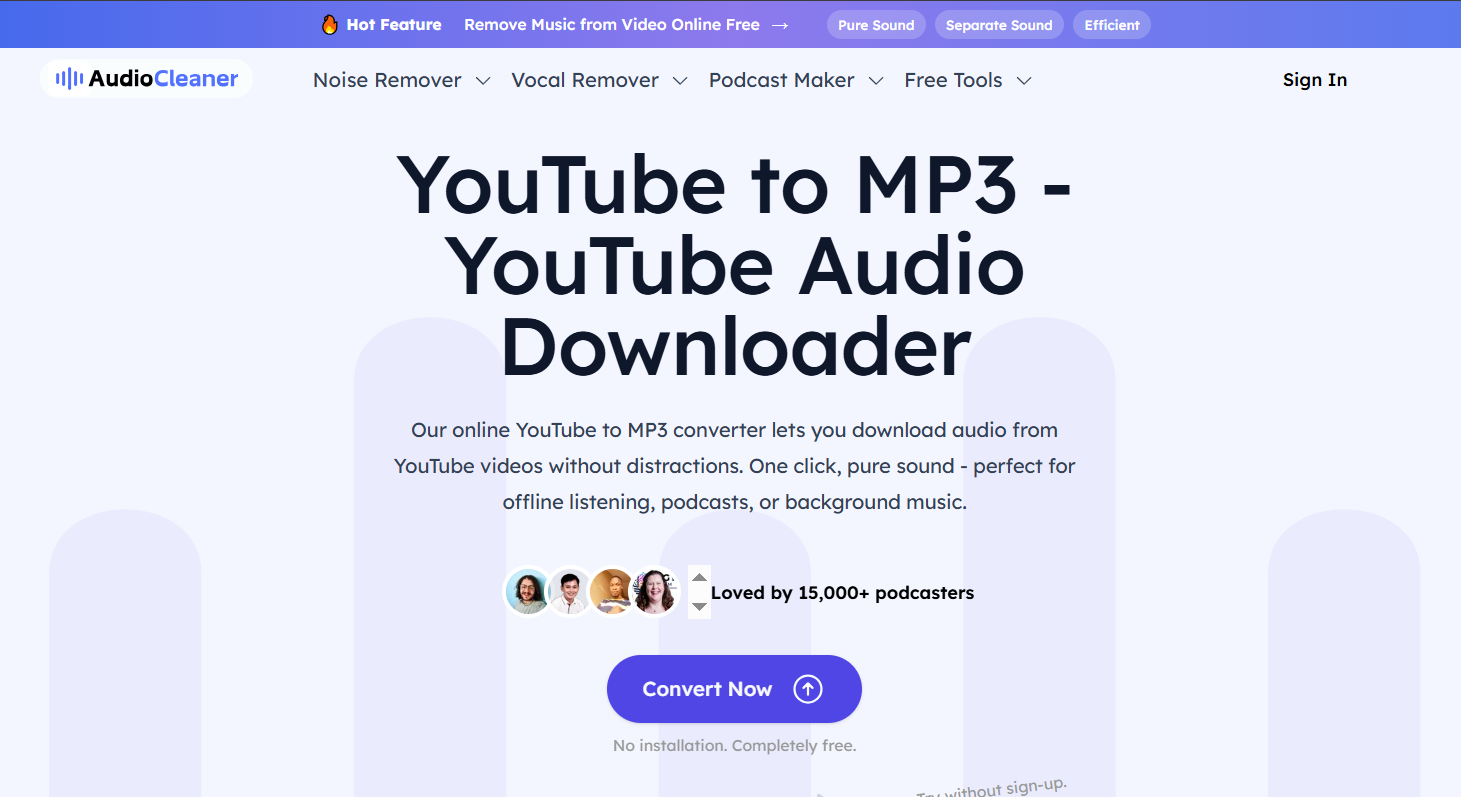
5. Audiocleaner
- Platform: Online
- Price: Free to download MP3 files from YouTube, paid to use other features
- Ads: Medium for free version, no ads for paid version
- Need to Login: No
- Speed: High, 2 minutes to convert a 1-hour YouTube video to an MP3 file
- Video length limit: No limit (over 3 hours)
- Security: High
Audiocleaner is an online tool for downloading YouTube videos as MP3 files. It also works as a full audio processor. You can convert YouTube videos to high-quality MP3 audio with ease. Besides that, Audiocleaner offers AI voiceover and other audio features. It helps you handle different audio tasks in one place.
Main Features:
- Fast speed: Audiocleaner converts YouTube videos to clear MP3 files fast.
- Versatile: It includes tools like AI voiceover to create and edit audio.
- Easy to use: The website is simple and easy to use. You only need a few clicks to get your audio.
How to Use a YouTube MP3 Downloader Safely
Using a YouTube MP3 downloader can be easy, but safety is important. Here are some tips to keep in mind:
- Choose a trusted tool: Use well-known downloaders with good reviews, such as the five tools we list to download videos to MP3.
- Watch out for ads and pop-ups: Some tools have misleading ads. Don't click on unknown links or download unexpected files.
- Use antivirus protection: Keep your device protected to avoid malware or viruses.
- Respect copyright laws: Download only content you have the right to save or use.
Conclusion
YouTube MP3 downloaders are great tools to get audio from videos quickly. They help you listen offline, create playlists, or enjoy content anytime. But it's important to pick a reliable downloader and use it responsibly. Always keep safety and legality in mind when downloading. With the right approach, you can easily turn your favorite YouTube videos into MP3 files without hassle.
FAQs About YouTube MP3 Downloaders
1. Are YouTube MP3 downloaders legal?
It depends. Downloading copyrighted content without permission is illegal. But downloading free or your own videos is usually allowed. Always check local laws.
2. Why are some downloaders slow or not working?
YouTube changes often, which can affect downloader performance. Also, slow internet or site overload can cause delays. Moreover, please ensure that the link you paste is right.
3. Can I download long videos as MP3?
Many downloaders support long videos, but some may have limits. In the 5 tools we list, Snappixify and All Video Downloader have no video length limit.


